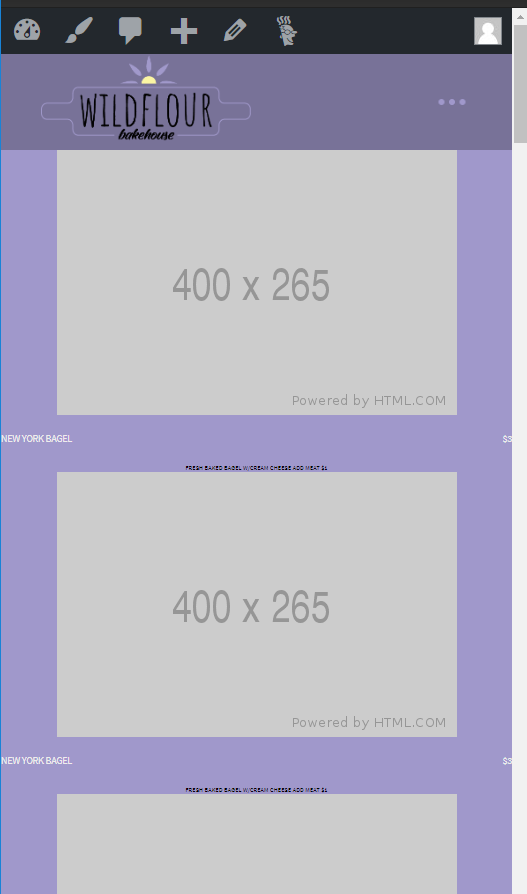
Text is Much too small on mobile and isn't positioned properly

This looks normal on desktop. I’d rather not have to write custom CSS for a couple pages because this is a site wideissue that should seemingly be fixed in the core theme options. I just need to find whatever settings need to be changed to what should have been the default settings for pro theme. I’m very confused as to why I have to fight with pro this much to do something so basic and general that it should just be default.
Hi @royalcrown28,

Thanks for reaching out.

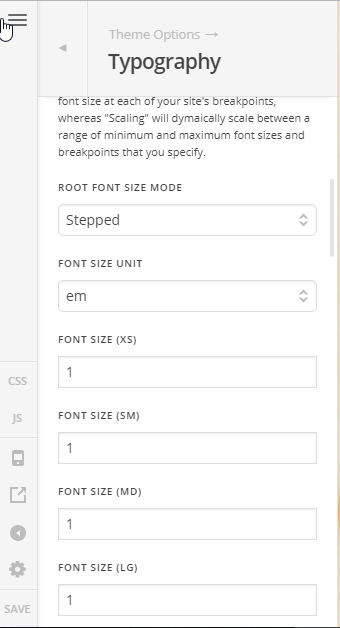
Would you mind providing your admin login credentials in a secure note? I can’t check it since it’s behind a coming soon page. For the meantime, please make sure the fonts are correctly setup in Theme Options > Typography > ROOT FONT SIZE

I saw similar issue and the cause is 1px font size set for XS and SM devices.

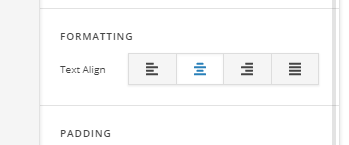
As for alignment, I will have to check it first, it could be a full-width container and happens to have auto margin for the image. Hence, if you just wish to center the text (since image are already centered) then you can change the container alignment to center (section, row, or column).

Thanks!

Here you go http://thewildflourbakehouse.com/wp-admin

Hi There,

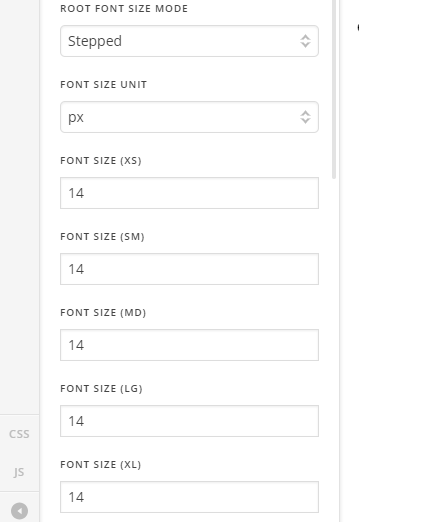
I change the ROOT FONT SIZE MODE option to Stepped:

Everything looks good now.

Cheers!

This topic was automatically closed 10 days after the last reply. New replies are no longer allowed.