Hello, how can i put text inside image?
https://beta.acpi.tech/opis-pokrica/
Hi,
You need to set your image as background image to be able to put text over it.
You can use the classic text element, then add this in the style field.
background:url('https://beta.acpi.tech/wp-content/uploads/2017/11/kucica1.png') top center no-repeat; padding:10px 10px 10px 20px;

Hope that helps.
Great its working, now, how do i make it responsive for 980x1199px , 768x979 and 480&smaller
Hi There,
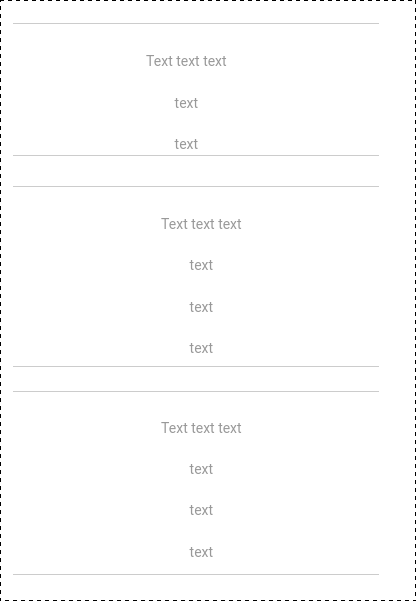
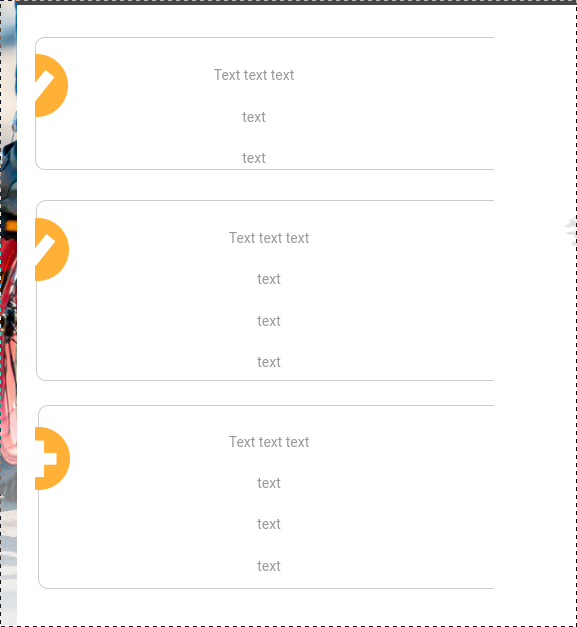
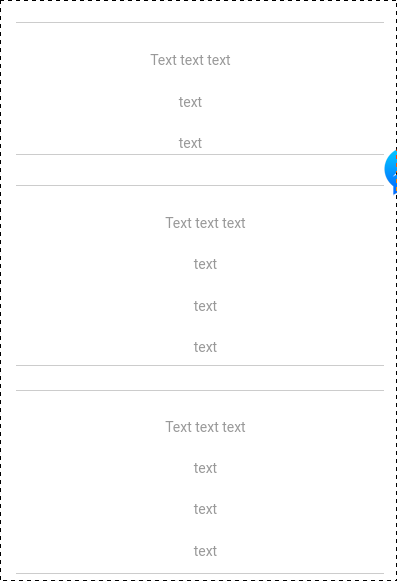
It is a little tricky to make that responsive. Regardless of background the text will adjust accordingly when screen size is resize. On the other hand, the background will just try to cover the entire content of the text element. The best alternative is to not use an image. On each text element, add class text-box. Then add the following CSS:
.text-box{
border:1px solid #cccccc;
border-radius: 10px;
position: relative;
}
Then use an icon shortcode to add it inside the text element. To position it, use the following CSS:
.text-box i {
    position: absolute;
    left: -1%; /*Adjust this value accordingly for left position of the icon shortcode*/
    top: 35%; /*Adjust this value accordingly for top position of the icon shortcode*/
   color: yellow;
   font-size: 20px;
}
See icon shortcode here: http://demo.theme.co/icon-1/shortcodes/icons/
With that alternative, it will adjust with the content accordingly.
Hope this helps.
This topic was automatically closed 10 days after the last reply. New replies are no longer allowed.