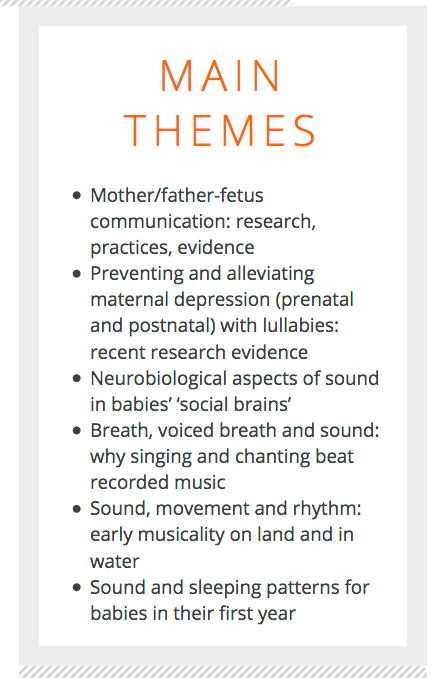
Hi, on a previous website I managed to create in Cornerstone a text box with a coloured margin (base border colour). I’ve shown it and the options of the text box in the attached images.
However, when I’m trying to add a box like it on another website I can’t see how to do it - I’m selecting ‘Text’ from the Elements but within the ‘Text’ element there isn’t the Base Border Color option, am I missing this somewhere or am I selecting the wrong element?
 <img src="//tco-

