Templates Issue

Hi there,

I have a page, https://www.martinrayvaughanmedia.com/family/, and I basically saved it as a template. When I built another page, https://www.martinrayvaughanmedia.com/engagements/ and loaded the template, a few things got lost in translation.
The text is smaller (but I can’t figure out why, it’s the same class and everything).

Thanks,

Marty
Hey Marty,

The Responsive Text setup is not included when you save the page as a template and it’s the Responsive Text feature that powers the font size of your text. You will need to replicate your Responsive Text setups in the new page. So you could clearly understand what I mean, you can watch this screencast: https://youtu.be/V-HfehxlPVM

Hope that helps.

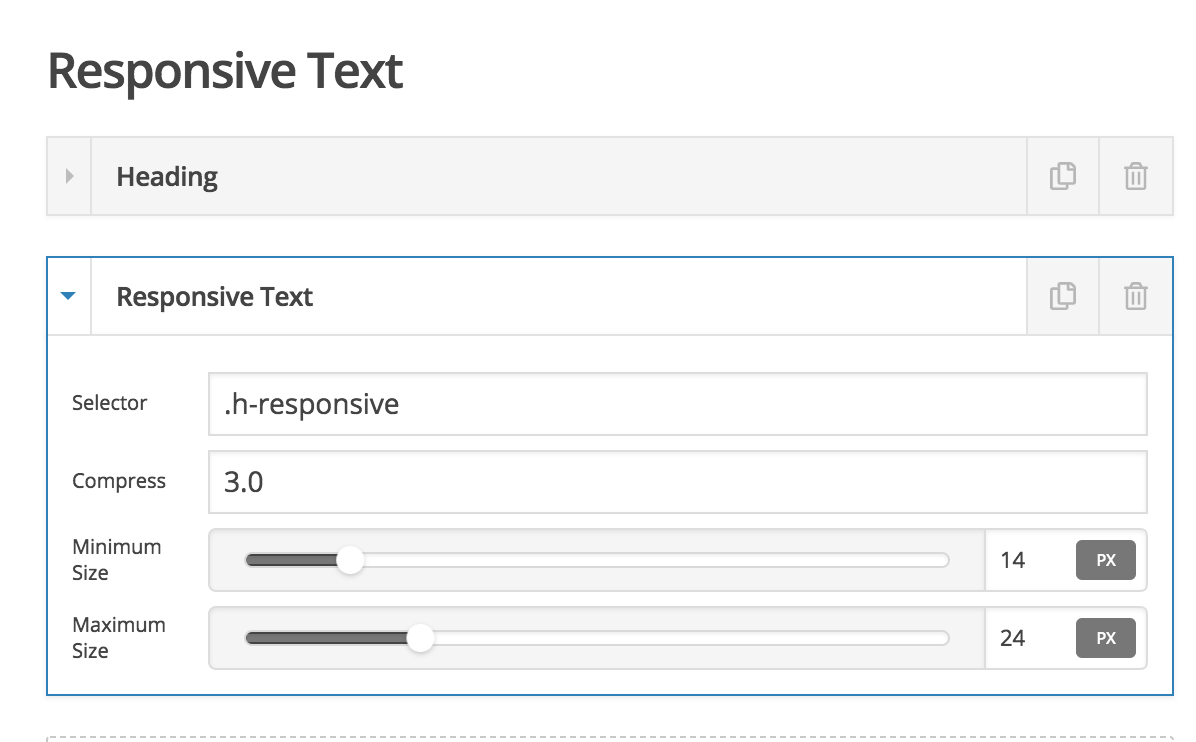
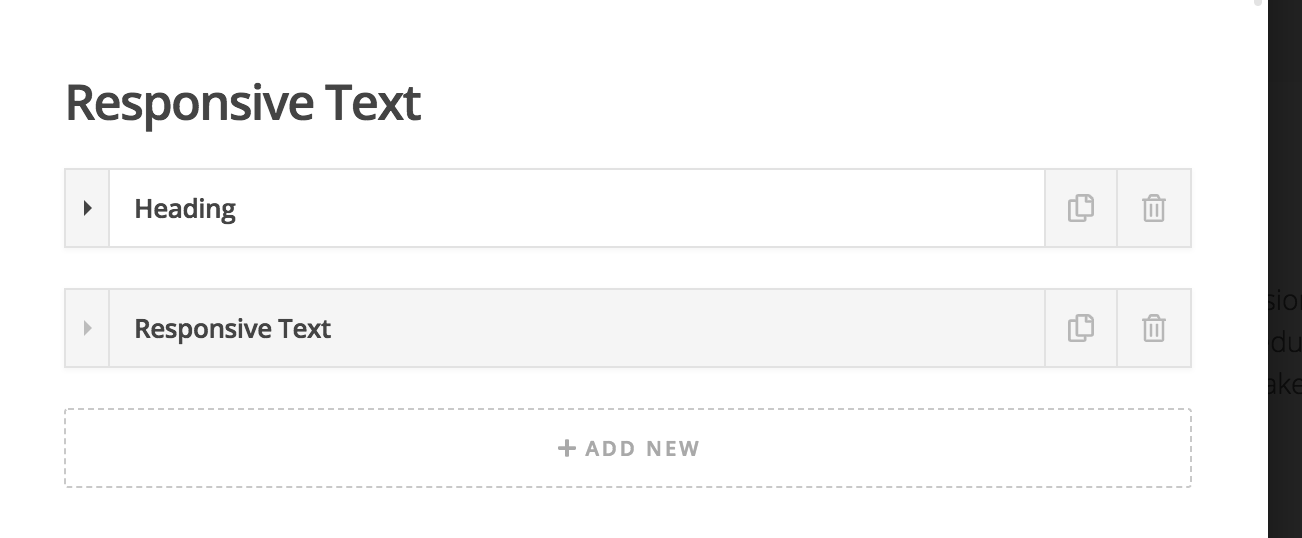
Appreciate your video, but it is still unclear to me what I should do. Are you saying to EDIT the Engagement page by going into the page settings? When I do, I already see Responsive Text enabled (pic attached);

Hello Martin,

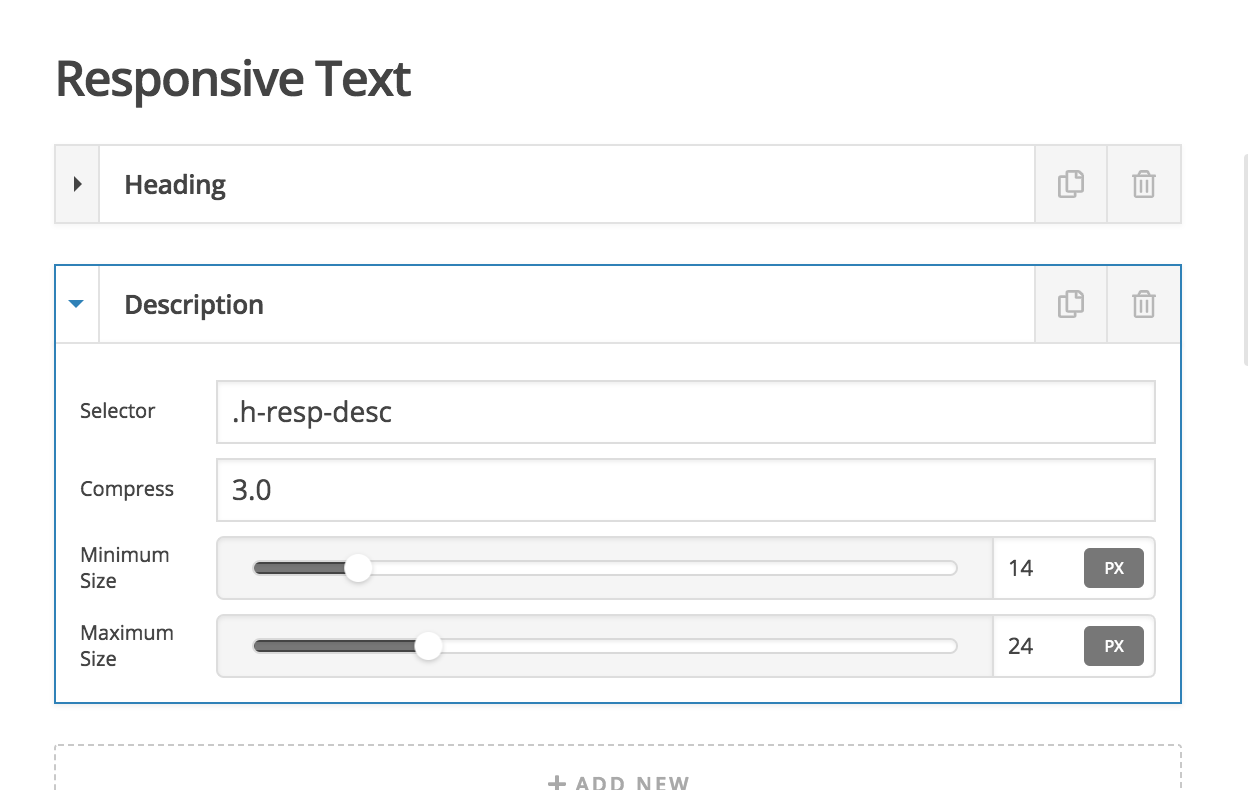
Please edit your “Family” page first. Take note the responsive text settings. Edit your “Engagement” page and then make sure that you have the same responsive settings as with the Family page.

We would loved to know if this has work for you. Thank you.

Nope. On the Engagement page, the only difference I see is that the second responsive text is labeled “Responsive Text” and not “Description” like it is on the Family page.
But I can’t change the label.
Help.

Hey Marty,

We’re sorry if you still haven’t figured this out. The label is not used for the responsive text to function. It’s only for organizational purposes. If you wish to change the label though, you can double click on the text/label, edit and press enter.

The most important part in the Responsive Text and the difference I see in your screenshot is the Selector. Please make sure Selector, Compress, Minimum Size and Maximum Size are replicated.

Thanks.

This topic was automatically closed 10 days after the last reply. New replies are no longer allowed.