Target Blog Post Slider Only

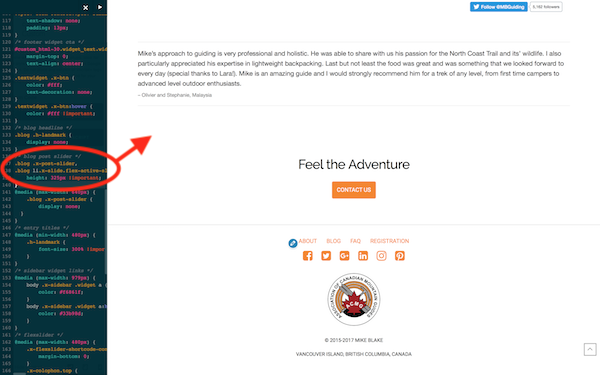
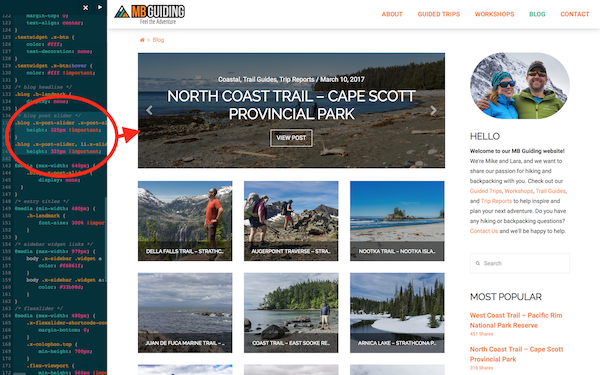
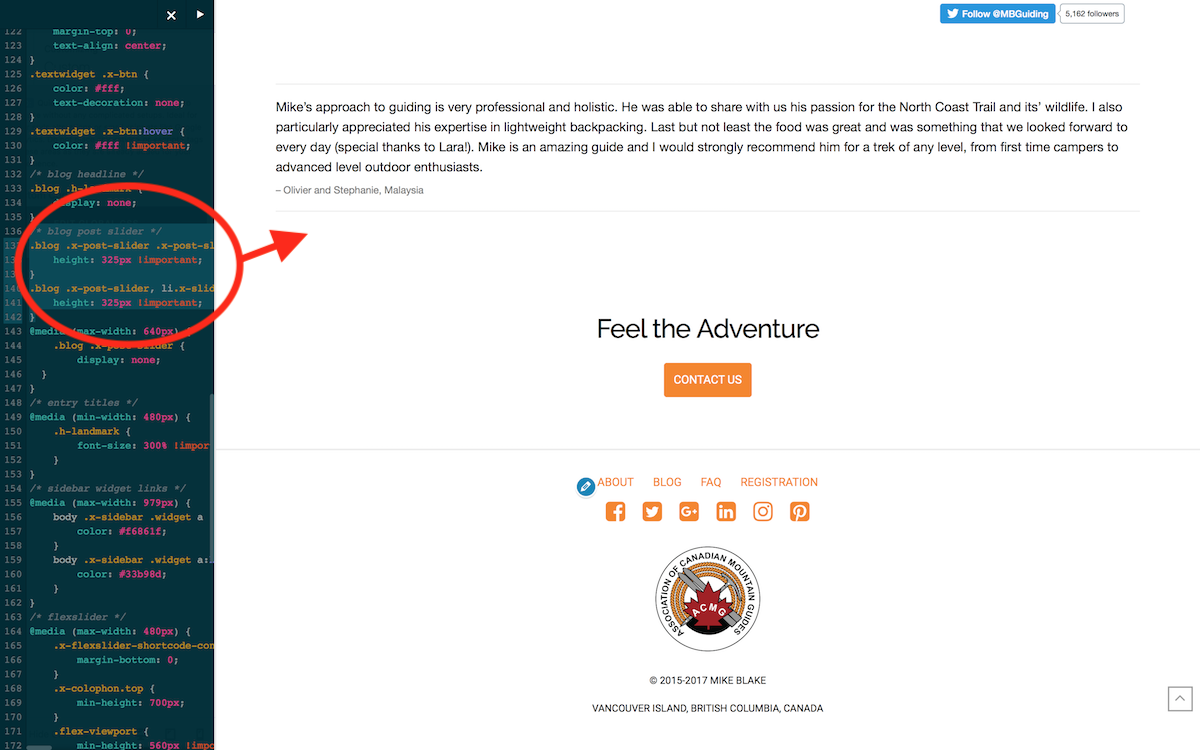
Right now in Custom CSS I am forcing Blog Post Slider Blog Page to height: 325px !important;.

This also affects the Testimonial Slider in Footer on all Pages. There is too much white space under Slider in Footer.

Please advise to target only Blog Post Slider on Blog Page with 325px height.

MB
Hi There,

Please update your custom CSS to this:

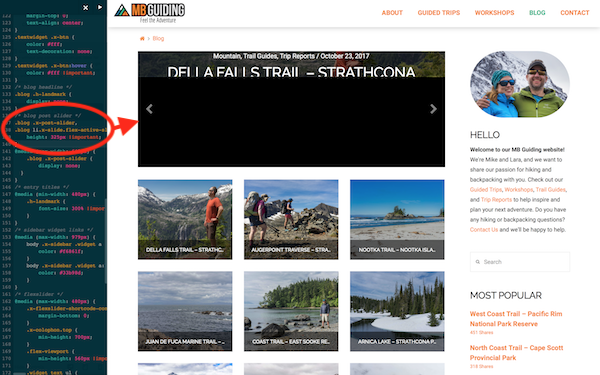
.blog .x-post-slider, 
.blog li.x-slide.flex-active-slide {
    height: 325px !important;
}

Let us know how it goes!

That did not affect only the footer slider. I still need the blog post slider at 325 px height.


Hi There,

Those custom CSS is meant to set blog slider height. It will not affect any slider on other pages. That space is not a result of the height but rather default bottom margin of the element. Try adding this custom CSS too:

.textwidget.custom-html-widget blockquote, 
.textwidget.custom-html-widget .x-flexslider-shortcode-container {
    margin-bottom: 0;
}

Hope this helps.

This topic was automatically closed 10 days after the last reply. New replies are no longer allowed.