For example
https://rebootmygarage.com/tag/Walls
Lists the articles but the image is invisible.How do I get the images to show?
For example
https://rebootmygarage.com/tag/Walls
Lists the articles but the image is invisible.How do I get the images to show?
Hey @dogrescuer,
You have this custom code added in Theme Options > CSS.
.x-main .entry-featured, .single-post .x-main .entry-featured {
    display: none;
}
Please remove it or if you only want to target the single post, you should only be using this:
.single-post .x-main .entry-featured {
    display: none;
}
Hope that helps.
Thanks you’re certainly right but it causes more problems to do that. The logo repeats and is very big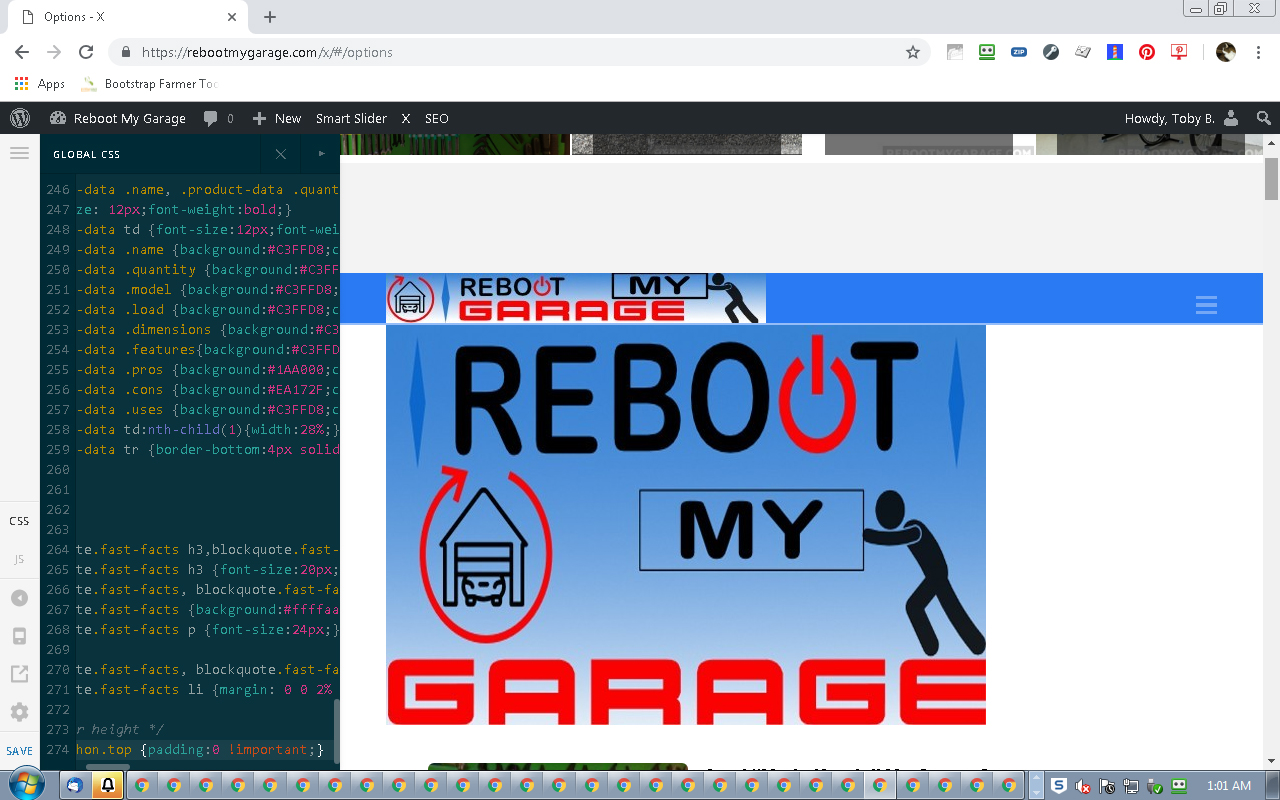
and the featured image displays on single posts, which we weren’t happy with so we’re adding a top image manually.
Hi there,
Would you mind mentioning where you are getting the repeating logo when you update the CSS code as previously suggested? I have tried to do the previous suggestion but I am not getting the repeated logo which should be the case because the code you are changing is just targetting the featured image.
Thank you.
I agree that this doesn’t make sense! Open any page, open X->Css, comment the display:none
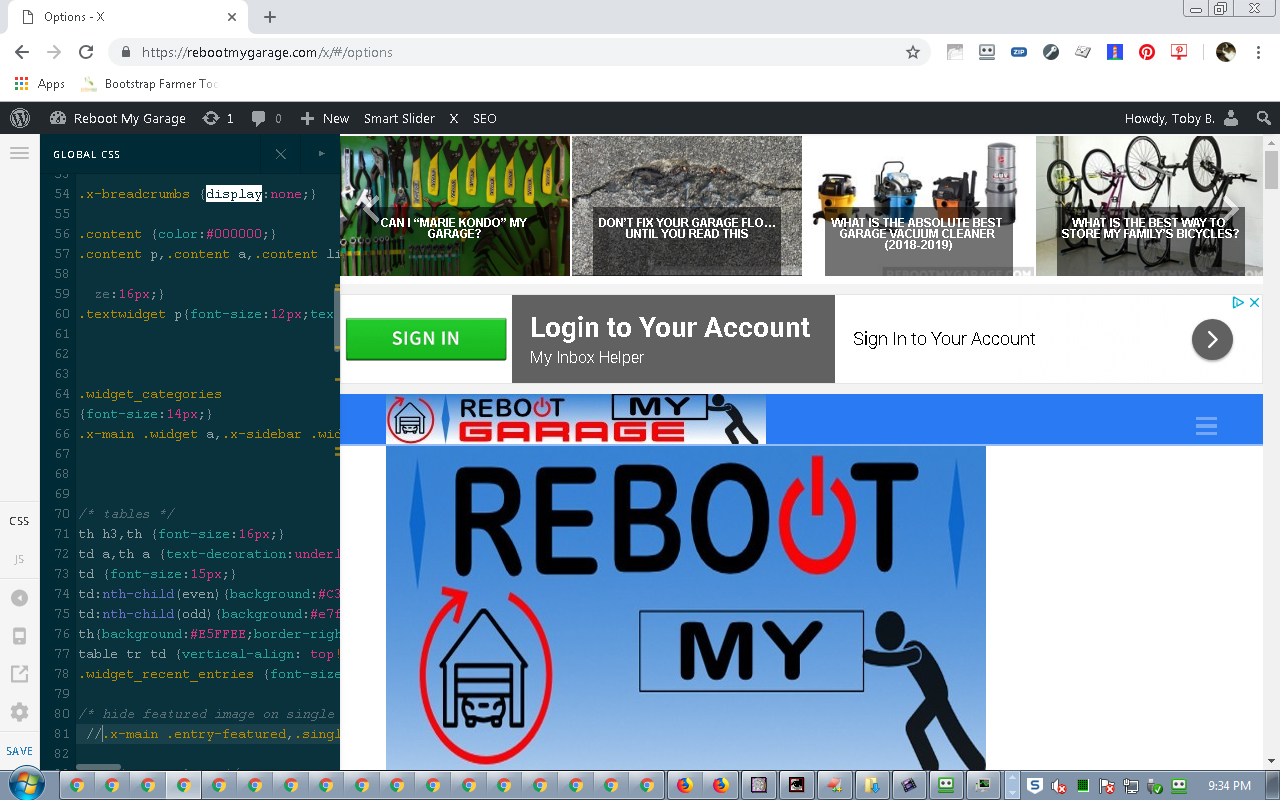
I get the same result (giant second logo) by clearing the entire custom css area under x options, if I remember the reason I put that display:none in was because of this weird logo behavior.
Hi,
To fix this issue, please replace this code.
.x-main .entry-featured, .single-post .x-main .entry-featured {
    display: none;
}
with this
.single-post .x-main .entry-featured {
    display: none;
}
Then edit your homepage and remove the featured image.

Hope that helps
Beautiful. Thank you!
You are most welcome!
This topic was automatically closed 10 days after the last reply. New replies are no longer allowed.