Hey there,
found the tab element, its great.
however, I’d like the tabs to be located on the left side and not on top.
This also has a practical reason, because there are too many tabs and one has to use scrolling to use them all
Thanks for your help!
Hi @zerotoone.de,
Currently, it’s not possible. You need to add custom development to achieve that with is outside the scope of support.
Please try with the classic tab element instead:
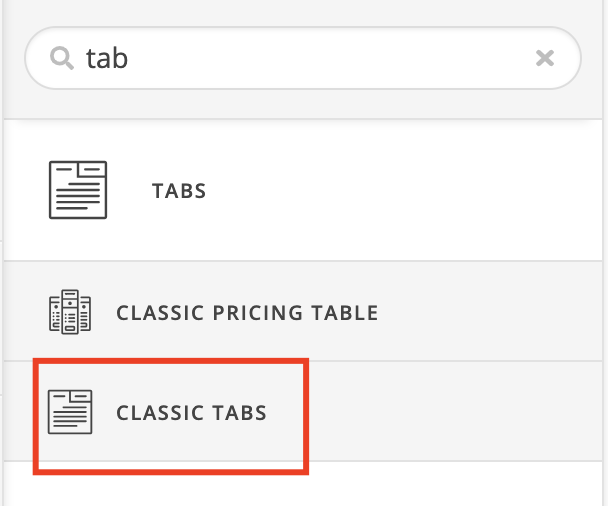
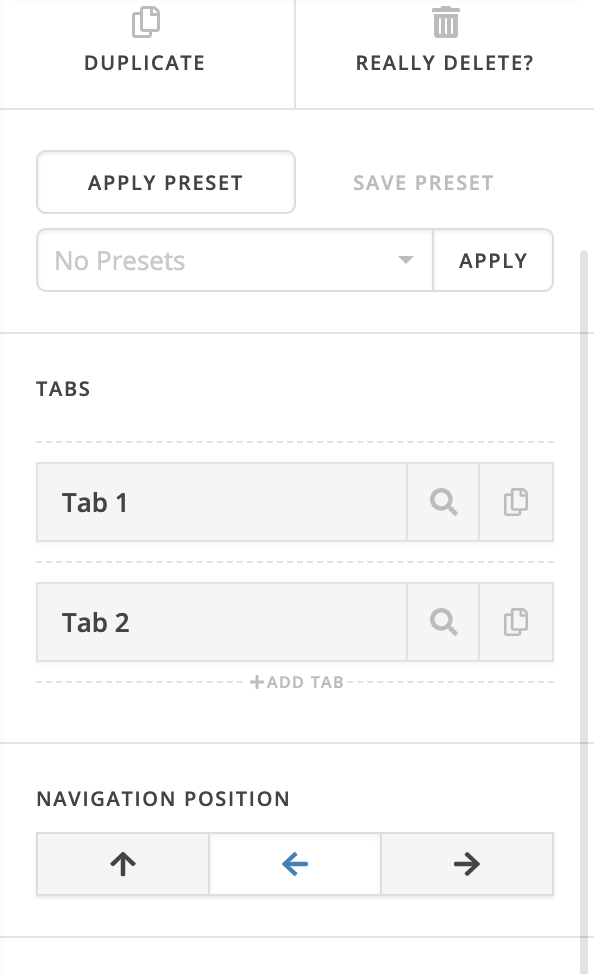
Thanks for understanding!
the classic element allows only for 5 tabs to displayed 
so please give me a real alternative, I’d like 9 tabs to be displayed on the left of my panels
Hello @zerotoone.de,
That is possible for the Classic Tabs if you use the shortcode instead of the element itself.
http://demo.theme.co/integrity-1/shortcodes/tabbed-content/
Hope this helps.
as I said; i got 9 tabs…the classic element only allows 5 tabs
Hi @zerotoone.de,
Kindly reread my previous answer. It is not possible to add more than 5 tabs using the classic tab element but you can do it through shortcode and add it to elements like the Raw Content element.
Like this:
[tab_nav type="two-up" float="left"]
    [tab_nav_item title="1" active="true"]
    [tab_nav_item title="2" active=""]
    [tab_nav_item title="3" active=""]
    [tab_nav_item title="4" active=""]
    [tab_nav_item title="5" active=""]
    [tab_nav_item title="6" active=""]
    [tab_nav_item title="7" active=""]
[/tab_nav]
[tabs]
    [tab active="true"] 1 [/tab]
    [tab] 2 [/tab]
    [tab] 3 [/tab]
    [tab] 4 [/tab]
    [tab] 5 [/tab]
    [tab] 6 [/tab]
    [tab] 7 [/tab]
[/tabs]
Which results to:
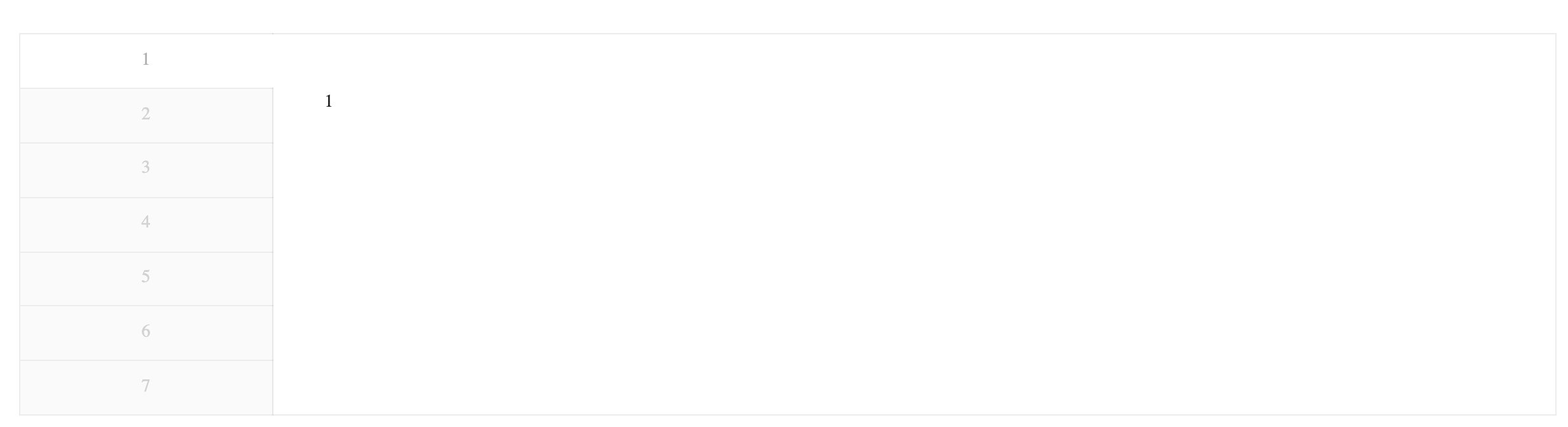
Please check the link I also posted previously for reference.
Hope this makes it clear.
can these additional tabs still be edited via the content editor?
Hello @zerotoone.de,
Thanks for updating the thread. 
If you are looking for a GUI interface to manage/edit additional tabs that’s been added using Shortcodes then that’s not possible.
You will have to manually add or remote the shortcodes in text or raw content element. Here’s a screencast that you can take a look to get started.

Thanks.
This topic was automatically closed 10 days after the last reply. New replies are no longer allowed.