Hi. I have a staging site: fluent.church and I’ve installed and activated Superfly through Pro. However, Superfly is requiring an activation code. In addition, it doesn’t show in the plugin page that it’s been installed and activated, when in fact it has. I searched through the forum and it looks like this is a common problem. I’ve tried everything from deactivating, revoking licenses and doing everything over again but the problems persists.
Hi there,
Thanks for writing in!
You should just be able to enter your name and email, click activate and it’ll activate the plugin for you. Can you let me know the version number of Superfly that you have installed please? And if possible if you could include some WP Admin Details in a secure note.
Thanks!
It’s Version 4.3.3 and it’s happening on two of my sites that have X Pro. I’ve included the credentials
Please try the previous suggestion. Enter your first name, last name and email in Superfly Menu > Activate
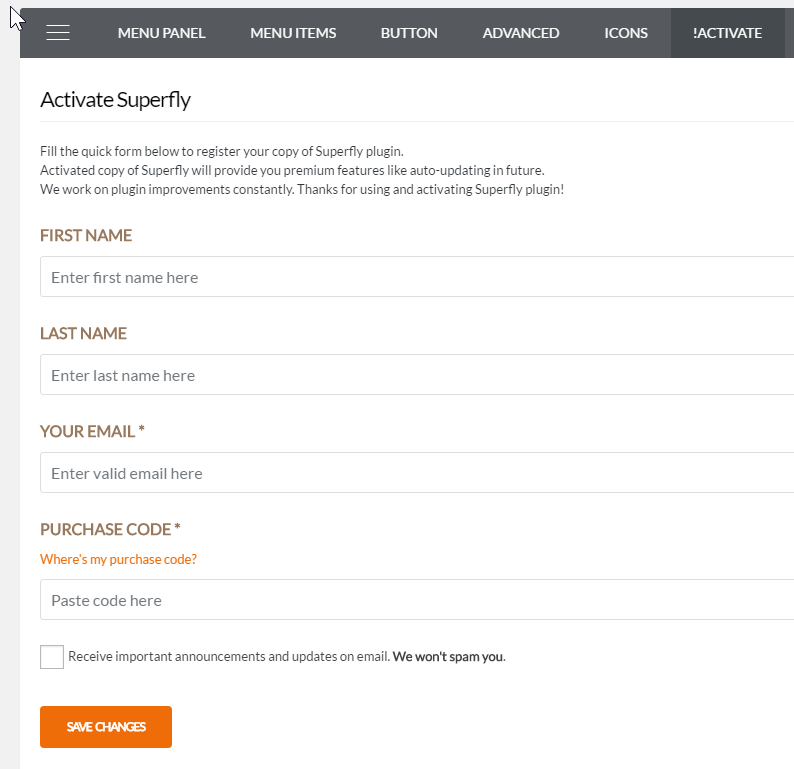
Thanks.
Sorry but I don’t understand. Is that some sort of canned response? Because I’ve already done that previously. I’ve entered the First Name, Last Name, Your Email, but NOT the Purchase Code. Then I clicked the “Save Changes” button after which the grey loading screen showed. Afterwards, nothing happened and it took me back to the same page you see in your screenshot.
That is not a canned response. That screenshot was taken from your site.
Does Superfly still ask you to validate? Upon checking, you can use it now.
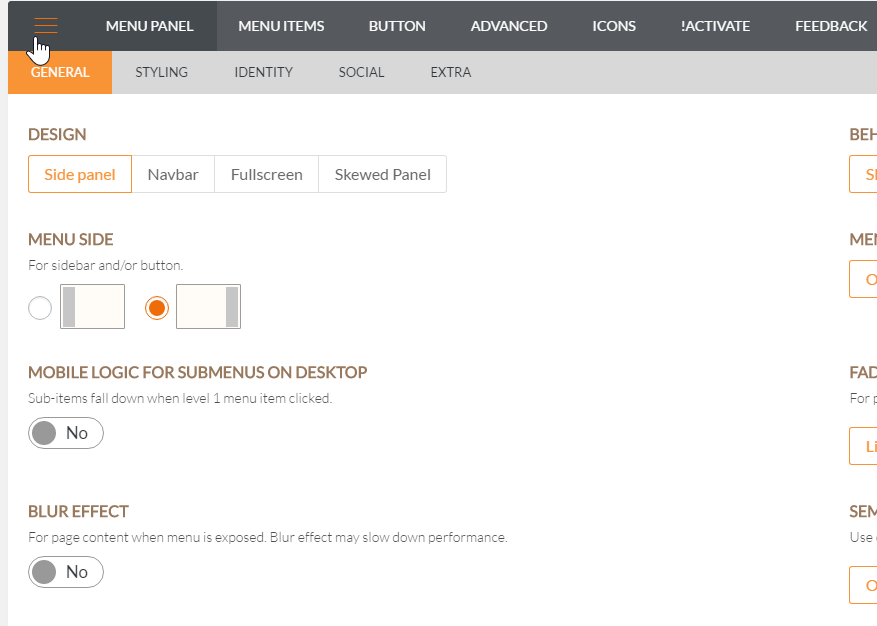
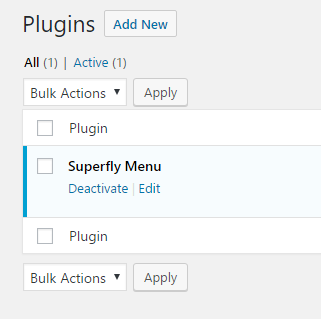
Regarding your issue with Superfly not showing as installed in Pro plugin’s list (it shows as activated in the plugins list page), it could be that your server or host has built-in caching that is causing this.
Would you mind giving us cPanel access?
Thanks.
This topic was automatically closed 10 days after the last reply. New replies are no longer allowed.