Hi everybody,
Happy New Year!
Yesterday I updated my wordpress, Theme-X and some plugins and… suddely Superfly is gon on desktop and mobile.
I have deactivated all plugins to check if there was a conflict > nothing happend.
I have installed the latest version of Superfly > 5.0.11
I read all threads and checked a lot. Also double checked in Menu’s if the right menu was selected.
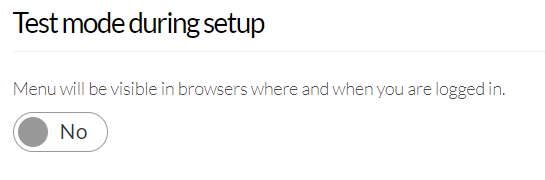
In WP-login the superfly hamburger is visible (testmodus) but in browser it is gone…
I like to solve this fast as visitors can NOT navigate now and I just send messages around (for new year) with links ;-(
What else can I try?
Hope to get an soloution soon