Submenu item + indicator not showing menu bar left - icon

Hello,

There’s something with my menu that I can’t figure out. Problem is twofold:

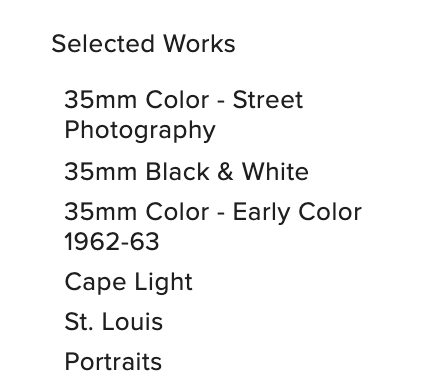
  1. I would like the submenu items to show below the main menu items. Not with an indicator to the left. See printscreen example (White menu). Mine menu are the dark ones, printscreen from builder.

  2. When I do activate the indicator, in the builder the indicator + sub menu items are showing. When I update and go live they are somewhere on the website, they don’t.

I would really prefer that when clicked on “work” the sub menu items follow below, so that the rest of the items move downward.

Would be great if you could help me out. I checked all the options.

Thanks!
Schermafbeelding 2020-05-19 om 11.42.36

Hi @stinos,

Thank you for writing in, 1.) Please use the Navigation Collapsed element instead of the Navigation Layered.

2.) Please clear all your caching plugins and browser’s cache. And if you have custom CSS somewhere, please check those custom CSS and make sure there are no syntax errors on it.

Hope it helps,
Cheers!

I didn’t read the section in the collapsed menu before that the toggle is gone, that’s what I needed.

Didn’t try point 2 yet, but the issue might be gone now this works, otherwise I’ll try to check that too.

Thanks!

You’re welcome.

This topic was automatically closed 10 days after the last reply. New replies are no longer allowed.