Hello!
Under > Products > Automotive >
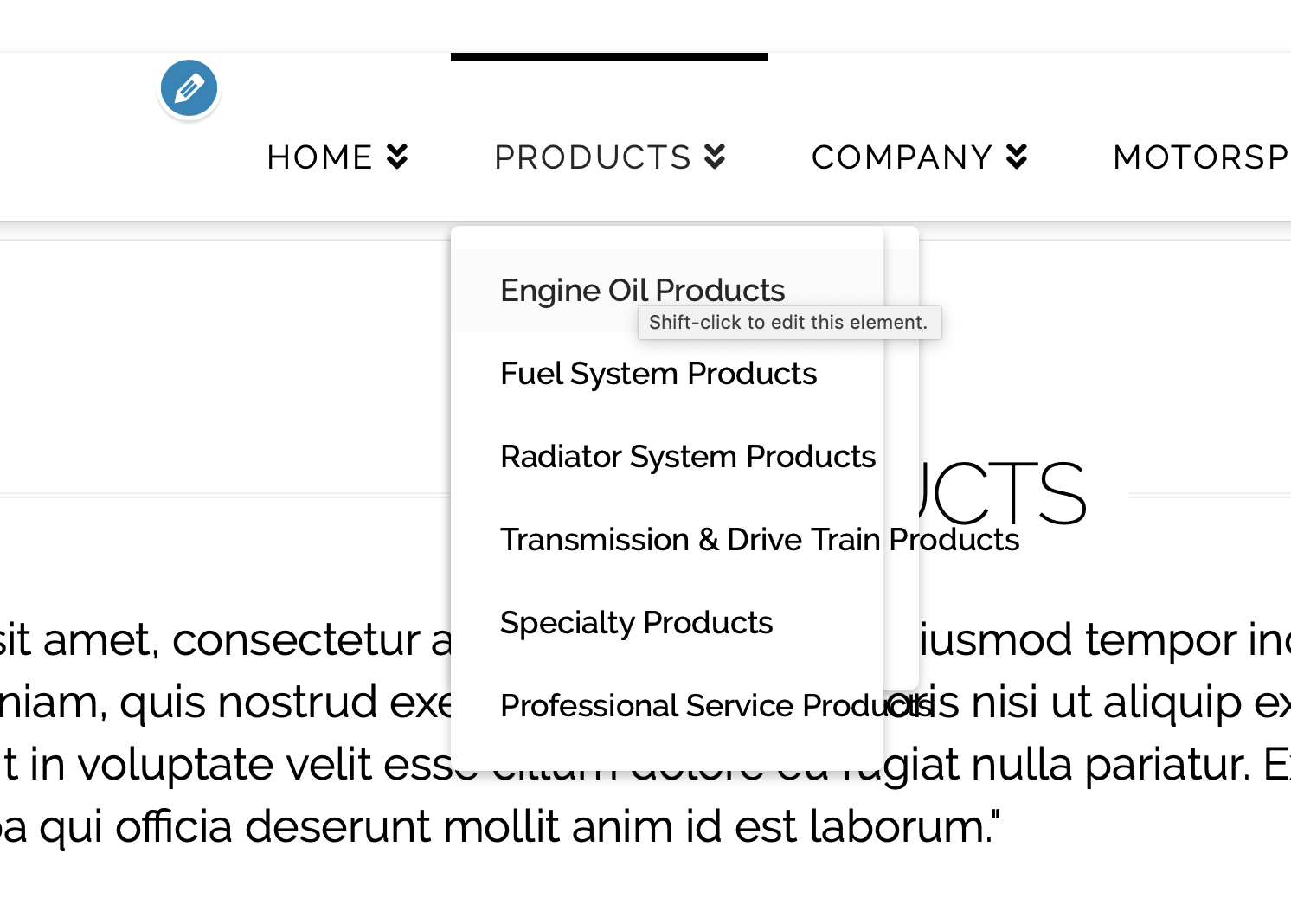
The sub-sub navigation opens to the left of the drop down.
How do I have it appear on the right of the sub-navigation?
Hello!
Under > Products > Automotive >
The sub-sub navigation opens to the left of the drop down.
How do I have it appear on the right of the sub-navigation?
Hello Michael,
Thanks for asking. 
Please add following CSS under X/Pro > Theme Options > CSS:
.masthead-inline .x-navbar .desktop .sub-menu {
    left: 0;
    right: auto;
}
Here are some related links for further reading:
Hope this helps.
Hello!
Actually it just makes the navigation directly over each other.
I want the sub-sub menu to the on the right of the sub-menu.
Hello Michael,
Please try this code:
.masthead-inline .x-navbar .desktop .sub-menu .sub-menu {
    right: 0;
    left: 100%;
}
Hope this helps.
Hello Jade!
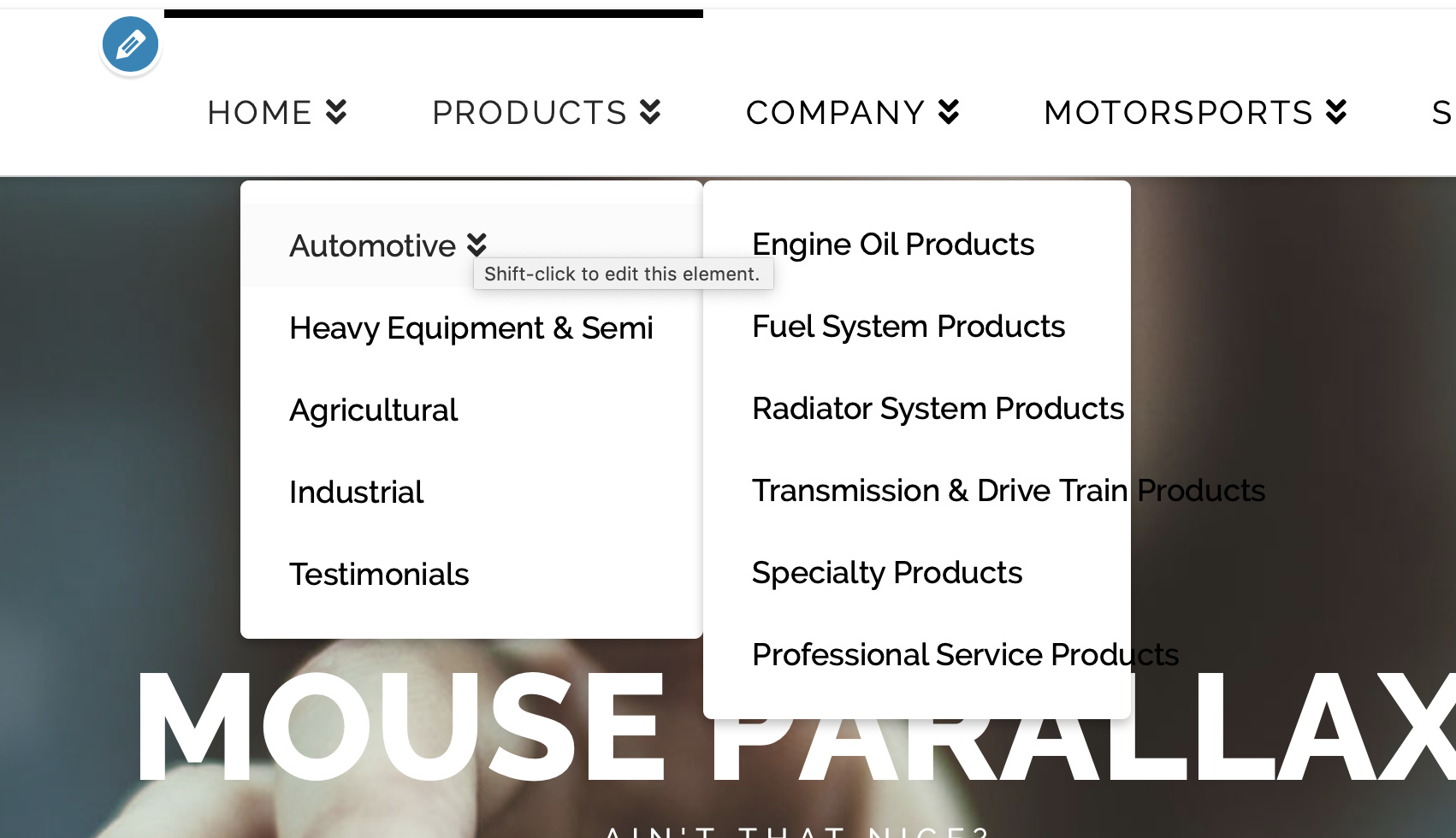
I placed the code, but now the text is stretching off the sub-nav background.
See screenshot.
Hi Michael,
Please update the code to:
.masthead-inline .x-navbar .desktop .sub-menu .sub-menu {
    right: 0;
    left: 100%;
    min-width: 240px;
}
Hope this helps.
This topic was automatically closed 10 days after the last reply. New replies are no longer allowed.