Styling of Woocommerce Buttons and Headers

Hi,

I want to change the styling of Woocommerce buttons and headers. I cannot do it under WP-Customize or under Pro. I understand that the styling of buttons, headers come from the theme, which is Pro in my case, but I could not find the place where I can make the necessary changes.

Any help would be highly appreciated!

Thank you.

Hello Gunes,

Thanks for posting in!

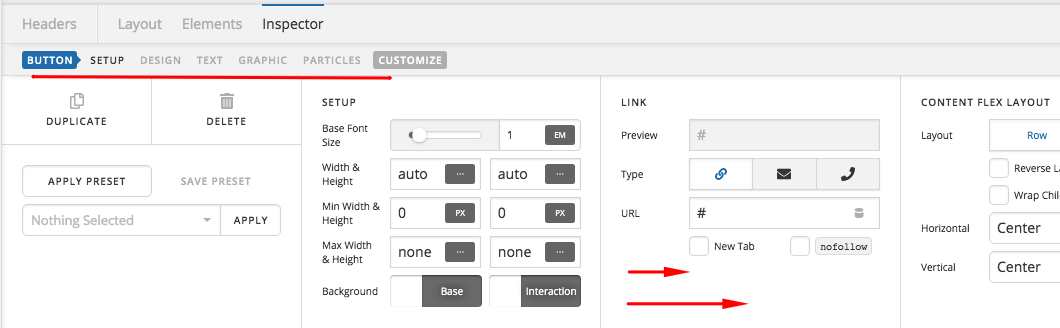
By default, the buttons can be styled globally in Pro > Theme Options > Buttons. If you have created a custom header and inserted a button like the “Online Quote” button as shown below:

You will need to edit your custom header and style the button by utilizing the independent button element settings.

Please let us know how it goes.

Thank you so much!

You are most welcome!

This topic was automatically closed 10 days after the last reply. New replies are no longer allowed.