Struggling (and failing) with Footer on Pro

I’ve been trying to adjust spacing and layout for the past 2 days with what I thought was a fairly simple Footer layout in Pro, but I am getting nowhere fast.

Could someone please take a look and let me know where I’m going wrong?

Site login creds in the Secure note.
Hello @Kexino,

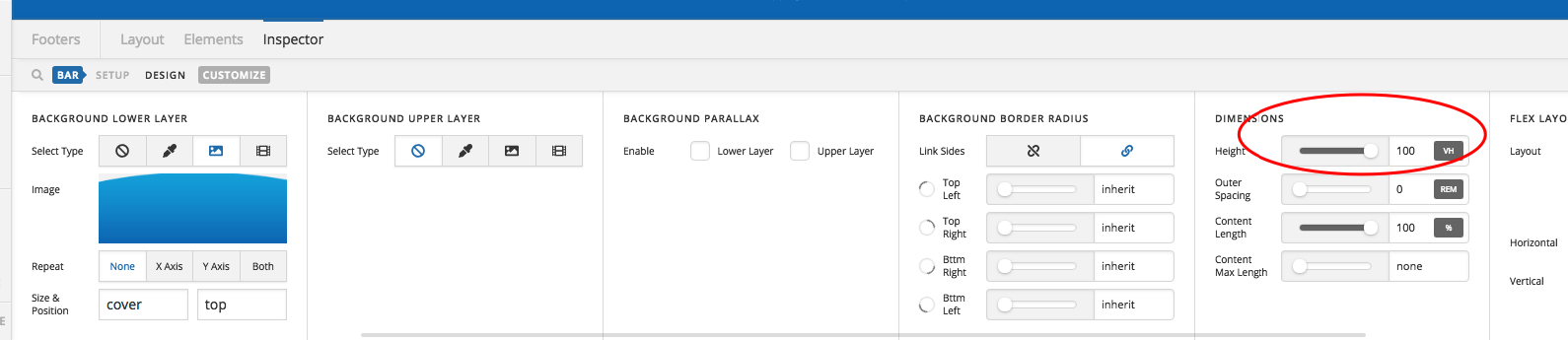
Thanks for writing in! I have logged in and I found out that you added 100vh for the bar height.

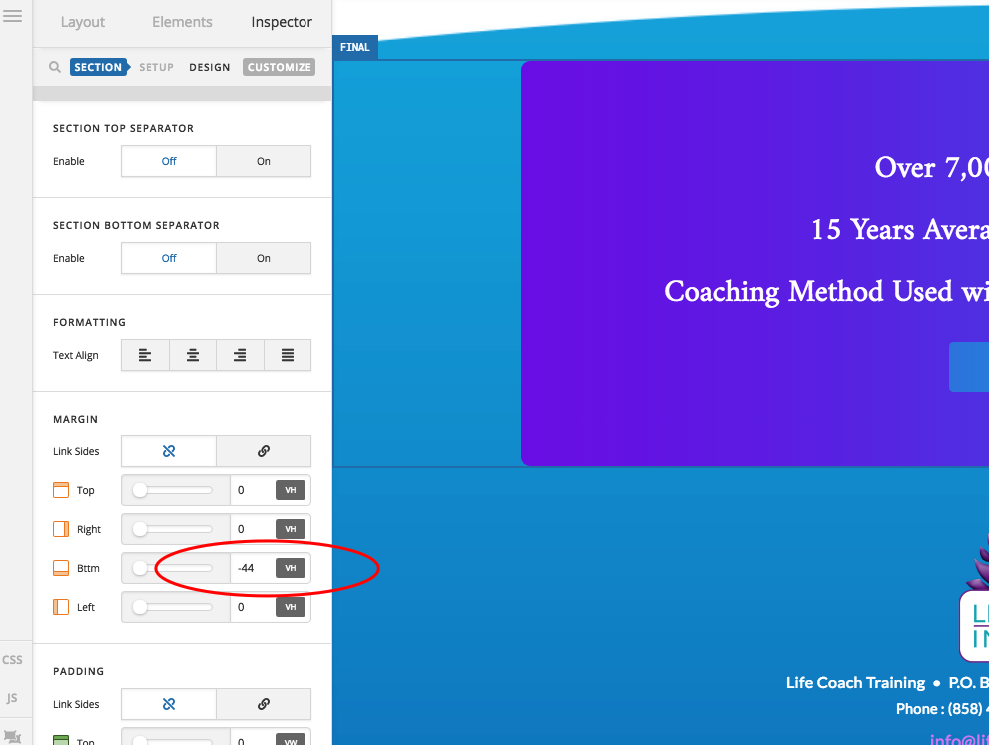
And your last section has a negative margin as well.

You may need to use fixed value like pixel or em because vh unit will vary depending on the browser height.

Hope this helps.

Yes, that was it. Once I changed to a fixed unit it was much easier to position elements regardless of viewport size.

Thank you so much!

You’re most welcome!

Hi again. I need a bit of help resizing containers in the footers I’ve created (same login creds as in the Secure Note earlier in this thread).

My issue is that I have two containers overlapping. The container below has a text link that obviously cannot be clicked on where the uppermost container overlaps it.

I’ve tried to resize either container so that elements don’t overlap, but I’m having difficulty. Could you please take a look and point me in the right direction?

Hey Gee,

In your Footer Container 2, you’re using padding to move the social icons to the bottom. A quick fix to that is set the Top Padding to 0 and use Top Margin instead. To see the result, please watch the screencast in the secure note. The video’s private by the way so only you and the support staff could see it.

Thanks.

Perfect - exactly what I was after. I was trying in vain to force z-index on the obscured layer.

Fantastic support, as always. Thank you so much!

We are delighted to assist you with this.

Cheers!

This topic was automatically closed 10 days after the last reply. New replies are no longer allowed.