Strange margin/padding issue with CF7

Hi,

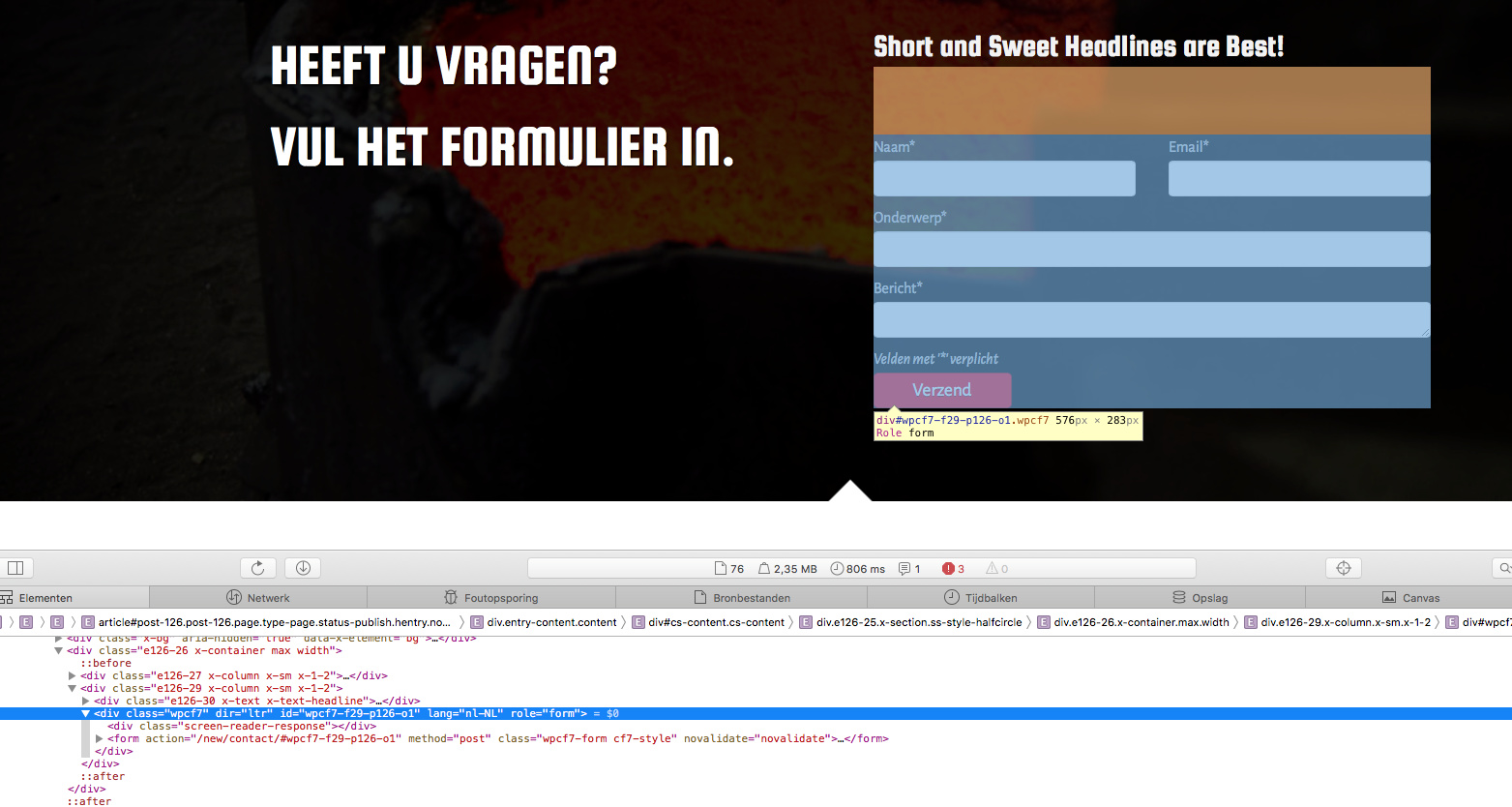
I have made a form with CF7 on this site - http://www.nijg.com/new/contragewichten/ - but there is something strange going on. In Safari (both front end and editor Pro) the column has some unexplained margin/padding above the form:

In Firefox it shows how it’s supposed to:

Can you enlighten me as to what is happening here?

Hi Ying,

I checked in safari version 11.1.1 Macos High Sierra but could not replicate the issue.

Can you try clearing your browser cache and check again.

Also If you don’t mind checking through safari dev tool and see what you can find.

Thanks

Clearing cache didn’t help. This is what I get in Inspect Element:

In the Pro editor it looks like this:

Hi there,

I have checked on Safari as well and I am not seeing any spacing on top of the form.

But kindly try adding this code in the Global CSS:

.wpcf7 {
   margin-top: 0 !important;
}

Hope this helps.

This topic was automatically closed 10 days after the last reply. New replies are no longer allowed.