Strange behavior of the blog page

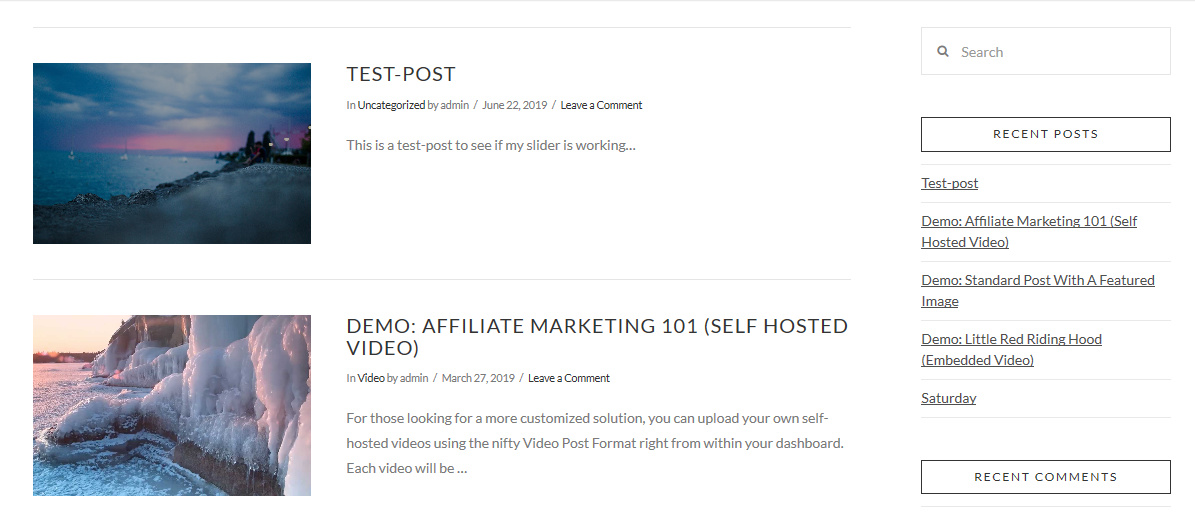
The blog page, if set in the settings >> reading >> posts page looks like the following. Besides, the option to edit it with Cornerstone is disabled.
If the blog page is unset in settings >> reading >> posts page then it looks like below, means, the featured page is showing up and the page title is also shown. Of course, the blog posts are not listed. The option to edit the page with Cornerstone is enabled.
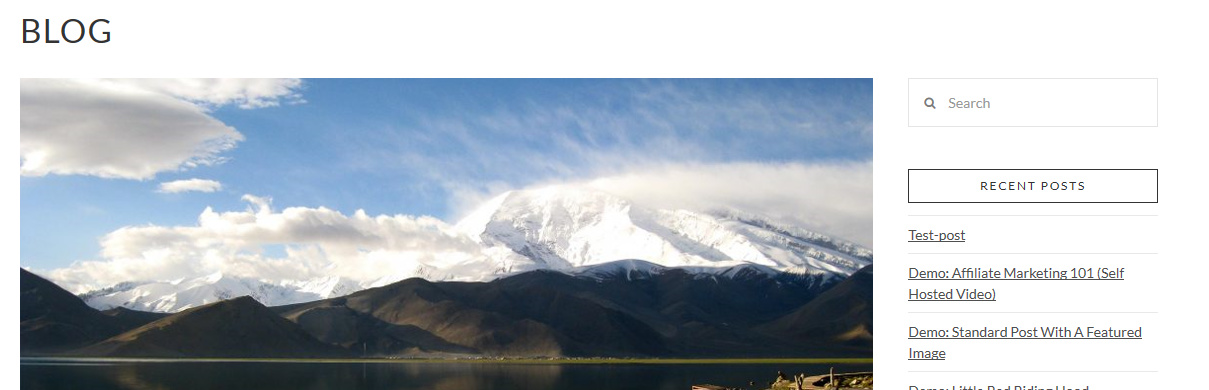
How can I assign the blog page as default post page and keep the layout unchanged (featured image and page title showing up)? It would be also good to keep the possibility to edit the page with Cornerstone.
Hello Mardas,

Thanks for writing in!

Please be advised that the blog index is not editable with any editor even using the default WordPress editor. And that is because the items in the blog index were dynamically generated by WordPress and displayed with the theme’s template files. For more details, please check this out: https://codex.wordpress.org/Creating_a_Static_Front_Page#Creating_a_Static_Front_Page

Meanwhile, when using X or Pro theme, you will have options to style your blog index. Simply go to X > Theme Options > {your Stack} > Blog Options and in X > Theme Options > Blog where in you can choose to display standard and masonry layout. You may choose other options as well.

Hope this helps.

Many thanks for your answer! Understood.

The question is actually the following:

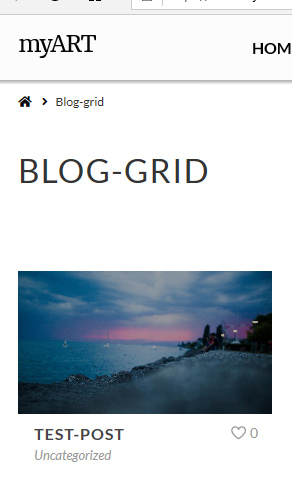
This is a page (not set in options>>reading>>default post page). You see, the page title is shown below navigation.

After applying options>>reading>>default post page, the page title is gone.

You see, the page title is not shown. Since all other pages do have a page title, I would like to keep the page title also for the blog page.

Why it is gone and how can I get the page title for the blog page showing up?

I hope I didn’t mess some options…

Best regards,

–Mardas

Hi Mardas,

Thank you for clarifying the case. The reason that you can not see the Title is that the Ethos stack does not have the blog title feature due to the design of that stack. If you change the stack to Integrity for example by going to X > Theme Options > Stacks then you can go to X > Theme Options > Icon and you will see the option to set the title of the blog page.

To get around that you need customization which is outside of our support scope and we can not implement fro you. But you can see how to add the necessary code here:

Thank you.

This topic was automatically closed 10 days after the last reply. New replies are no longer allowed.