Sticky top bar to exclude social icons

https://cctvandalarms.co.nz/
I am using this code to create a sticky topbar

.x-topbar {
position: fixed;
z-index: 99999;
left: 0;
right: 0;
top: 0;
}
.x-navbar-wrap {
margin-top: 52px; /Height of the top bar. Adjust accordingly/
}

.x-topbar {
position: fixed;
z-index: 99999;
left: 0;
right: 0;
top: 0;
}
.x-navbar-wrap {
margin-top: 52px; /Height of the top bar. Adjust accordingly/
}

On mobile it appears as.

How can I
1 keep the text in the center
2 make it bigger
3 exclude the social icon (in mobiles) or have it appear inline on the right

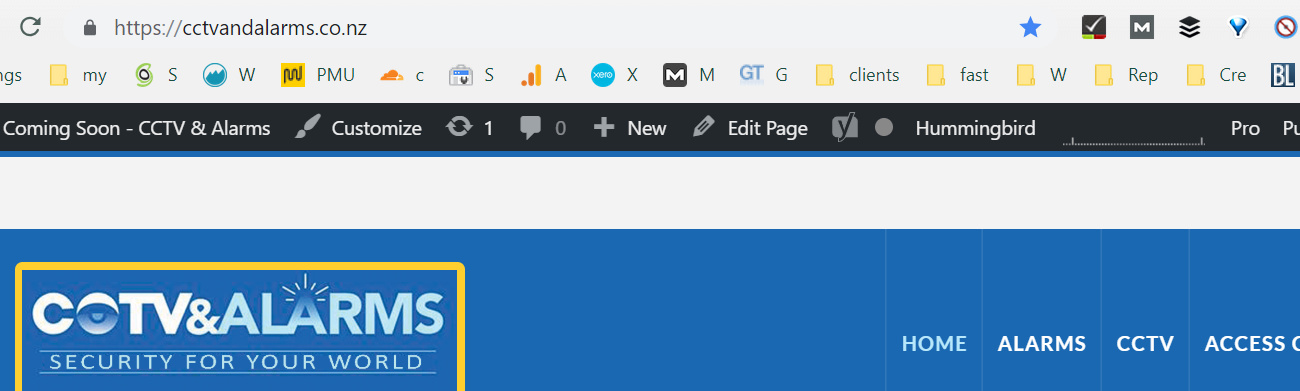
Also why bad is this is appearing white on desktops?
Hi There,

Please find this custom CSS:

.x-navbar-wrap {
    margin-top: 52px;
}

And change to this:

.x-navbar-wrap {
    margin-top: 36px;
}

Please also add this custom CSS:

@media (max-width: 979px){
    .x-topbar .x-social-global {
        display: none;
    }
    .x-topbar .p-info {
        font-size: 24px;
        border: none;
    }
    .x-btn-navbar {
        margin-top: 50px;
    }
}

Hope it helps :slight_smile:

Thanks yes it does :grinning:

Glad we were able to help :slight_smile:

This topic was automatically closed 10 days after the last reply. New replies are no longer allowed.