Spacing on mobile with button classes

Hi there,

this is a follow-up on this support thread: https://theme.co/apex/forum/t/mobile-spacing-insert-gap-between-two-elements/68663/8

RueNel
Staff
11d

Hello Lypa,

I have inspected your other language page. It does not have the “mbm” or “mbl” class in the button.

You will need to edit all of the language pages and add the class in your button.

Yes, it does. It has the same button class as in the German version. Please see here in our page code:
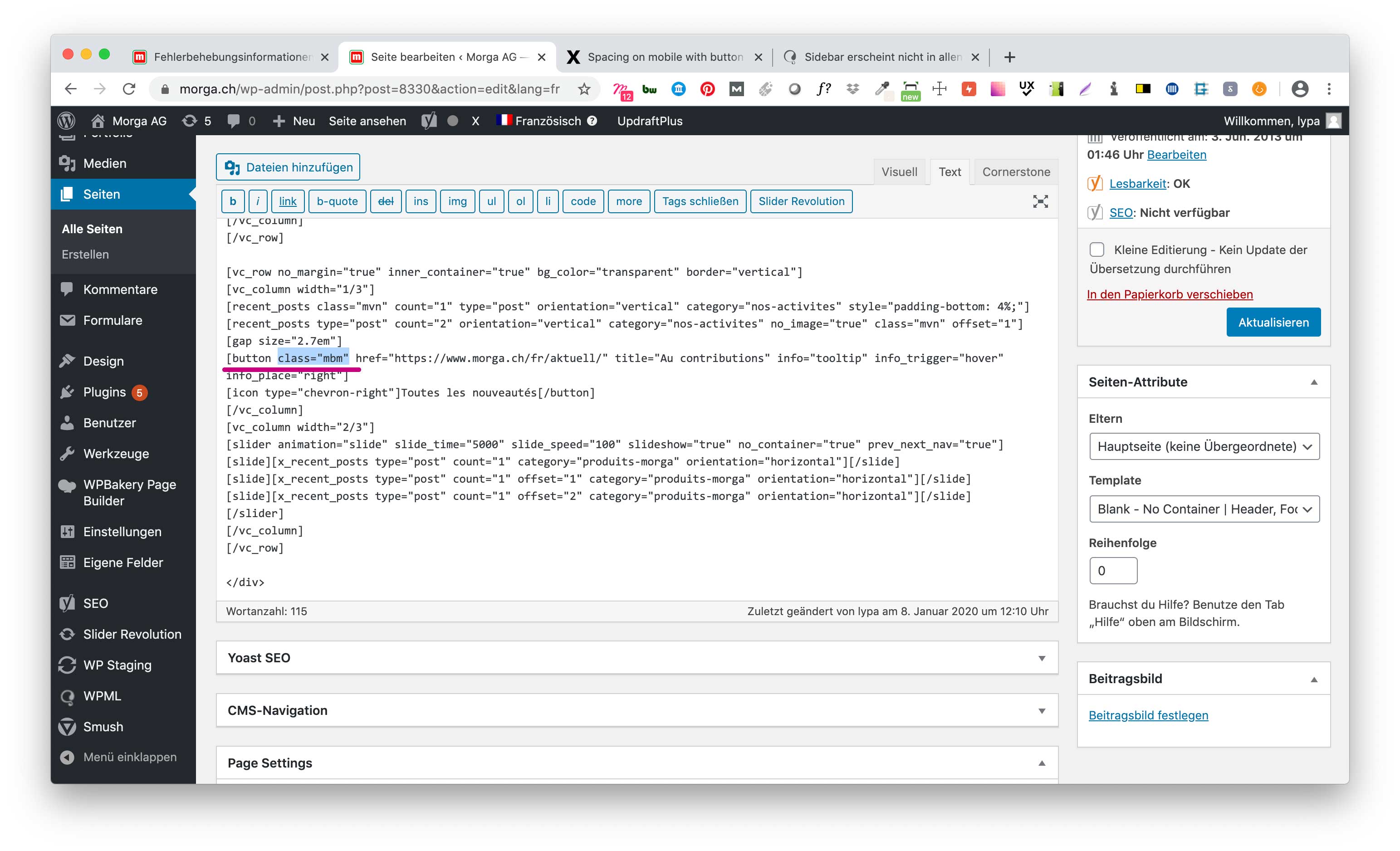
Would you mind taking another look at it? Thank you.

Kind Regards,
lypa

Hey lypa,

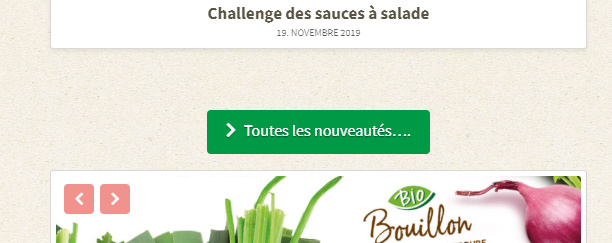
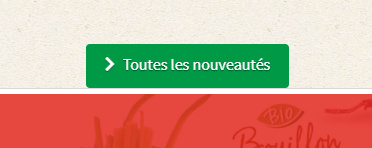
Your looking at the cached version of your page. The version when you have not added the mbl class yet. This is also the reason why Ruenel didn’t see the class.

To prove that this is a caching issue and not a theme issue, I’ve added 4 dots to your button.

If you’re logged in, you’ll see the live version of your page.

If you’re logged out, you’ll see the cached (previous) version.

I see you’re using WP Rocket which is a caching plugin. Please activate it and clear its cache. If you’re not sure how, contact the plugin developer.

If the issue persists, please contact WP Rocket support and your web host to clear all caches in your site.

This is as far as we can help regarding the caching issue.

Hope that helps.

Hi Christian,

Thank you very much for helping! I activated WP Rocket and cleared all its caches as you advised. And – yay! – the buttons have the correct space in all languages now.

This also eliminated the other styling issues we discussed in another support thread. Like the missing “Shop” icons and missing Cookie Notice styles in French and English.

I removed the dots you placed into the button after testing both logged-in and logged-out display of the site.

The reason I de-activated WP Rocket was because we are working on updating the site. Thought this was best practice?

Would you mind taking another quick look at the page and confirm if the styles are also displayed correctly on your end? And if it’s still ok to turn off WP Rocket when developing? What is best practice?

Thanks again for helping! :grinning:

Kind REgards,
lypa

Hey lypa,

Yes, it’s best practice to deactivate the caching plugin. But, you must clear all caches first.

Yes, styles display.

Yes, it’s ok. Just remember to clear all caches before deactivating. That’s the best practice.

Hope that helps.

Hi Christian

Ok, thank you for clearing this and for your help.

Kind Regards,
lypa

You’re most welcome, lypa.

This topic was automatically closed 10 days after the last reply. New replies are no longer allowed.