Hi,
We have a featured list but the icons isnt lining up with the headline. Could you tell me how to close this space?
Thanks!
Hi,
We have a featured list but the icons isnt lining up with the headline. Could you tell me how to close this space?
Thanks!
Hi Ali,
First add this CSS code:
.x-feature-box-graphic i:before{
  font-size:1em;
}
What this code does is it makes the “check” icon take up the entire width and height of the box that contains the icon. This also makes the size of the icon bigger. To cure that, set the Graphic Size to the size you want. If I’m not mistaken, you want 23.7px but it’s really up to you.
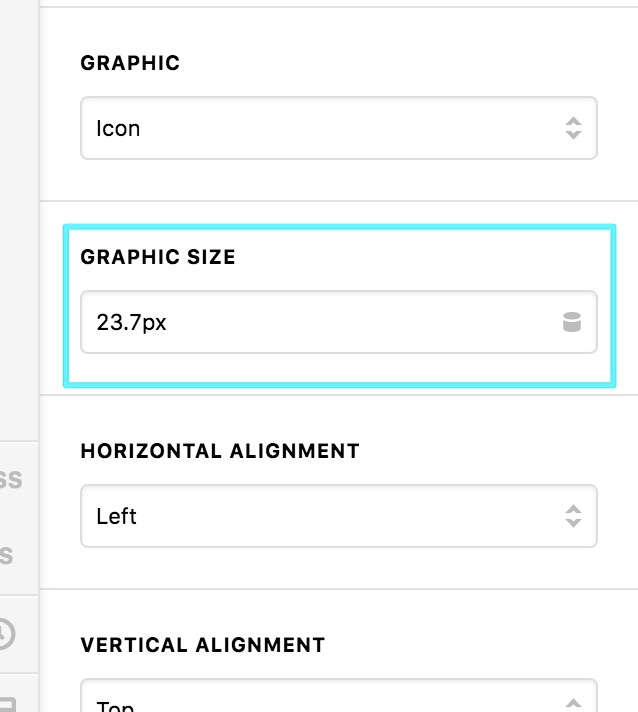
Hope that helps.
Hi,
Thanks that worked great but now I’m trying to close the space now between the icon and list items. I used:
.x-feature-box-graphic.square {
    width: 40px !important;
}
but it doesnt seem to work.
Right now its set to 65px according to Chrome. How do i close the space?
Thanks!
Hi Ali,
Where did you add these custom CSS?
.x-feature-box-graphic.square {
width: 40px !important;
}
and
.x-feature-box-graphic.square {
    width: 65px !important;
}
Please remove those, those are the custom CSS that gives extra space between the icon and text. Remove those and just adjust the Graphic Spacing option.
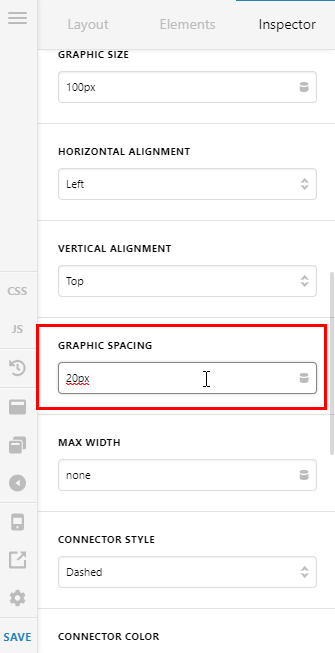
I also notice that you’re using a caching/minifying plugin, make sure to clear its cache after the changes so it will take effect immediately.
Thanks,
This topic was automatically closed 10 days after the last reply. New replies are no longer allowed.