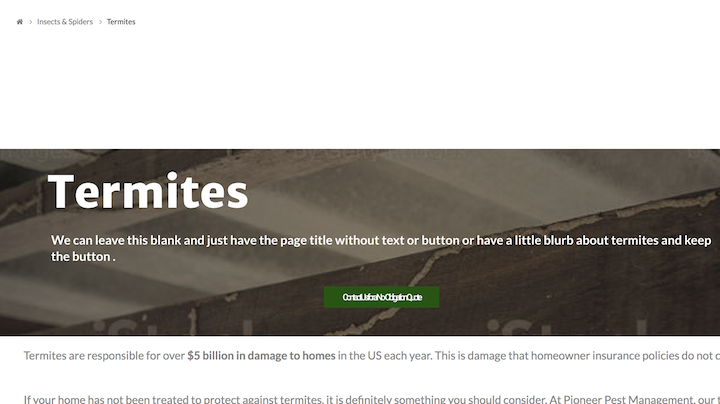
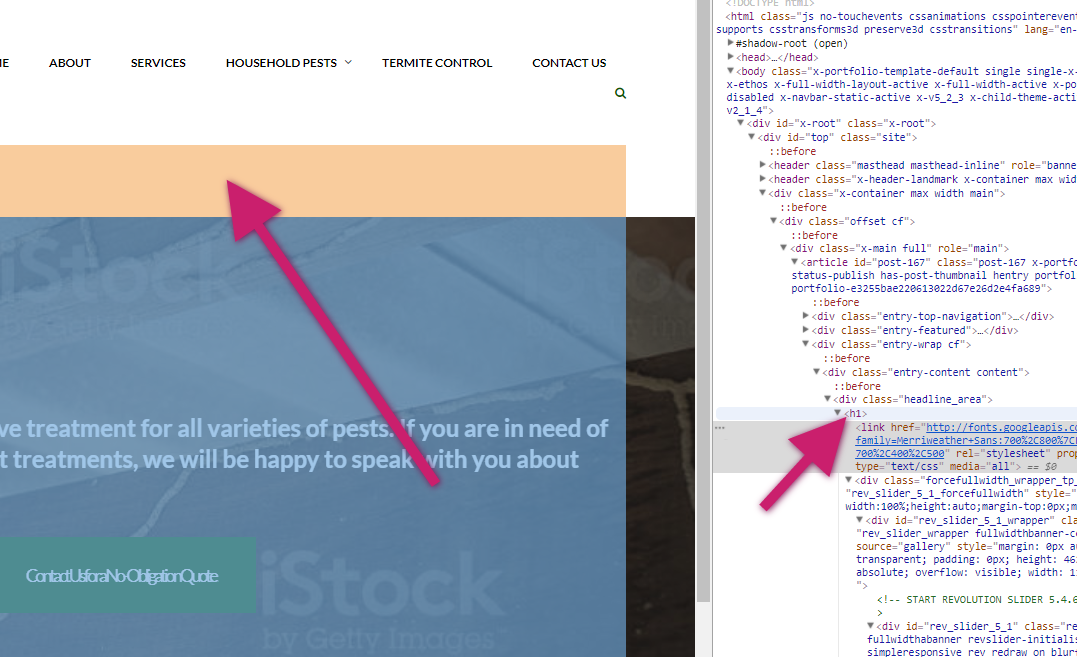
Hi, I am trying to reduce the spacing above the content in my portfolio item pages. I’ve removed the navigation arrows via CSS and made some other customizations:
/*
// Portfolio customization
*/
.single-x-portfolio .entry-featured,
.single-x-portfolio .entry-wrap {
margin: 0px auto;
width: 99%;
}
.x-portfolio .entry-info {
display: none !important;
}
.h-landmark, .h-landmark.entry-title {
display: none !important;
}
.entry-top-navigation {
display: none;
}
.single-x-portfolio .entry-thumb {
display: none !important;
}
I have tried multiple things to remove the space where the entry title would normally go, without success. I cannot figure out what the class is. I’m including a screenshot for reference. The space I am looking to reduce is between the breadcrumbs and the slider.
http://pioneer.jenwilton.com/pests/termites/ is the example page if you’d like to see it.