I have used the headline element and have noticed that the content seems to be aligned to the baseline leaving a large gap above the top line. I have tried changing flexbox settings for the element, row & column but none of my edits have had an effect.
My aim is for the headline and subhead to be central in the area. Any idea what I am missing to make that happen?

Hello @hypnorich,
Thanks for writing to us.
I checked your site, it seems that you are using custom HTML in the “Headline Element” because there are two heading tags is rendering there that is why it is creating an extra gap from the top.


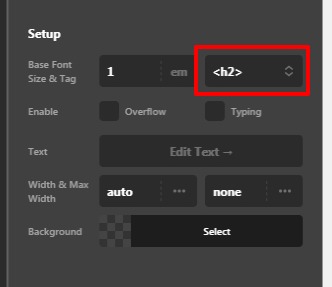
In case you if you want H3 tag in the “Headline element” you can set it from the Headline element here. Go to Headline element —>Tag–>Select the tag from the select box.
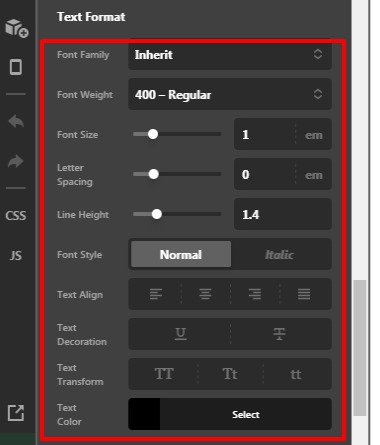
To format the text margin, size, font and colour etc you need to go to Headline element —>Text format -->you can style your Headline from here.
Hope it helps
Thanks
This topic was automatically closed 10 days after the last reply. New replies are no longer allowed.