I put 3 social media icons on our client’s website. In Cornerstone the icons look exactly the way I want them (no shadows), however, when viewing the site in Google Chrome and Firefox, there are bottom shadows. What could be causing this?
Hi there,
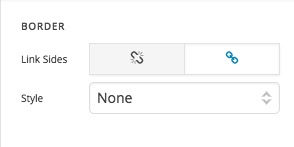
Please kindly go to each social media icon element in the Header Builder and scroll the options to find the Box Shadow and Border sections. Remove the border:
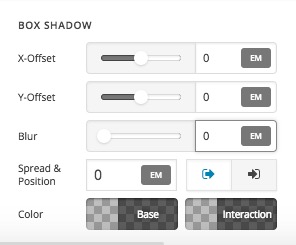
Also, deactivate the box shadow by making all the options go back to 0:
That should do it.
I had deactivated the box’s shadow but was unaware of the border. The documentation didn’t really discuss off of these options and what they do. Thanks for the help.
You’re welcome.
This topic was automatically closed 10 days after the last reply. New replies are no longer allowed.