Hey guys,
As always thanks for the help.
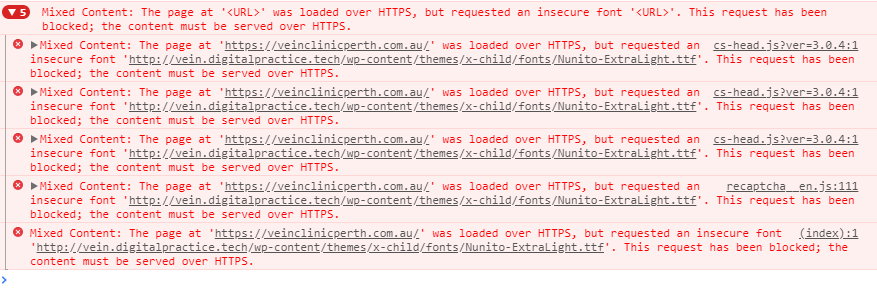
On one of our websites, the social media icons in the header and footer are not appearing. They are just empty squares. The icons are linked and when clicked do work but you cannot tell what platform you are clicking on.
This image directly below is from accessing the website using Chrome as the browser. You can see the three boxes in the top left corner where the social media icons are meant to be (Facebook, Twitter and Instagram)

When I use Safari as the browser, not even the boxes appear in the top left corner. It looks like no social media has been linked to the website.
This is the same problem in the footer for both browsers as well.
Looking in the Customiser, there appears to be no errors so can you please help? What has happened here and how we can get the icons back (and showing in both/all browser types).
Many thanks,
Greta