Slider revoluton lay out issues

Ok when I use slider revolution I notice that when the page is actually live it has way more room that EDITING space does not wshow me for instance,
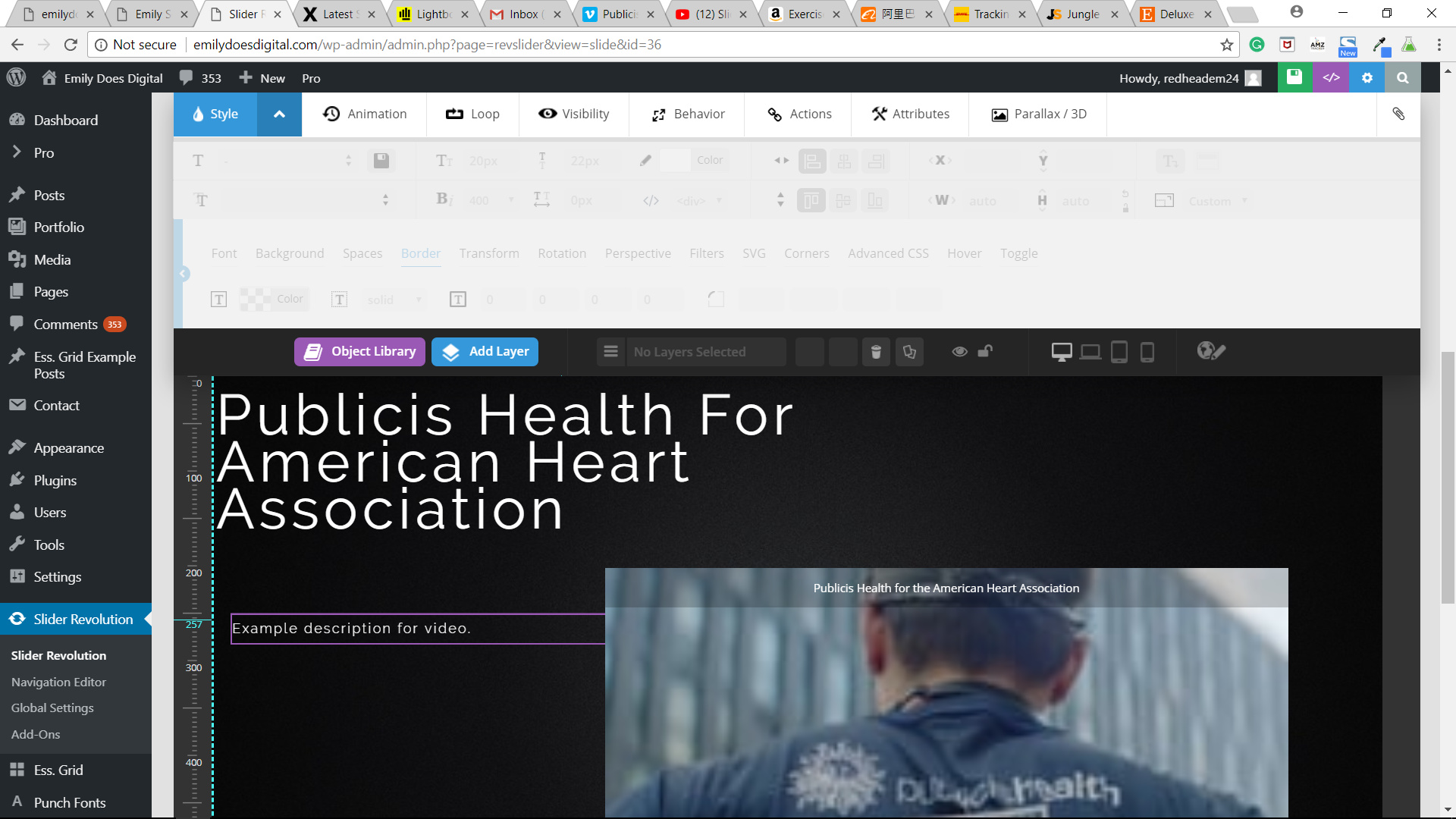
Vs

the real page where it has all this empty space all over the page I would love to be able to see that when Im editing so I can get a more ACCURATE placement

Hi There,

Thank you for writing in, the Slider preview has never been accurate because of the panels around it that is why they have the live preview (gray magnifying icon on the slider menu), but this live preview is not satisfying as well, so I advise you preview your slider on a real page.

The best thing you could do is to use the Layer Alignment toolset when positioning your layers.

Cheers!

This topic was automatically closed 10 days after the last reply. New replies are no longer allowed.