SJ Cornerstone

Hi, I have just updated the theme to the latest version, before updating I had the version:
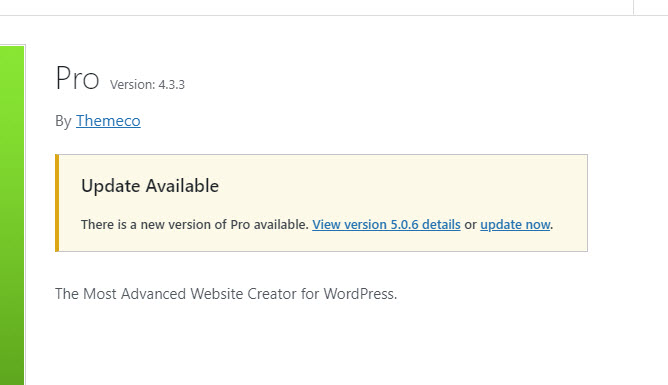
themeversion

Before updating I was using SJ Cornerstone plugin:

To create the downward arrow effect you can see here:

After the update it has been removed (without me removing it, cause I don’t want to).

Please advice and please note I don’t wish to use the theme built it separator as it doesn’t have this arrow affect that I wish to use.

Thank you.

Hello, @wolfproductions,

Thanks for writing to us.

It seems that you are using a third-party plugin. You need to contact the plugin author to fix their issue or make it compatible with the X/Pro theme or you can avail of our services called One where customization questions are answered.

Please note we don’t provide any third-party plugin support. It is out of the support scope.

Thanks for understanding

Thanks Prakash, unfortunately the plugin Dev does not provide support any longer, but up until the latest update it worked fine with the theme.

Please can the effects just be added to the theme?

Hi @wolfproductions,

Since the plugin dev doesn’t provide support any longer, I suggest that you delete that plugin and use our native section separator. Please check the videos below on how it works.

Hope that helps.

Hi Marc,

I have updated the theme to try again but the closest I could get to is this

Please can you let me know exactly how to re-create as per the SVG plugin, the native separator affects are too limited… I would like a sharp arrow please :neutral_face:

Thanks

Hi @wolfproductions,

To make that sharp, you need to increase the height of the separator. I have tried it in my local environment, please find the screenshot with the respective values mentioned into it.

I would also suggest you go through the videos, referred to by my colleague in his last post on it.

Hope it helps.
Thanks

This topic was automatically closed 10 days after the last reply. New replies are no longer allowed.