Site links properties have changed on all my sites

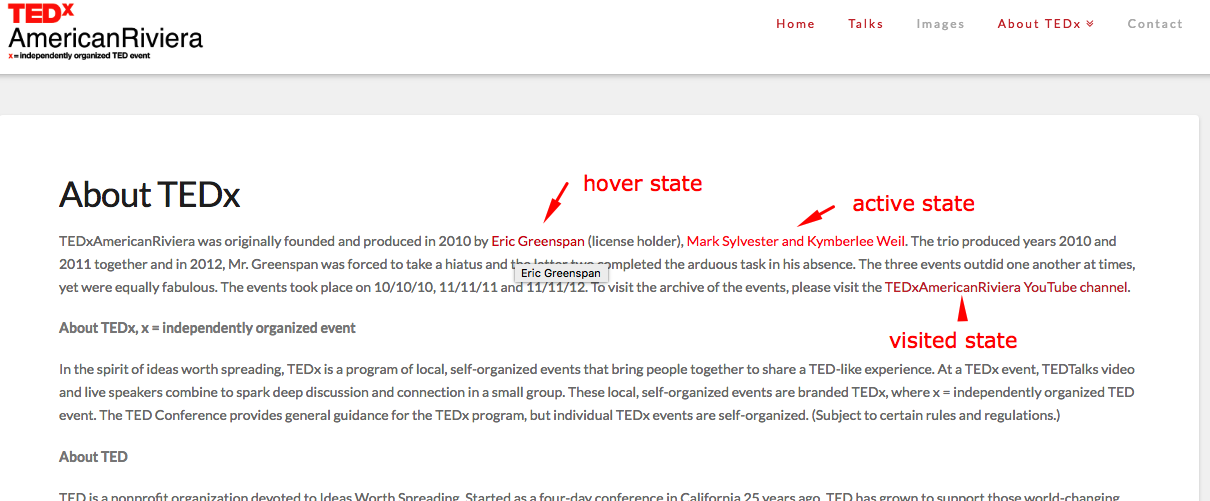
Just noticing underlines on site links and colors on visited links are behaving differently. The same result on all of my Pro sites.

I’ve had to add:

a:link {
  text-decoration: none !important;
}

a:visited {
  text-decoration: none !important;
  color: #cc3333 !important;
}

a:hover {
  text-decoration: none !important;
}

a:active {
  text-decoration: none !important;
}

Assuming this is a theme thing, was this intentional? Any other way to change it? Advice.
Hello @ericgreenspan,

Thanks for writing in!

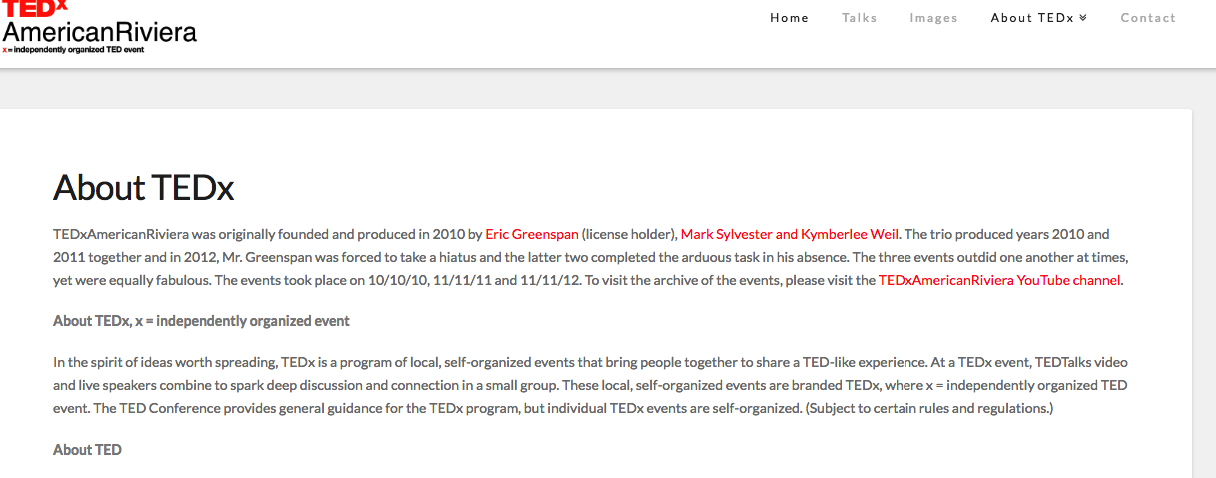
The site link colors can be changed in X > Theme Options > Typography > Site Links. The underlines were disabled by default. It is evident in this site:

And if you apply your css, you will have something like this:

Hope this helps.

That site hasn’t been updated. It’s running Pro 1.x.

I updated to the latest Pro and the problem is not there, so it must be an errant plugin on my other main sites. schoolofbookkeeping.com, schooloftaxes.com and 74systems.com have the problem. Trying to find the common plugin causing this.

Hi Eric,

Please clear your cache and disable your CSS minifier first, so we can see where is the text-decoration styling coming from.


Thanks,

I did and found it. It was the Bootstrap add on from Formidable Forms. All set and thanks as always!

Glad to hear that. :slight_smile:

This topic was automatically closed 10 days after the last reply. New replies are no longer allowed.