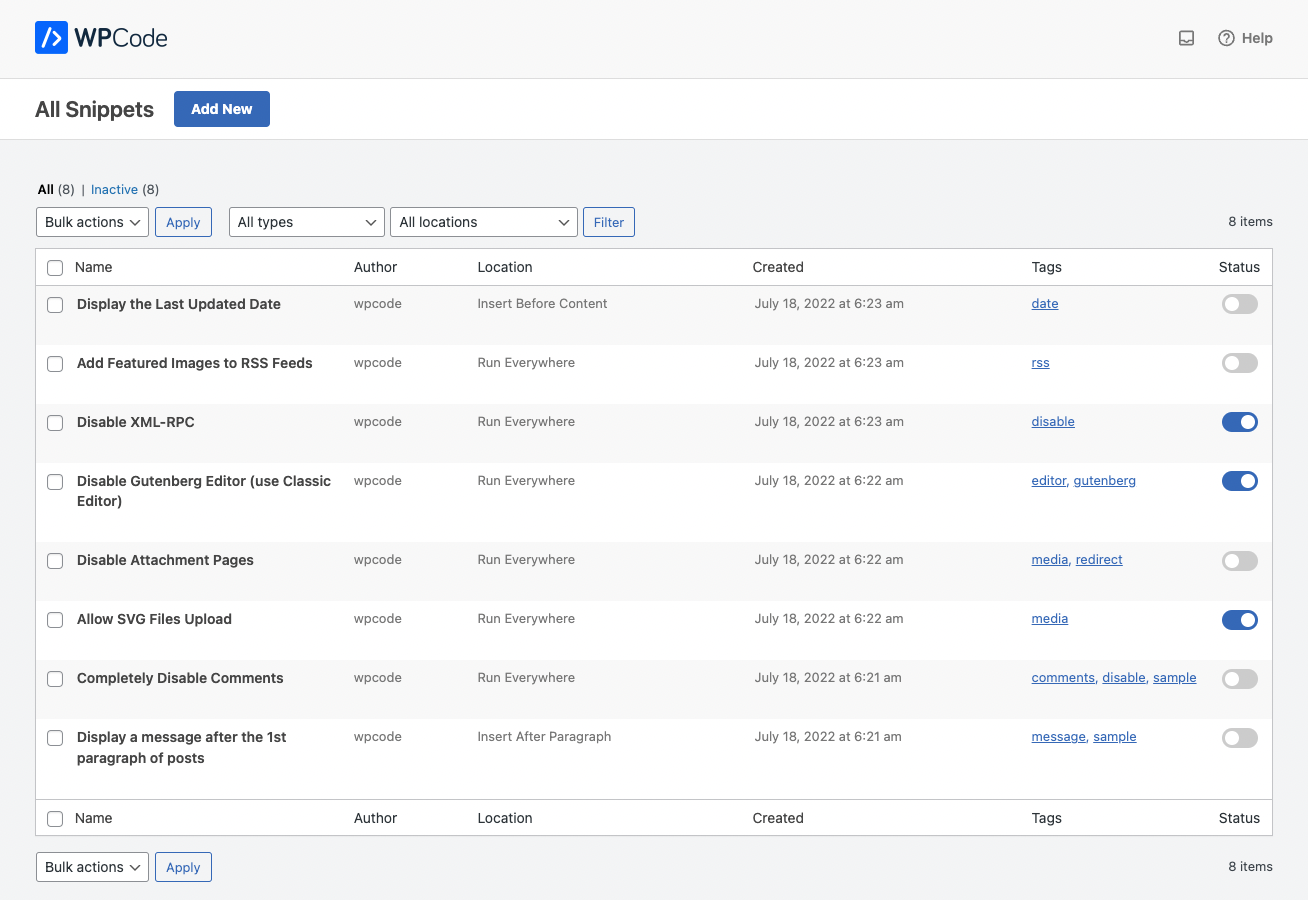
I need to add the following script in the following place (site header) per the vendors guideline, please advise how I can do:
<!doctype html>
<html lang="en">
<head>
<title>Your website</title>
<link rel="stylesheet" href="css/styles.css"/>
**// Vidpulse code goes here**
</head>
<body>
Content
</body></html>
// Vidpulse code:
<script data-cfasync= "false" >
(function(v,i,d,p,u){d[v]=d[v]||function(){ (d[v].q=d[v].q||[["time",0,+new Date()]]).push(arguments)}; u=p.getElementsByTagName(i)[0];p=p.createElement(i); p.async=1; p.src="https://s.vidpulse.com/all/vp.js"; u.parentNode.insertBefore(p,u)})("vidpulse","script",window,document); vidpulse("create", "vp_QjeB74");
</script>
I tried the following which loaded fine in the functions.php in the child pro theme however script is not being activated:
function my_vidpulse_script() { ?>

 add_action( 'wp_head', 'my_vidpulse_script', 999 );
<script data-cfasync="false">

(function(v,i,d,p,u){d[v]=d[v]||function(){
    (d[v].q=d[v].q||[["time",0,+new Date()]]).push(arguments)};
    u=p.getElementsByTagName(i)[0];p=p.createElement(i);
    p.async=1; p.src="https://s.vidpulse.com/all/vp.js";
    u.parentNode.insertBefore(p,u)})("vidpulse","script",window,document);
    vidpulse("create", "vp_QjeB74");

</script> <?php }