Hello, Second time in the day my site crashed because of Modern events calender. I will need some help figuring out what might be going on. I have the latest versions of X and Modern Calender.
Hello @akalra83,
You can login through FTP then edit the wp-config.php file and find the line: define( 'WP_DEBUG', false );. Set it to true then save the file. Log back in the admin area and you should be able to see some more error information when you redo the steps you are having issues with.
If you are getting an error message that suggests: Fatal error: Allowed memory size of xxxxx bytes exhausted, it means that you need to have the PHP memory limit of your site increased.
To do this, please edit your wp-config.php file and insert these lines:
    define( 'WP_MEMORY_LIMIT', '256M' );
    define( 'WP_MAX_MEMORY_LIMIT', '512M' );
You can add it before the line
/*That's all, stop editing! Happy Blogging. */
Here is a details article about the PHP Memory Limit that is in our Knowledge Base:
In case the issue persists, please try to get in touch with your hosting provider and confirm to them that your PHP memory limit is increased.
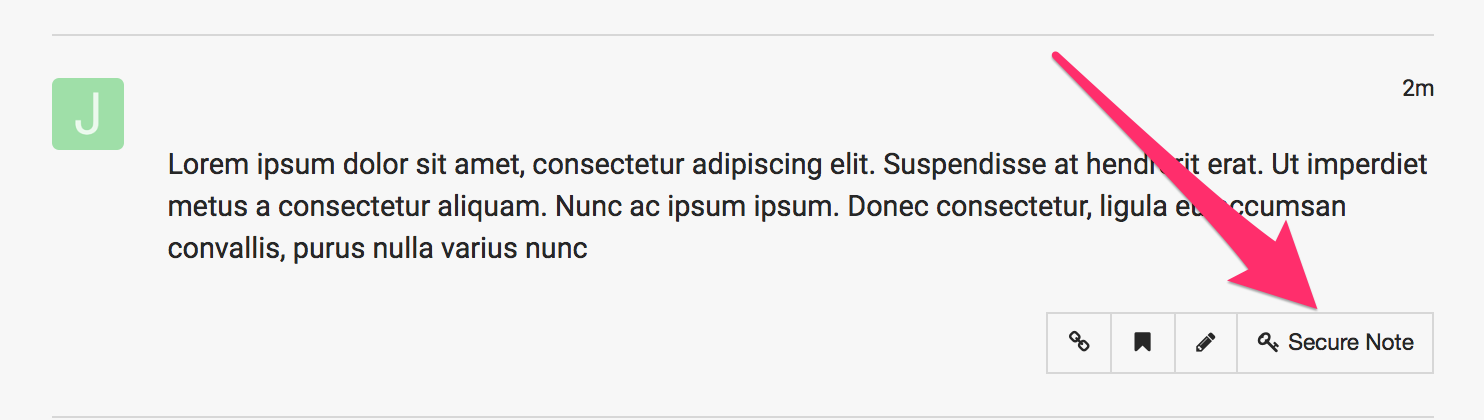
If you are still having an issue, please provide us with the admin details of your site in a Secure Note so that we can check this further.
Hi thanks, I worked it with the webhost and it seems the issue was there was a limit on the queries so that was exceeding. They are going to upgrade the number of queries allowed per hour. I will see if that fixes the issue, otherwise I will try this method.
Thanks for your help.
You are most welcome!
This topic was automatically closed 10 days after the last reply. New replies are no longer allowed.