Site 'broken' in Edge/internet explorer

Hi there,

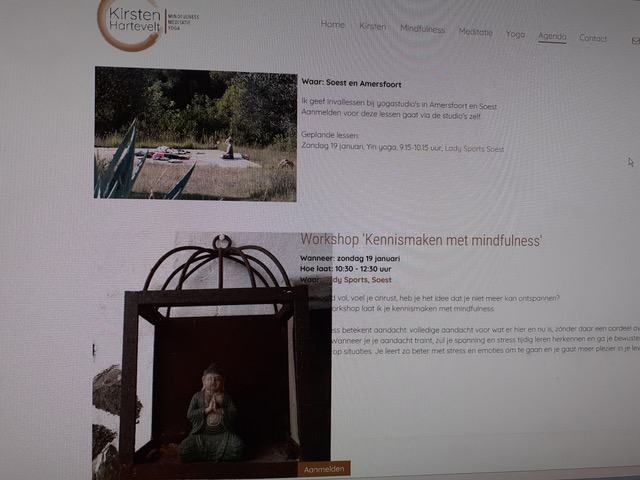
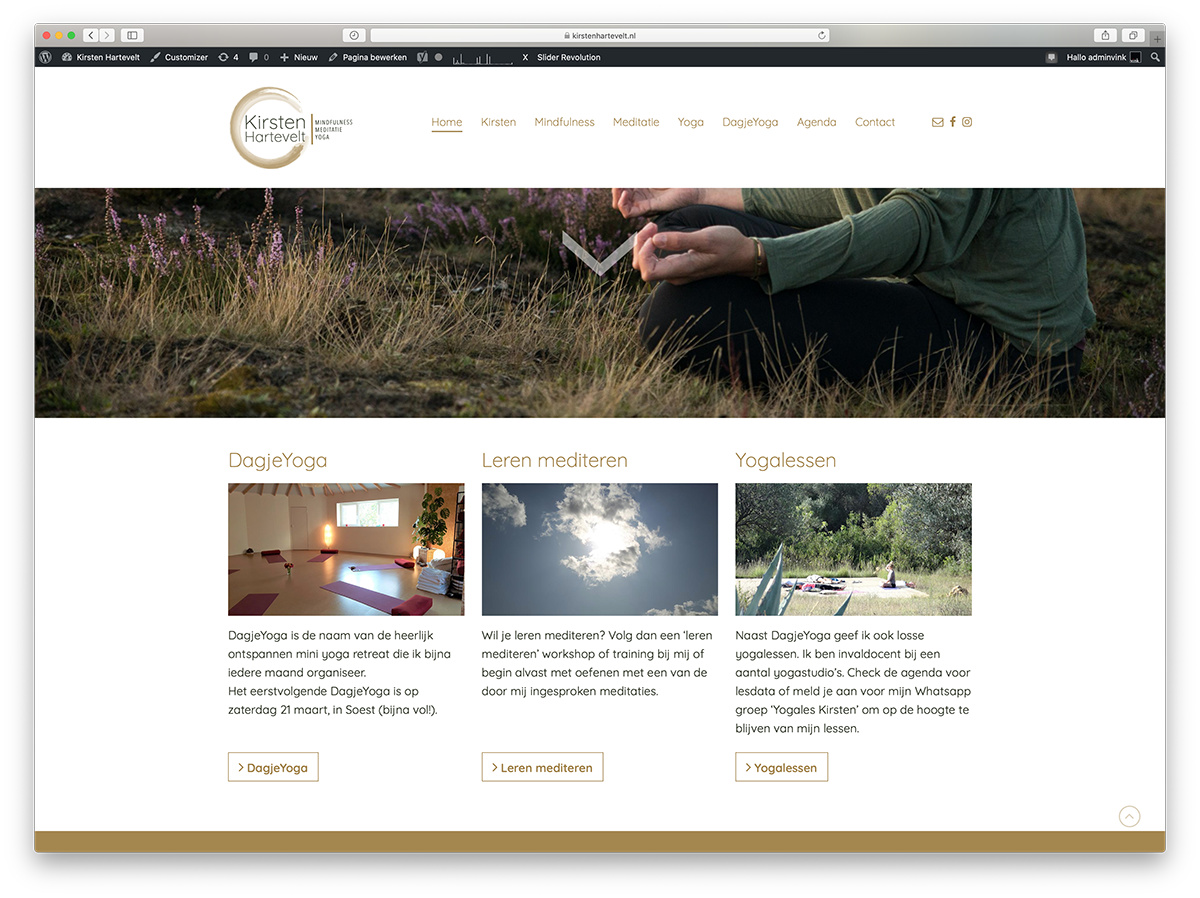
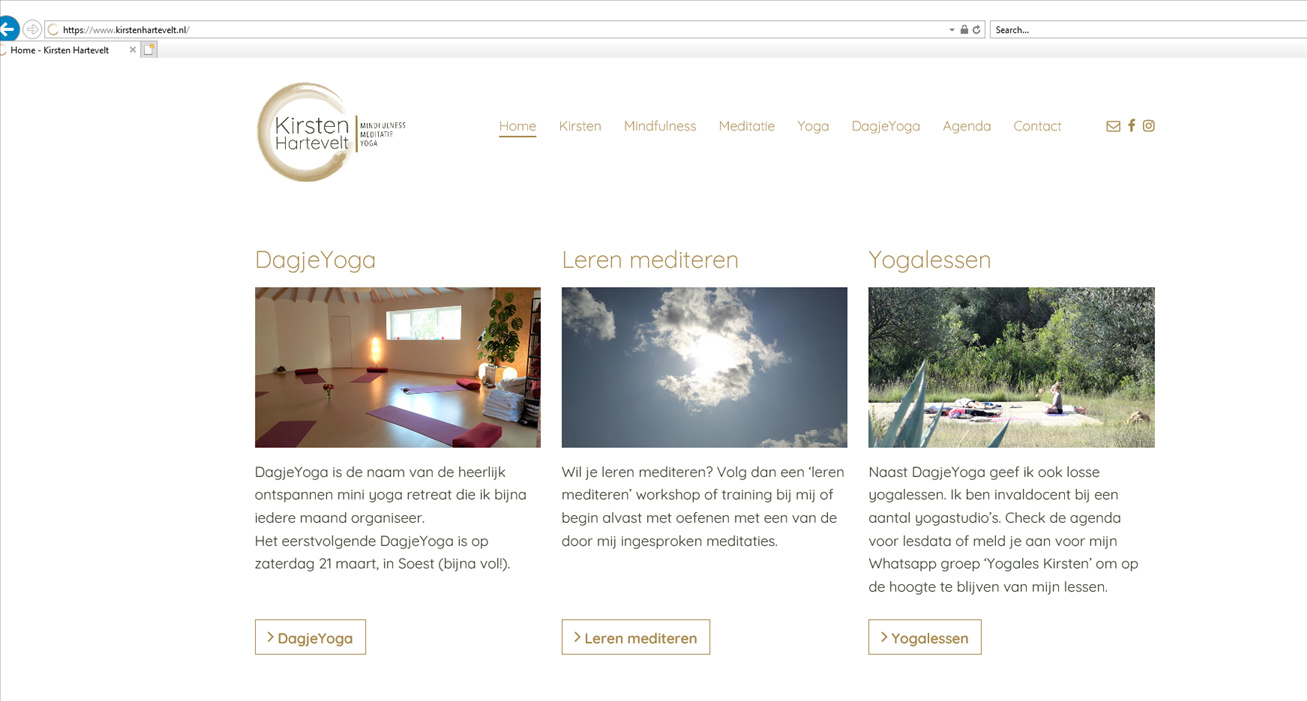
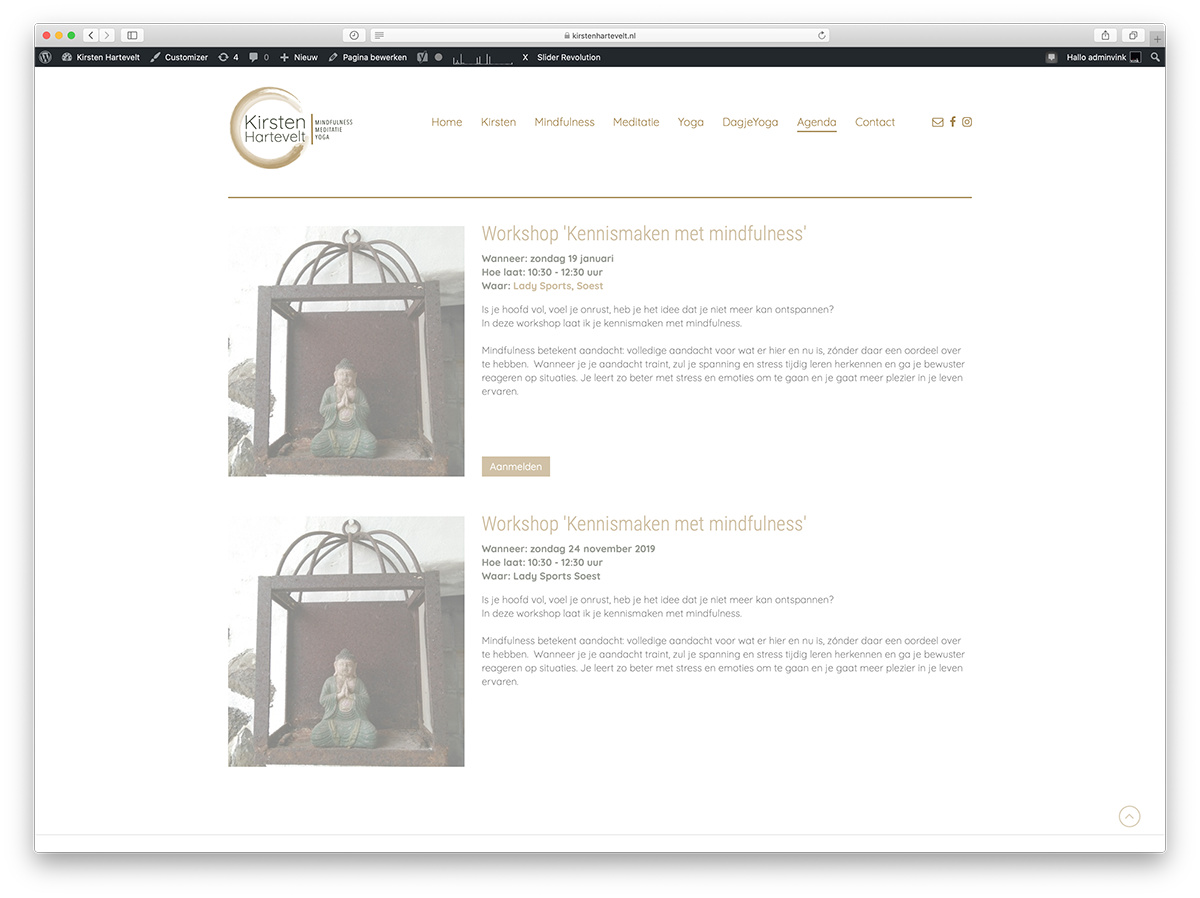
I have an issue with my website in Edge/internet explorer. The layout is completely messed up, while it works perfectly fine in Firefox, Safari and Chrome.

Is there someone who can take a look at it to see what’s wrong?

It is happening mostly on the homepage and the ‘agenda’ page.

A site visitor sent me these from internet explorer/Edge:
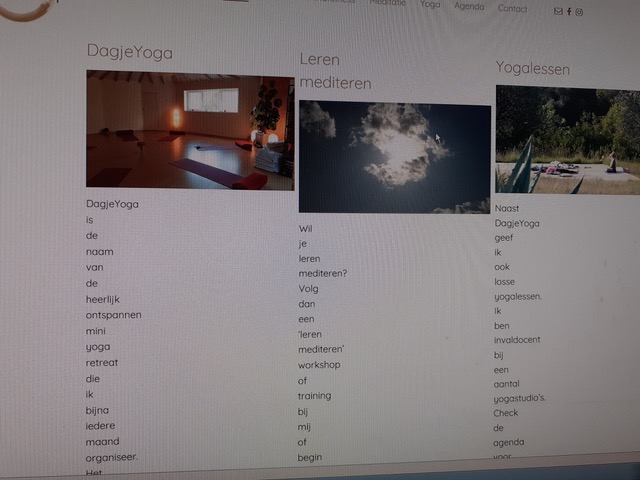
For reference, this is what it looks like in Safari,
In a secure note I will provide you with the url and login.

Thanks in advance!
I have been dealing with an IE11 issue on a site I am building…

and was provided with the following css changes to add the the CSS section of Theme Options

.no-preserve3d .x-text { width: 100%; }
.no-preserve3d .x-image img { width: 100%; } 
.no-preserve3d .x-masthead .x-image img { width: auto; }

Maybe try it, and see if that resolves your issues?

Hey Vink,

To clarify, your site works in Edge. The issue is only in IE.

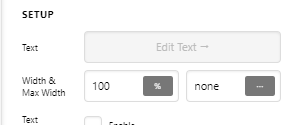
The Width of the Image and Text elements must be defined if you support IE. The common setup is 100% Width.

Additionally, you’ve nested another Row and Columns into the columns and that complicated things so I duplicated your section and set up the correct settings that is IE compatible so you could see that it works.

To bottom align the button, I used this trick: https://www.youtube.com/watch?v=fAh6cutvdSc

Check out more tutorials in our Youtube Channel.

Hope that helps.

Thank you ever so much!! This is perfect!

I’ll be sure to head over and see some more video’s!

And thank you @scotbaston aswell! Super helpful :blush:

Glad to help

You’re always welcome Vink!

Thank also Scot.

Cheers.

This topic was automatically closed 10 days after the last reply. New replies are no longer allowed.