Is there a way to add alt text to site background images added via the Pro theme options? Currently these images do not include a alt attribute at all, which means they will get flagged when auditing for accessibility. Most times these will be decorative so just need a blank alt tag. There is no way in the current version of Pro to add custom attributes like there is in the Cornerstone editors.
Hello Kevin,
Thanks for writing in!
Please be advised that background images are decorative images. You cannot add Alt Text.
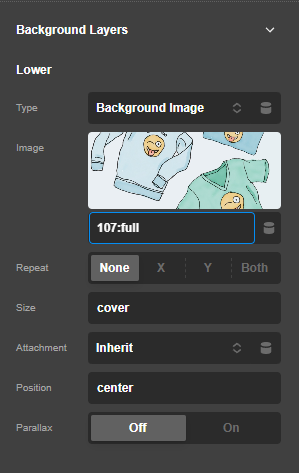
If there is a need to add the Alt text, you should be using the <img./> Element as your background layer.

Hope this helps.
Hello,
This is in the global theme options not in the page background.

I know decorative images don’t need alt text, but the proper way to do this is with a blank alt attribute. A WAI-ARIA role=“presentation” can also be added but is not as widely supported as a blank alt attribute. Pro currently implements the global site background image via a <img> tag inside a container <div>.
Hey Kevin,
At the moment, there is no option to alter the code of the mentioned Theme Options site background setting. I will be adding this to our issue tracker instead.
Please bear with us.
Thank you.
You are most welcome, Kevin.
This topic was automatically closed 10 days after the last reply. New replies are no longer allowed.