Single post image and content layout

Greetings,

I’m using the Integrity stack and trying to get the image + content of a single post side by side but am having a few issues.

I tried the following after searching through the forums:

   .single-post .entry-featured {
    width: 50%;
    float: left;
    margin-right: 20px;
    }

And here is the result:
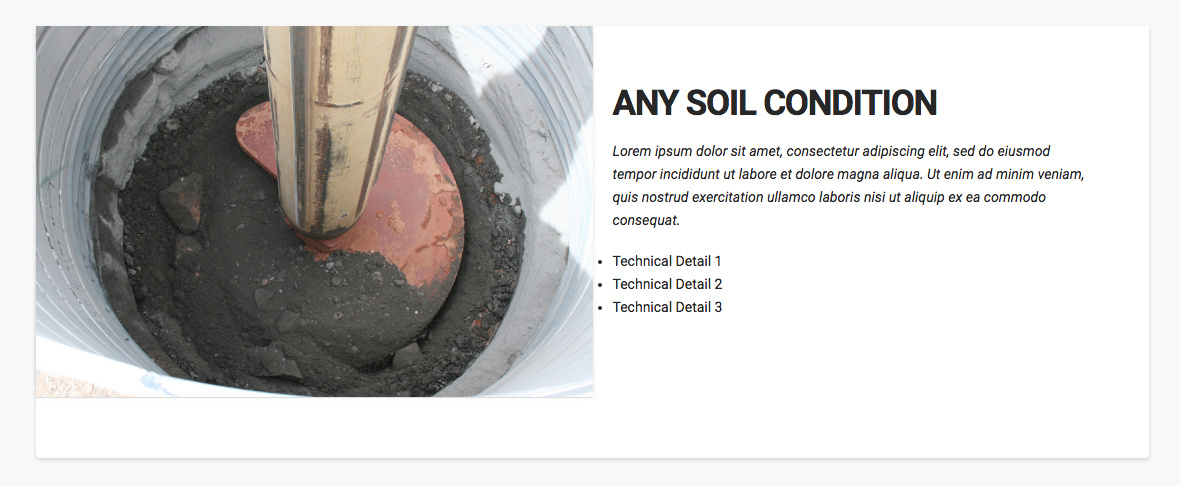
  1. Any idea why the “margin-right” isn’t applying to the bullet points?

  2. Can you provide the CSS to center the post title?

  3. Any idea why there is the white band beneath the image and content?

  4. Is it possible to add a centered button below the text content area in the right column? I tried adding a button element to the post in cornerstone but I can only add it to a section below the image and post content(see below).
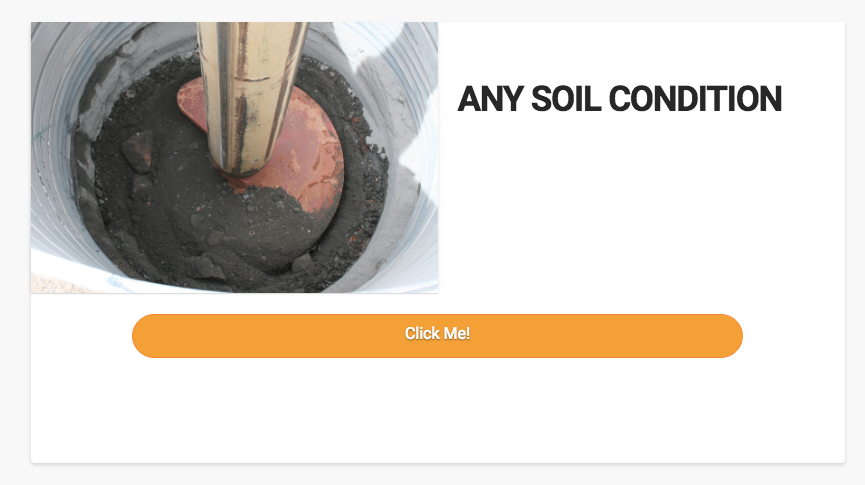
Many thanks for the help.

Hi There,

Thank you for writing in, Is your posts built in Cornerstone? 1) I advise that you layout that section as a 2 Column ROW, so you’ll have the column in the right for the image and the column on the left for the headline/text. Columns have a default right margin so you should not worry about the margin-right of the image.

  1. Just like with the featured image you need to add that title as Headline element then center it.

  2. We need to check the site before we can say where is that white space coming from, please provide us a direct posts URL.

  3. Add a CLASS btn-center to your button element, and then add this to Theme Options > CSS

.btn-center {
	width: 300px;
	display: block;
	margin-right: auto;
	margin-left: auto;
}

Add this CSS to hide the default featured image and title.

.single-post .entry-featured,
.single-post .entry-title {
	display: none;
}

Hope it helps,
Cheers!

Thanks for the response.

No, the posts was not built in cornerstone. The only thing I tried to add in cornerstone was the button and you can see my issue there(#4).

I’d like to use the standard post image and content so there aren’t any issues with the theme’s blog index and grid plugins using the post info.

With that being said…

  1. Any idea why the formatting(image margin-right) isn’t applying to the bullet points with the CSS I added?

  2. How could I center the default post title?

  3. https://spacingshape.com/mutualwp/any-soil-condition/

  4. Is it possible to add a button beneath the default post content? It’s okay if the button is applied to all posts…I’d just like it centered beneath the default content.

Thanks again

Hello @yaqubb,

Thanks for asking. :slight_smile:

  1. Margin Right: Please add following CSS under X > Theme Options > CSS:
.has-post-thumbnail .entry-wrap {
    float: left;
    width: 45%;
}

2.Please add following CSS under X > Theme Options > CSS to center align post titles:

.entry-title {
    text-align: center;
}

3.Now, over here I am a bit confused with your replies. In your second reply, you said that the post was not created using Cornerstone but you managed to add button in the same post using Cornerstone. Assuming that you created the post using WordPress editor, you can’t edit the same post in Cornerstone as it will override the changes you have made and vice-versa. In that regards, if you would like to have button under text element, please edit the post in Cornerstone and use the solution my colleague @friech shared in previous reply. I am quoting his solution over here:

Thanks.

1 Like

This topic was automatically closed 10 days after the last reply. New replies are no longer allowed.