Hi there!
I am building a header with a ‘navigation layered’ element in it.
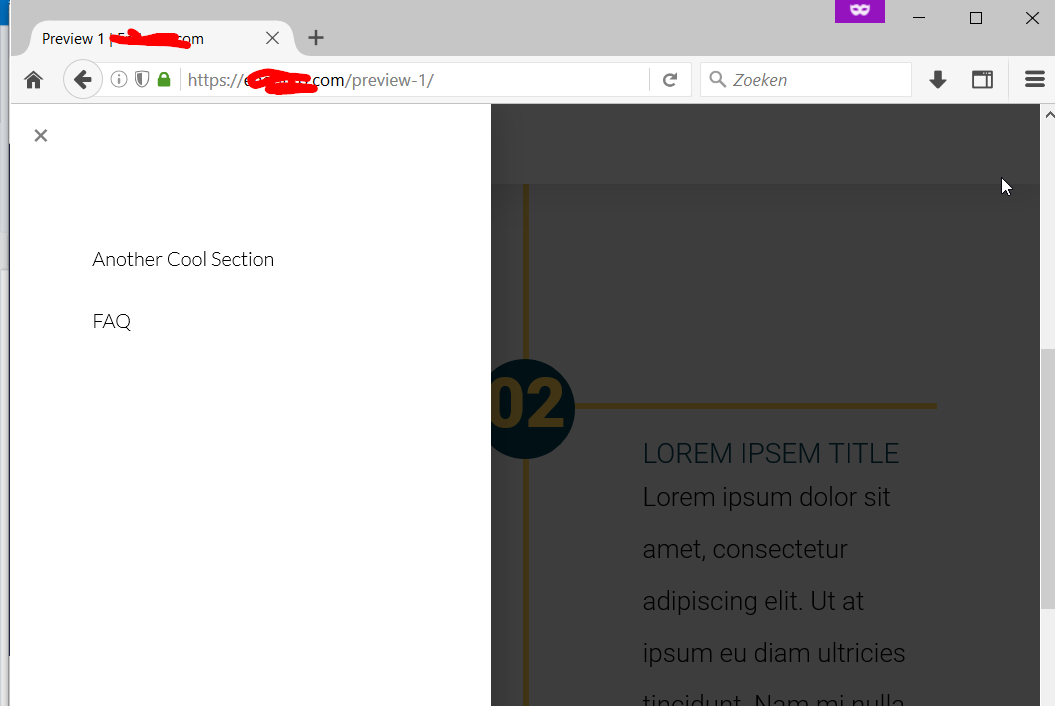
The first item in the menu is now not visible, because it is now in white against a white background. Where do i change this?
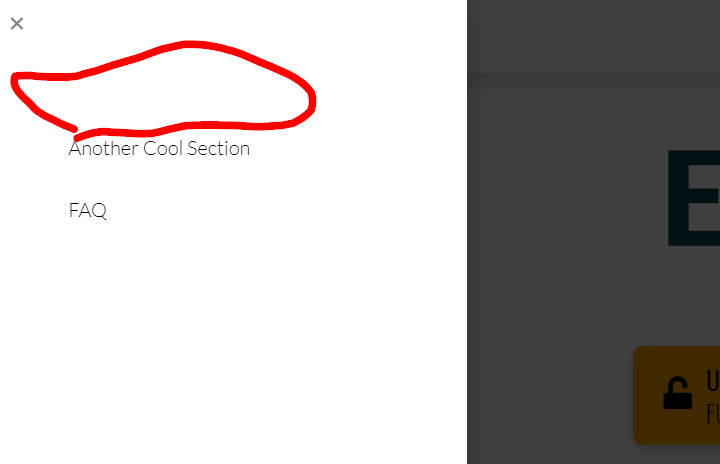
Kind regards, Tristan
Hi there!
I am building a header with a ‘navigation layered’ element in it.
The first item in the menu is now not visible, because it is now in white against a white background. Where do i change this?
Kind regards, Tristan
Hi Tristan,
Were you able to get this sorted? I tried checking your site and the menu items are now displaying correctly:
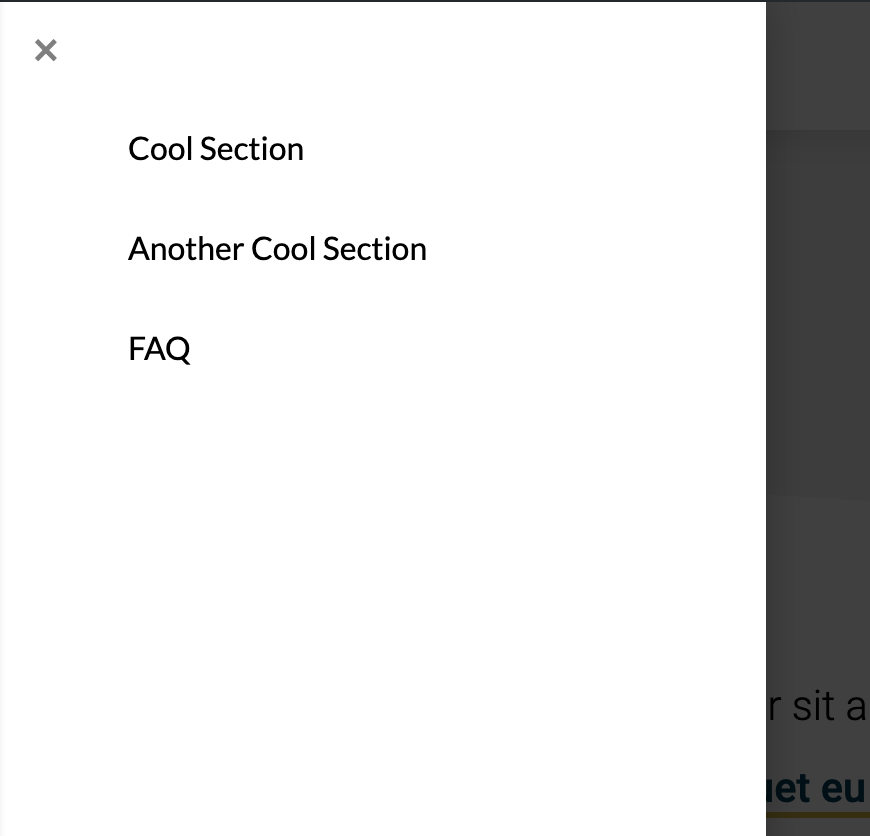
In case you still want to change the color of the menu items, please go to the element settings Links > Text.
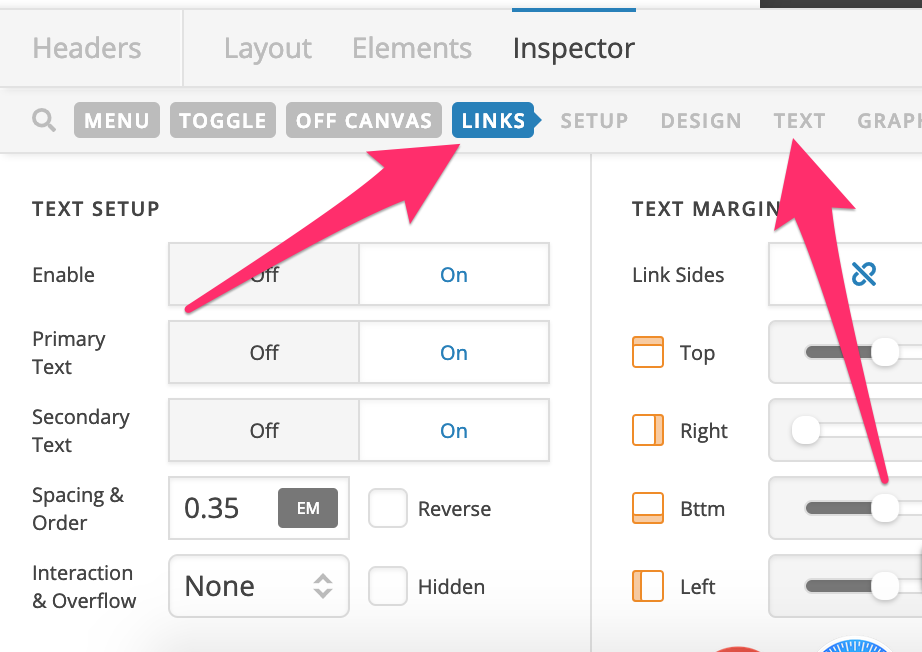
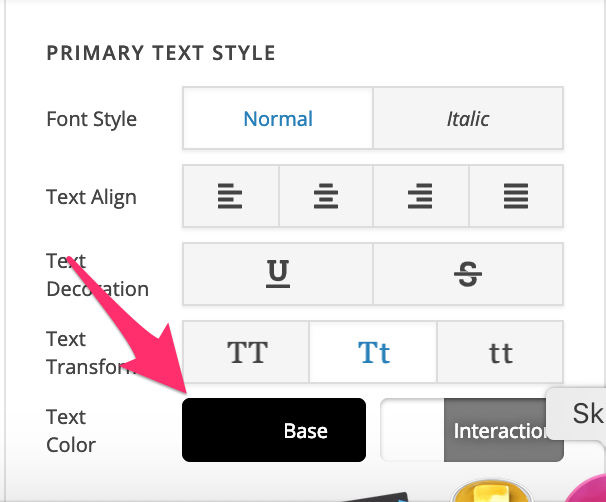
Hope this helps.
That is strange…
No, i did not manage to get it sorted.
And it still looks like the screenshot from my computer, even with different (incognito) browsers?
And i have base color set to black, like in the instructions…
Ok,
I figured it out. The first item was shown with the interaction color. Probably because as the first item it is the active one.
I changed it to grey, and now it’s fine.
Thanks!
Glad to hear that. Have a great day! 
This topic was automatically closed 10 days after the last reply. New replies are no longer allowed.