Showing Garbage CSS at head of page

Hi Support !

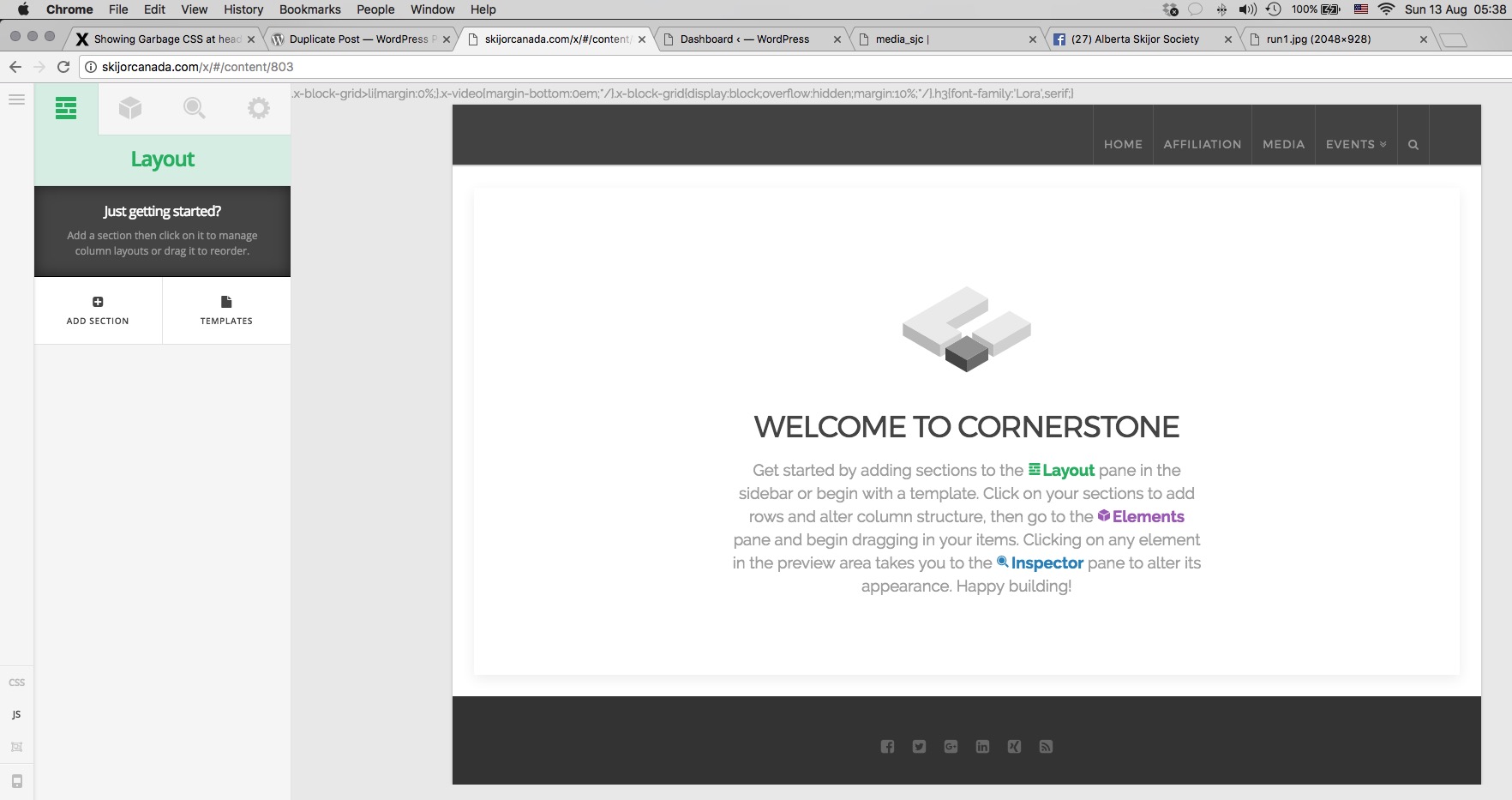
We have a page under development, with what looks like garbage CSS at the head of the page.
It’s on the very top of the page.

I cannot find how to get rid of it. Looks like cornerstone got jumbled somehow

Here is the link

Link To buggy page

Help Appreciated

Actual text

.x-block-grid>li{margin:0%;}.x-video{margin-bottom:0em;/}.x-block-grid{display:block;overflow:hidden;margin:10%;/}.h3{font-family:‘Lora’,serif;}
Hi there,

It seems that while customizing the website a tag or script is not working correctly and not closed properly.

Please kindly check your code in X > Launch > Options > CSS and JS section.

As this is happening only on that specific page I suggest that you install the plugin below to duplicate the same page:

Then in the copied page try to remove the elements from Cornerstone one by one and check the result.

By this, you will be able to pinpoint the culprit.

Hope it helps.

1 Like

Many thanks.

  • Checked Global CSS/JS ( deleted everything ). Same result
  • Deleted all elements 1 by 1 in a duplicate post, (used plugin).
  • Same results, (on that one page that has the issue) after every single element deleted, down to a blank page.

I think I need to start a fresh post for that page.

Regards
Graham

OK page recreated :slight_smile: Thanks for the guidance

You’re welcome! :slight_smile: