I am seeing the same element twice on the lightbox. How do I resolve this?
https://idcwinbig.ca/advisors-landing-page-v3/
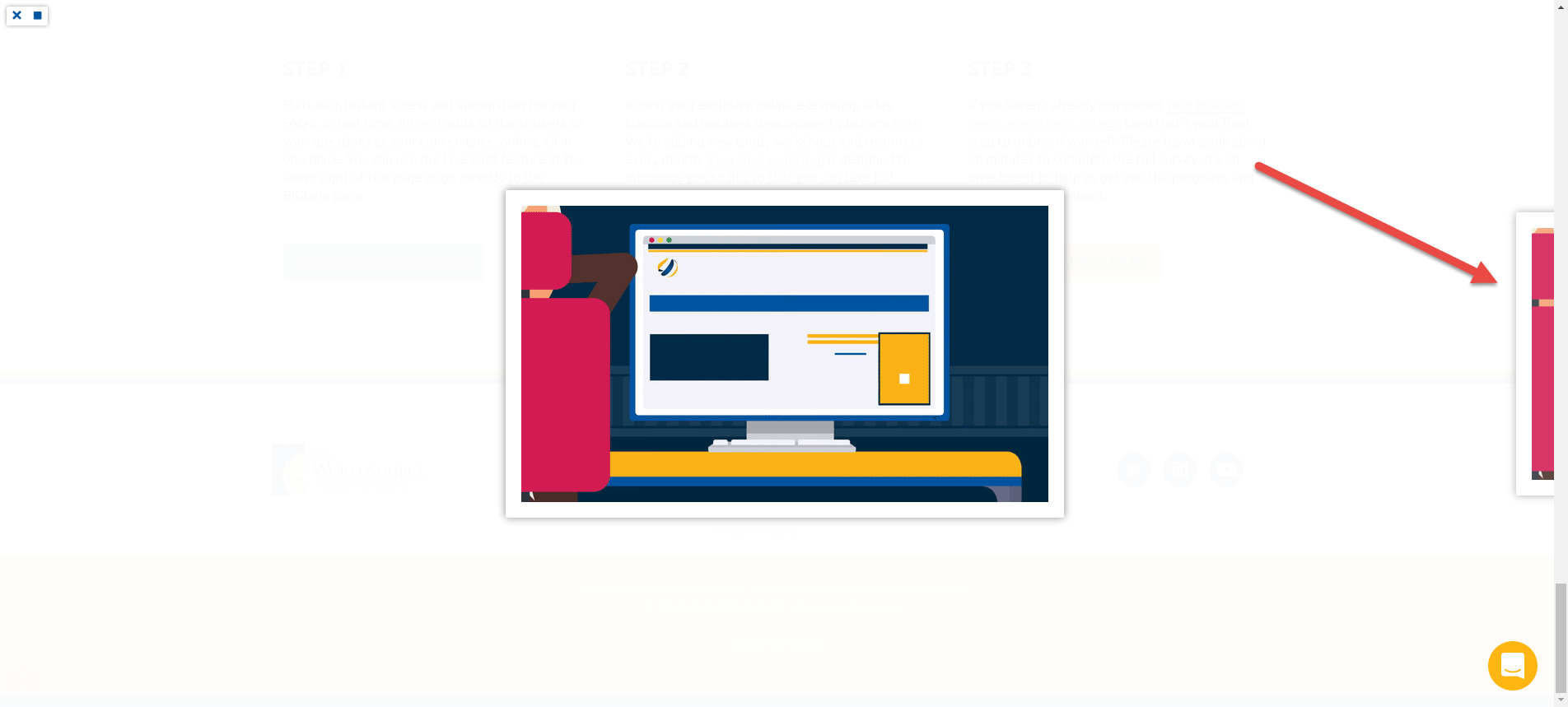
I am seeing the same element twice on the lightbox. How do I resolve this?
https://idcwinbig.ca/advisors-landing-page-v3/
Hello There,
Thanks for writing in! You are having this issue because you are linking one image using two button shortcode. I would recommend that you use different responsive lightbox shortcode having separate class selector.
For example:
[lightbox selector=".lbx" deeplink="true" opacity="0.875" prev_scale="0.75" prev_opacity="0.75" next_scale="0.75" next_opacity="0.75" orientation="horizontal" thumbnails="true"]
and:
[lightbox selector=".x-btn-custom" deeplink="true" opacity="0.875" prev_scale="0.75" prev_opacity="0.75" next_scale="0.75" next_opacity="0.75" orientation="horizontal" thumbnails="true"]
Just make sure that each of the button and your shortcode has a different or unique class so that no duplicate image will show in the lightbox.
Please let us know how it goes.
Sorry I don’t think I follow. Also I am not using shortcodes, I am inside the Xpro builder element interface. And there is only one button that is linked to this gif I want to show in a pop up.
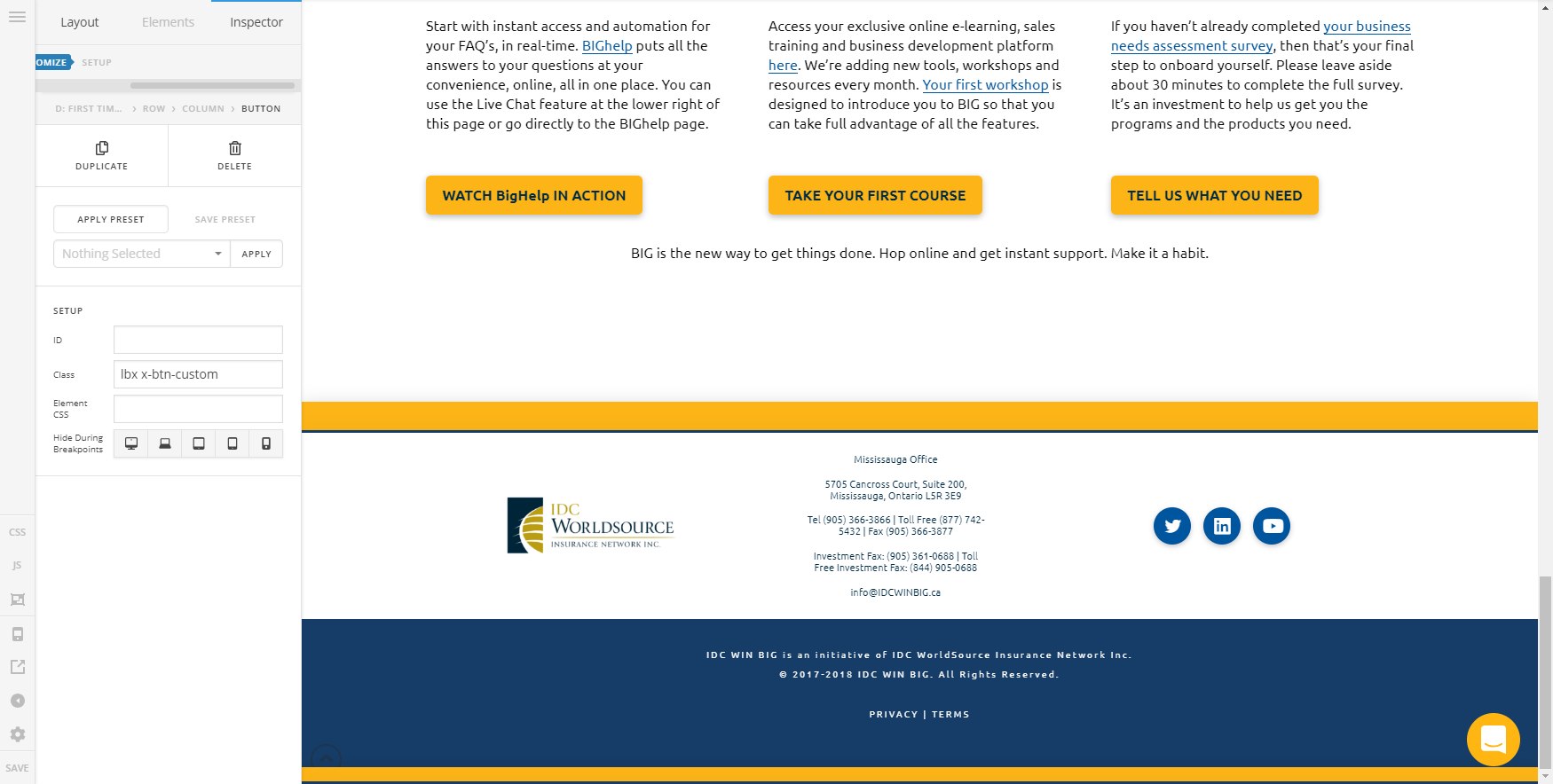
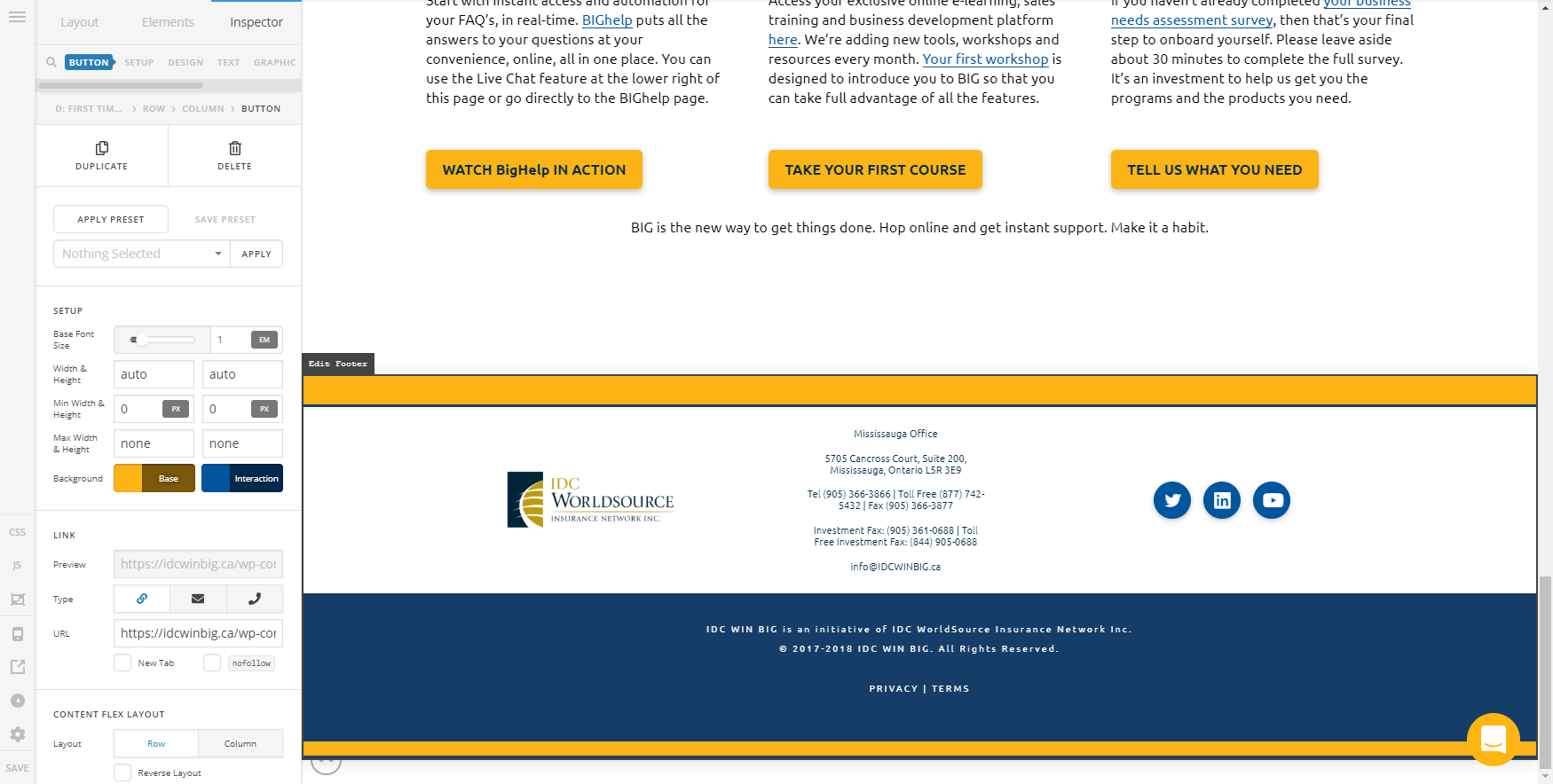
Hi @mrdfrost
It’s not that easy to debug such issues without having login credentials, so please provide us with WordPress Dashboard login details in a “Secure Note” so we can investigate this issue.
Thanks.
This topic was automatically closed 10 days after the last reply. New replies are no longer allowed.
