Short Code for Icons not working

So here is the Code.

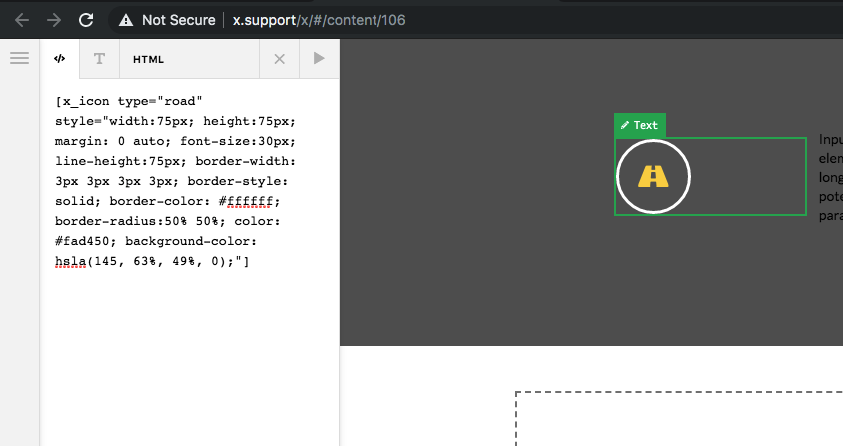
All I see is a round border and no icon at.

[x_icon type=“road” style=“width:75px; height:75px; margin: 0 auto; font-size:30px; line-height:75px; border-width: 3px 3px 3px 3px; border-style: solid; border-color: #ffffff; border-radius:50% 50%; color: #fad450; background-color: hsla(145, 63%, 49%, 0);”]

Same issue with social footer settings just round BG color no icons for FB or Twitter.

https://sapelonerr.org/ see bottom section of this home page
Hello @billlewis,

Thanks for writing in!

I have tested your shortcode and it works on my test server.

Do you have any custom icon codes in your child theme? I am also seeing that you are using X theme 7.1 RC 1. Please be advised that we do not support unrelease version of the theme. We only support up to X 7.0.4 at this moment. Kindly revert back your theme to X theme 7.0.4 because this is the version that is compatible with Cornerstone 4.0.4

Regards.

What is the best way to do this since DELETE does not show up on the lower right corner of the theme.

I found the FTP update process and all is good! :slight_smile:

Certainly, We are happy to assist you with this.

Cheers!

This topic was automatically closed 10 days after the last reply. New replies are no longer allowed.