Setup header , and sub footer in plog post page

Hi support team,

On: http://www.datainbeeld.com/opladenmetdezon/test/ have I setup in a staging area a blog page. Can you tell me how I can setup a header like I did in cornerstone for the other pages, or how can I use this blog setup (6 articles on the blog page and page navigation below under te blog articles) in Cornerstone? The current shortcodes doesn’t have the same option as the theme blog options.

Thanks!
Regards Bouke

Hello Bourke,

Thanks for writing in!

First of all, part of your header section is behind the navbar.
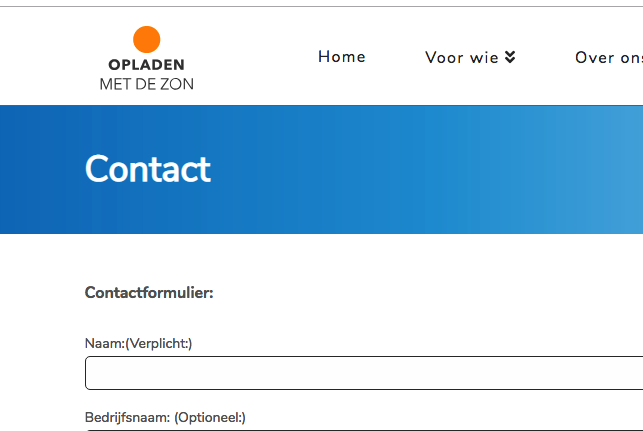
Please go to X > Theme Options > Header > Navbar and set your Navbar Top Height which is 98 pixel, the actual height of your current navbar.

By default, you cannot the Posts page or any of the archive pages even if you use the default WordPress editor. That is because the blog index and all archive page contents will be dynamically generated by WordPress. What you can do is to make use of the Global blocks and insert this block shortcodes in the theme manually. And to do that, you must go to X > Global Blocks and create two new blocks, the one for the header and the other for the footer.
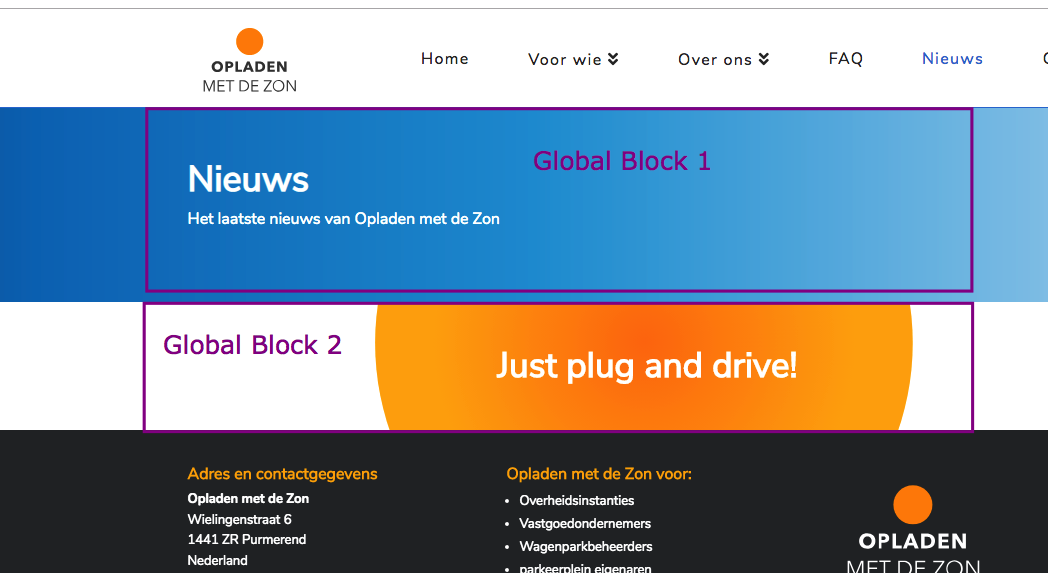
Once you have created the block, since your child theme is set up, please add the following code in your child theme’s functions.php file

// For the header
function custom_blog_header() {
  if ( is_home() ) {
	echo do_shortcode('[cs_gb id=123]');
  }
}
add_action('x_before_view_renew__landmark-header', 'custom_blog_header');


// For the footer
function custom_blog_footer() {
  if ( is_home() ) {
	echo do_shortcode('[cs_gb id=456]');
  }
}
add_action('x_before_colophon_begin', 'custom_blog_footer');

Please make sure that you have added the correct global block shortcodes in the code above.

We would loved to know if this has work for you. Thank you.
Thanks! Good solution, I fixed it for the header:
http://www.datainbeeld.com/opladenmetdezon/test/
But for the sub footer it didn’t work… not sure or the customer blog footer is located above the regular footer…
And how can I add these cs blocks also for the (x-)posts pages?

Can I add breadcrumbs for the x post pages but not on the blog landingpage?

Hi @sharp-image,

For the footer, try updating the code to this.

/*For the footer*/
function custom_blog_footer() {
  if ( is_home() ) {
  echo do_shortcode('[cs_gb id=539]');
  }
}
add_action('x_before_view_global__footer-widget-areas', 'custom_blog_footer');

Hope it helps,
Cheers!

Thanks, works perfect! Can you also my answer about the breadcrumb on only post pages?

Hi @sharp-image,

Please enable the breadcrumb under Theme Options > Header > MISCELLANEOUS > BREADCRUMBS:

After that adding this custom CSS under Theme Options > CSS to hide the breadcrumb for blog page:

.blog .x-breadcrumb-wrap {
     display: none;
}

Hope it helps :slight_smile:

This topic was automatically closed 10 days after the last reply. New replies are no longer allowed.