Set up validation if using Mamp

Hi, I checked the forum and see a solution if using XAAMP, but I am using MAMP.

The solution mentions some details about creating a virtual host in MAMP, but no reference of further info.
Can you advise how I can validate my license on MAMP local host?
thanks
Hi Ben,

Thank you for writing in, please follow the guide provided here on creating a virtual host in MAMP.

Hope it helps,
Cheers!

thanks for the super quick response.

I actually found that article and it looks really clear, but sadly I still can’t get it to work. I’m wondering if something is out of date with it. I’m on a fairly new macbook pro.
I get an error ‘can’t find the IP address’.

Is that the only way I can validate the theme? I just need to use WPBakery and I can only get it by validating. Sadly the Pro editor is just way to confusing.

HI Ben,

Instead of using MAMP, you might want to check other apps like DesktopServer which will automatically setup everything for you.

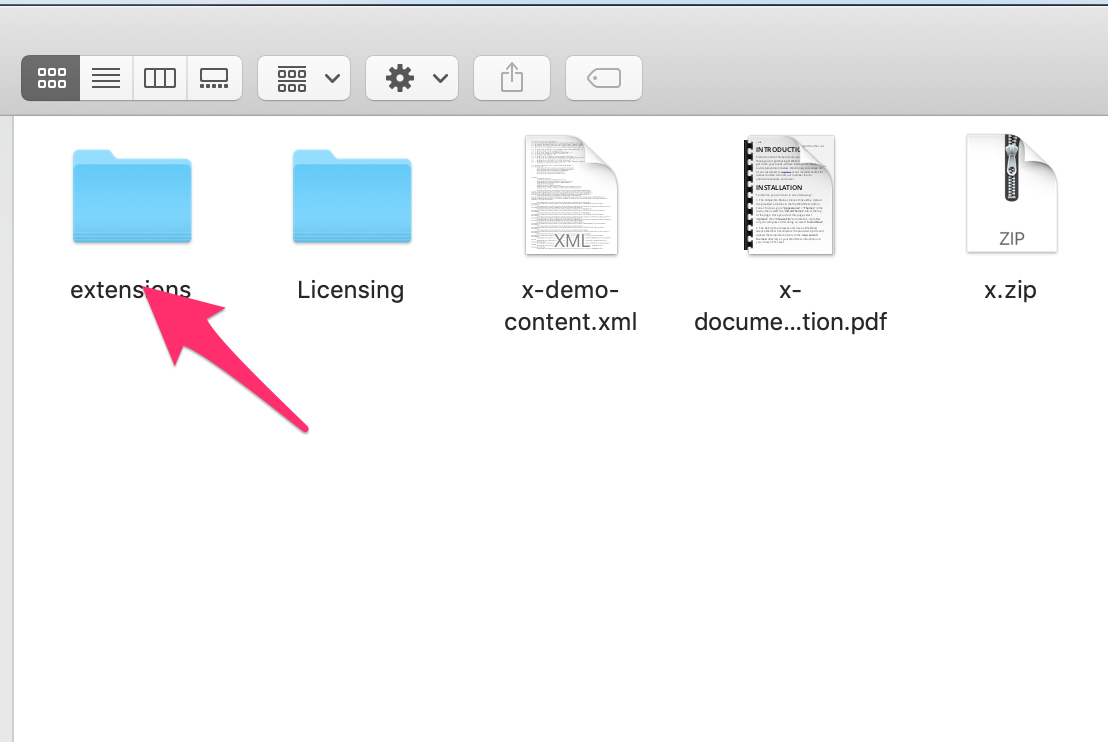
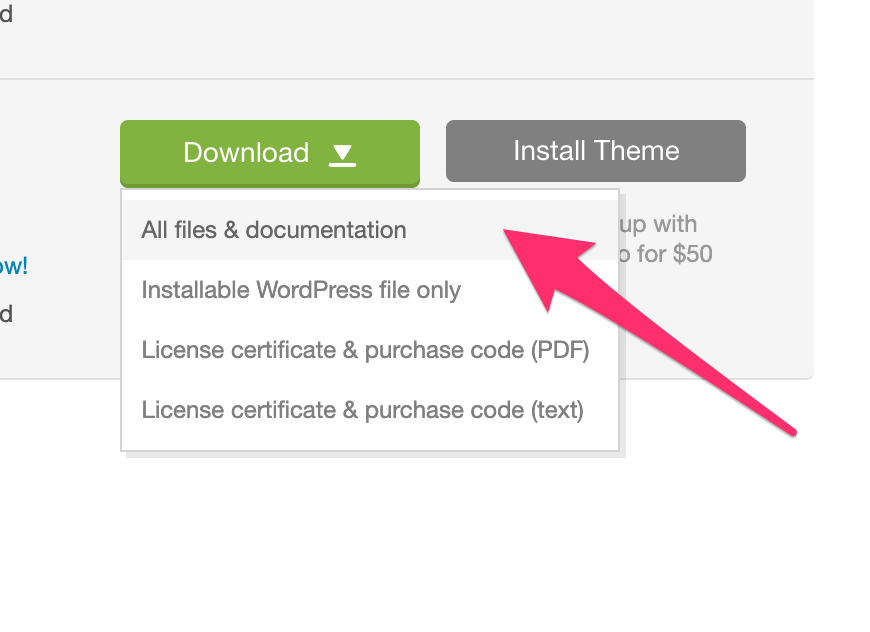
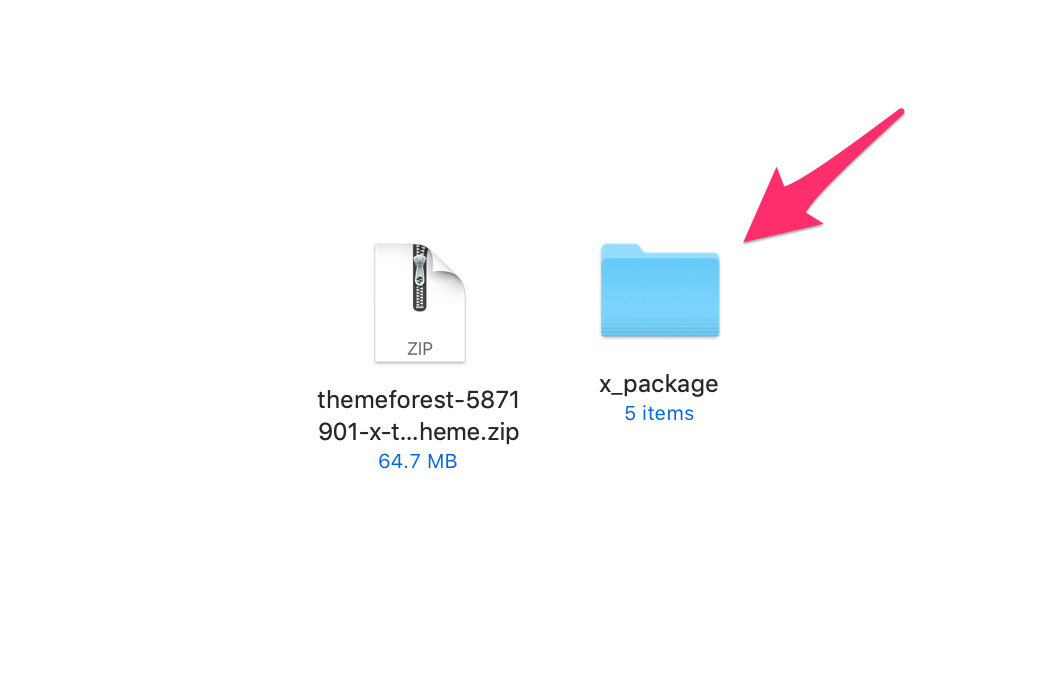
Yes, it is the only way to validate the theme. If you want, you can manually install the plugin. You can get the installable files of the bundled plugins from the extensions folder from the full downloaded file from themeforest.

Hope this helps.

Thanks for the update. Yes, adding manually would be great. Except I don’t see WPBakery Visual Composer in the list.
There is js_composer.zip but I don’t think that is it right?

Hi Ben,

js_composer.zip is the WPBakery Page Builder plugin so you can install that one.

Thank you.

great, thanks heaps

You’re welcome.

This topic was automatically closed 10 days after the last reply. New replies are no longer allowed.