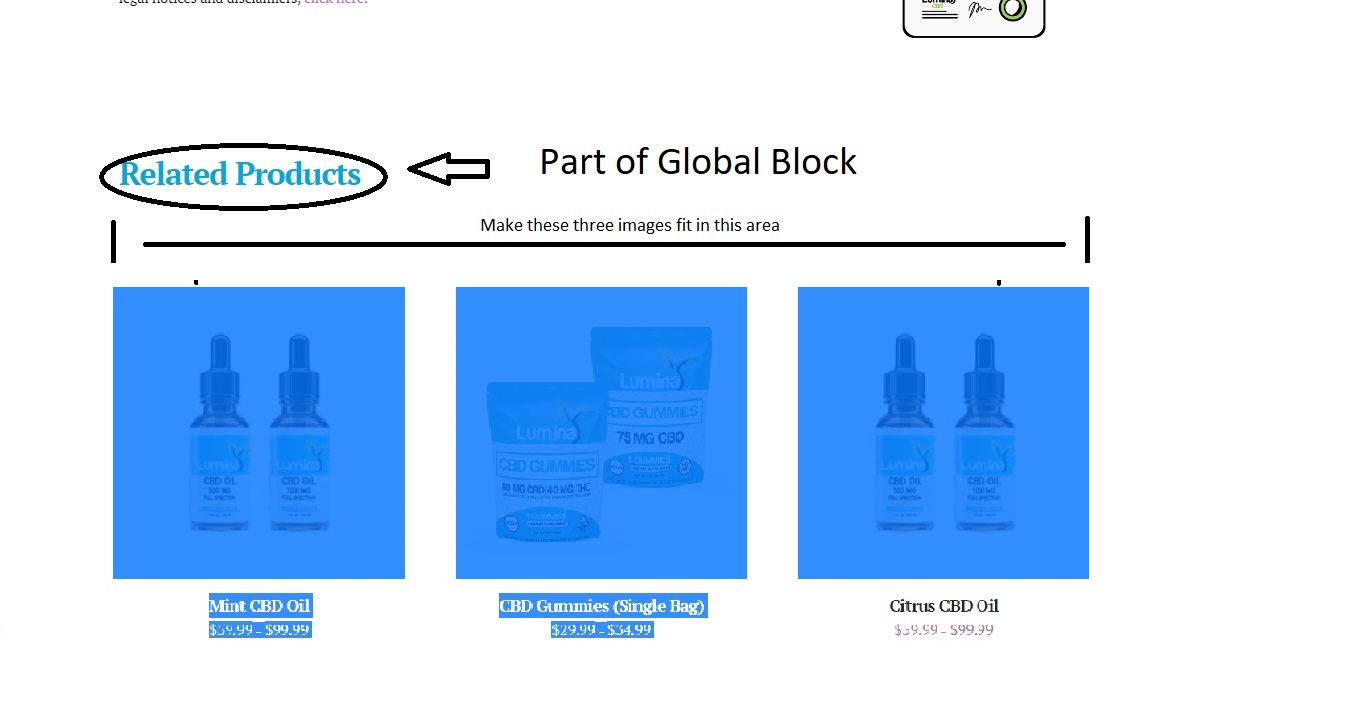
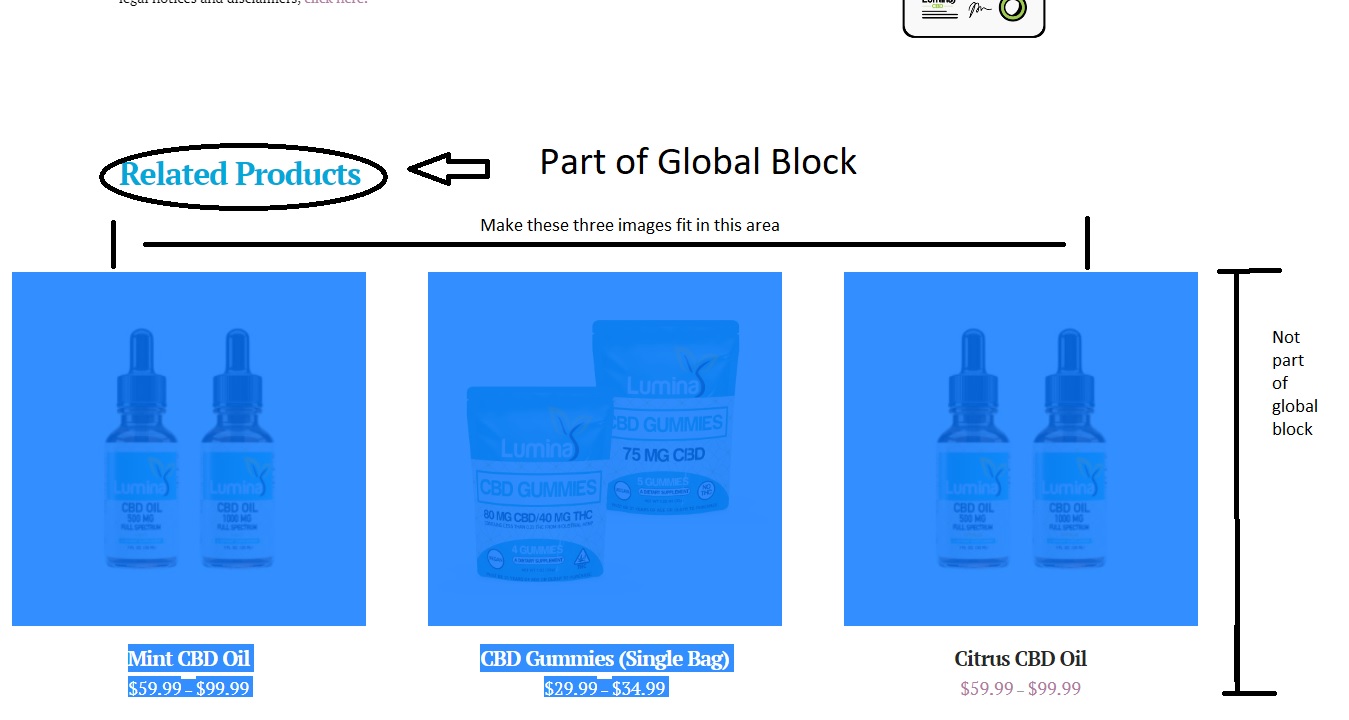
Set Desktop Only Related Products Max-Width

Hello Again,

So I have this product page.

I’ve been able to use global blocks to customize the content displayed on the primary tab.
But the width of the related product area just looks weird since it’s no constrained within the block.

How can i constrain the width on desktop widths to more closely match the content above it?

Thanks!

Jesse
Hello Jesse,

Thanks for posting in!

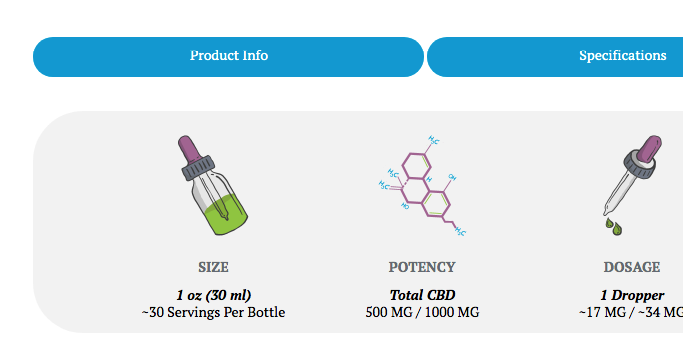
Do you want something like this?

If that is the case, please add the following CSS code in the X > Theme Options > Global CSS (http://prntscr.com/evui3r)

.single-product .x-tab-pane.description_pane {
    padding-left: 0 !important;
    padding-right: 0 !important;
    border-radius: 10px !important;
}

We would love to know if this has worked for you. Thank you.

If it’s not possible to change the max-width of the reltated products section from woocommerce I can always just remove it entirely and build my own version inside the global block (though i will need to code to remove related products to do that).

Hello Jesse,

Thanks for the clarifications.

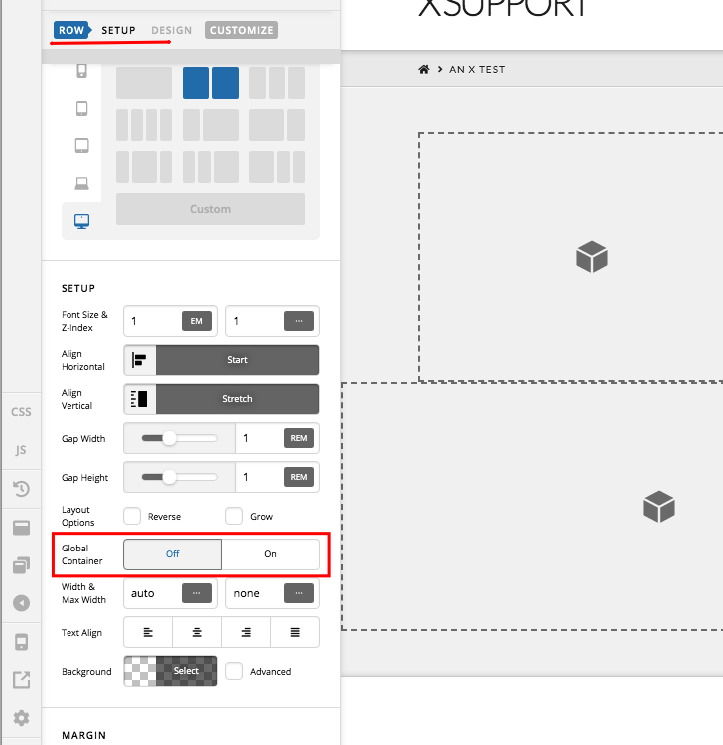
To resolve your issue, you can disable the Global Container option which can be found in the row settings.

If you need anything else, please let us know.

Sorry, I wasn’t referring to an area that can be effected by cornerstone/pro editors.
I’m talking about the RELATED PRODUCTS pulled in by WooCommerce.
But It’s fine, i’m just going to add the related products manually and disable the WooCommerce generated ones.

Hi Jesse,

If you still want to be able to target the related products are that comes default with woocommerce, you can try this CSS:

.woocommerce .related {
     max-width: 1080px;
     margin: 20px auto;
}

Feel free to adjust the code above.

Hope this helps.

This topic was automatically closed 10 days after the last reply. New replies are no longer allowed.