"Session Expired" - Unable to edit in Cornerstone

After the new update very time I got to edit my home page in Cornerstone I get this “Session Expired” -
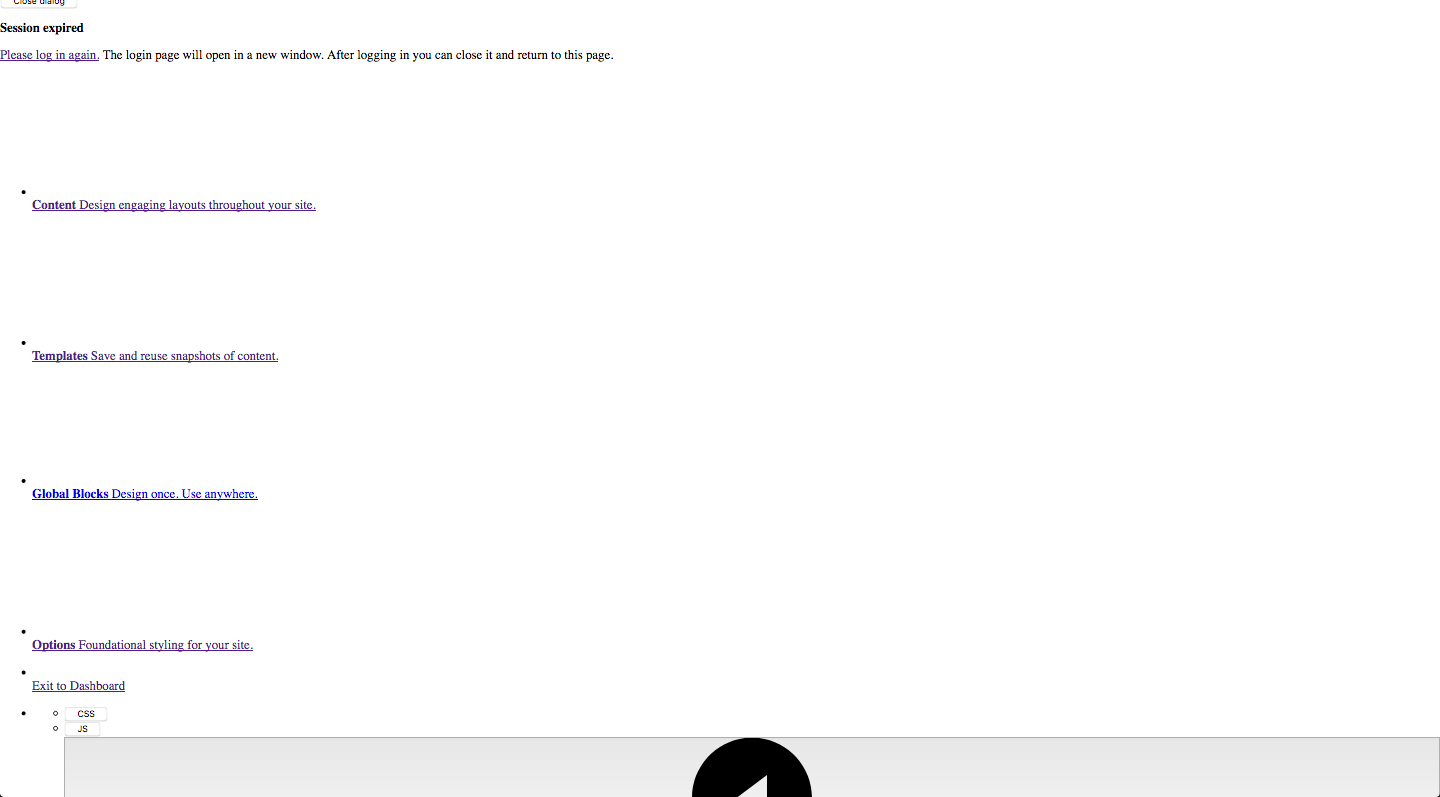
I have cleared browser and site cache to no avail. Any ideas?

Thank you,

Joel.

Hello Joel,

Thanks for asking. :slight_smile:

Please try following solutions:

  1. Please make sure you are using latest version of WordPress. As of today the latest version of WordPress is 4.9.8.
  2. Please make sure you are using the latest version of X Theme 6.3.6 and Cornerstone 3.3.6.
  3. Test for a plugin conflict. You can do this by deactivating all third-party plugins, and see if the problem remains. If it’s fixed, you’ll know a plugin caused the problem, and you can narrow down which one by reactivating them one at a time.
  4. Post update, always remember to clear all caches (if you are using WP Rocket, Comet Cache, WP SuperCache or W3 Total Cache) when updating so that the code from the latest release is always in use. This will help you to avoid any potential errors.

Let us know how it goes.

Thanks.

This topic was automatically closed 10 days after the last reply. New replies are no longer allowed.