How to separate Navigation menu and WPML to make space between it.
And how to change this WPML English Russian navigation font and size, color?
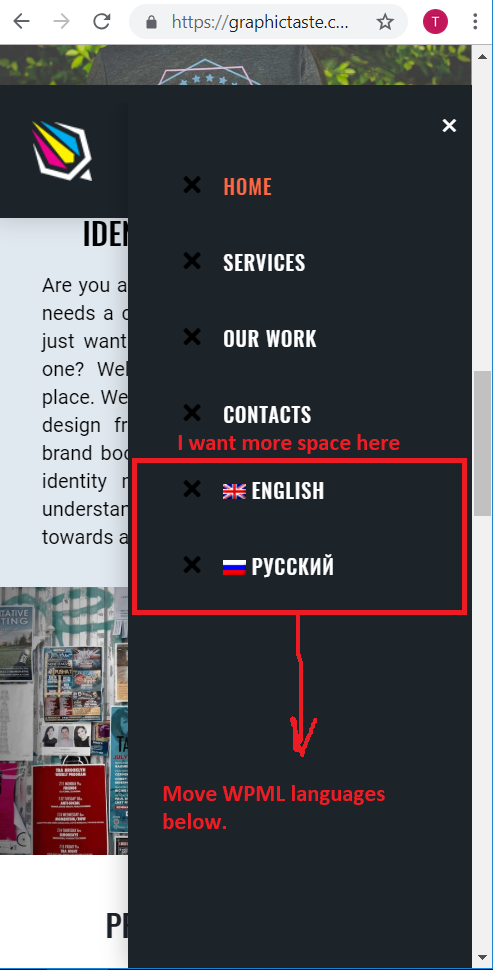
How to separate Navigation menu and WPML to make space between it.
And how to change this WPML English Russian navigation font and size, color?
Hi @graphictaste,
Thanks for reaching out.
Sure, they are possible. Please add this to your menu element’s Element CSS
$el .wpml-ls-item {
margin-top: 3em;
}
$e l .wpml-ls-item + .wpml-ls-item {
margin-top: 0em;
}
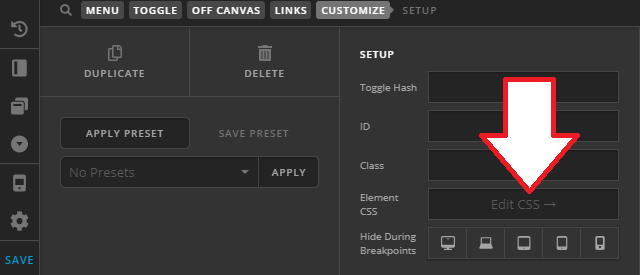
And this too for font and color
$el .wpml-ls-native {
font-size: 10px;
color: pink;
}
Make sure to change the values according to your preference.
Thanks!
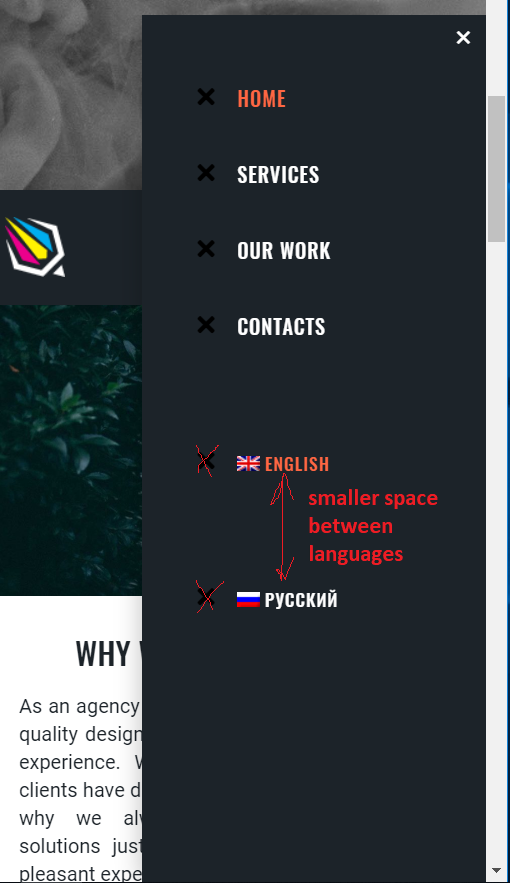
Nice. And how to make smaller space between languages choice, and how to get rid of graphic icons only on languages?
Hi @graphictaste,
Sorry, there was a typo, there should be no space between $e and l
$el .wpml-ls-item {
margin-top: 3em;
}
$el .wpml-ls-item + .wpml-ls-item {
margin-top: 0em;
}
That should remove the space between each language item.
Thanks!
Thanks. It works 
You’re welcome!
Thanks for letting us know that it has worked for you.
This topic was automatically closed 10 days after the last reply. New replies are no longer allowed.