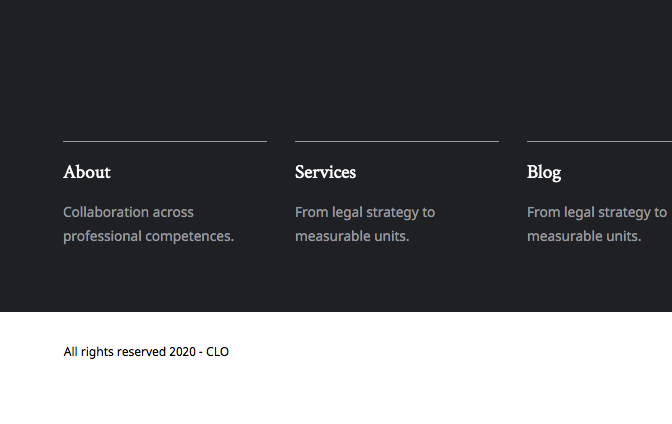
Sections and Rows Not Centered

Let me preface this by saying that I am using XTheme with the Lawyer demo.

On my homepage, I’m having an issue where any section and row that I add is shifted to the right and not centered. You can see this issue on the top of this page where I have Facebook Google and Avvo reviews. It’s not quite centered like it should be. How should I fix this?
Hello Brock,

Thanks for writing in! Please edit your page and click your section container. Find the "Customize’ tab and remove the x-force-full-width class because it is forcing the section to move to the right side of the page.

We would love to know if this has worked for you. Thank you.

Thanks for your response - I removed that and it did help center it a little more, but it’s still not perfectly centered.

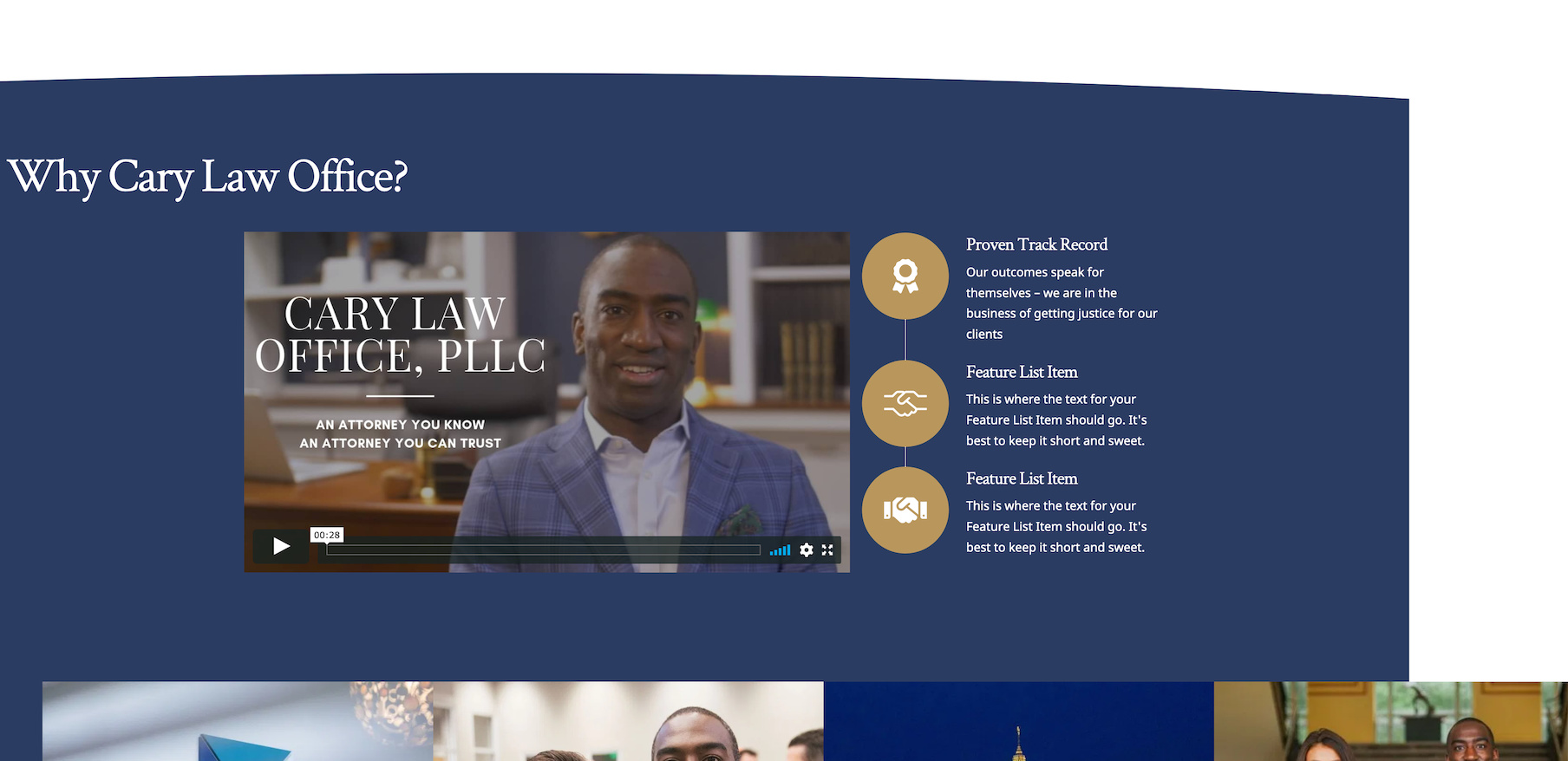
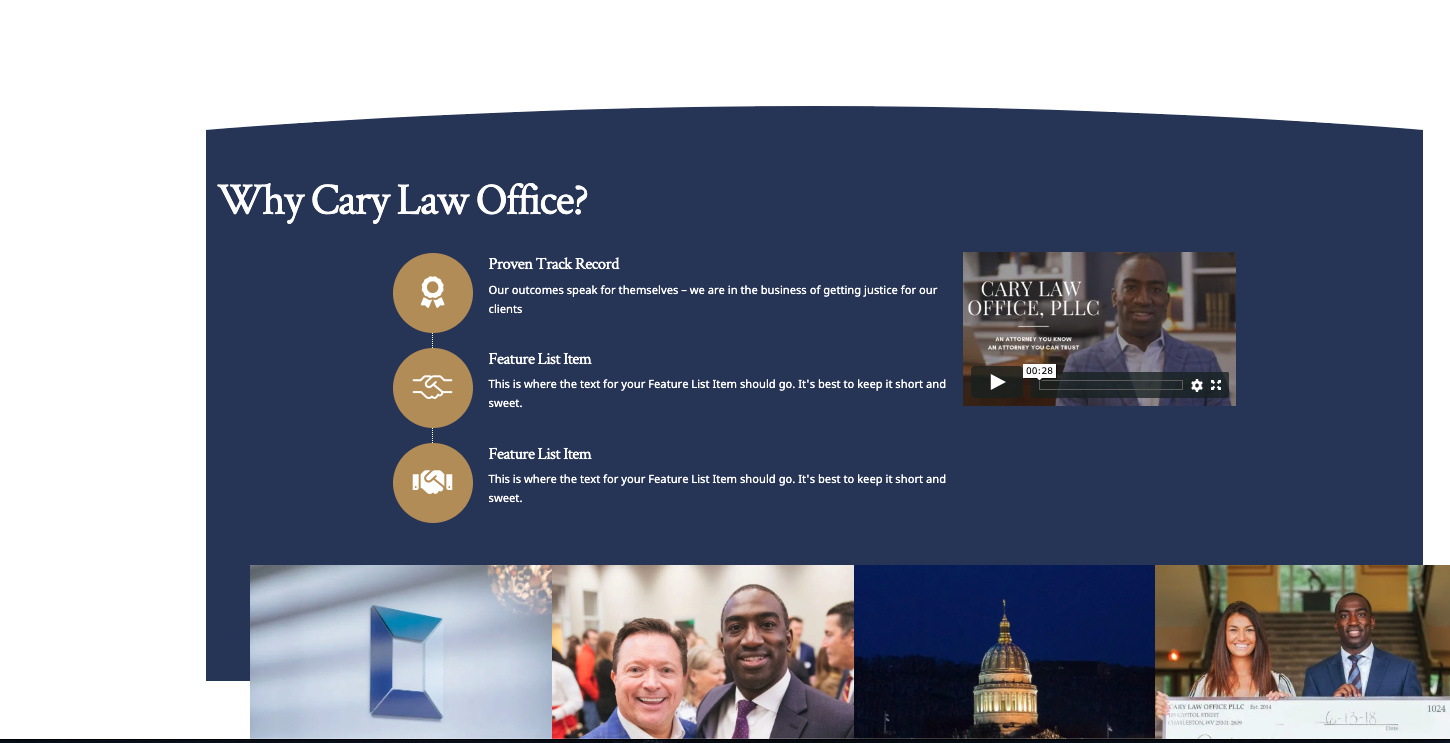
I tried it on the next section down and it cuts off the sides of the section and makes it look poorly I showed it below. The first photo is with the “x-force-full-width” removed and the second photo is withit not removed (with the blue going all the way to the edge - which is what I want).

I basically want certain sections to be perfectly centered and the background color to go all the way to the edge of the page.

Hello Brock,

Please understand that the sections in the Lawyer demo site content where purposely moved to the right of the page to give enough space to display the vertical logo in the left side. If you want to positioned the sections at the center properly, we might need to remove the logo image first.

Kindly let us know your thoughts on this.

So I assume I’m not able to pick and choose which sections are effected by the side logo? If not, I think I’d like to see what it looks like without the vertical logo.

Thanks!

Hello Brock,

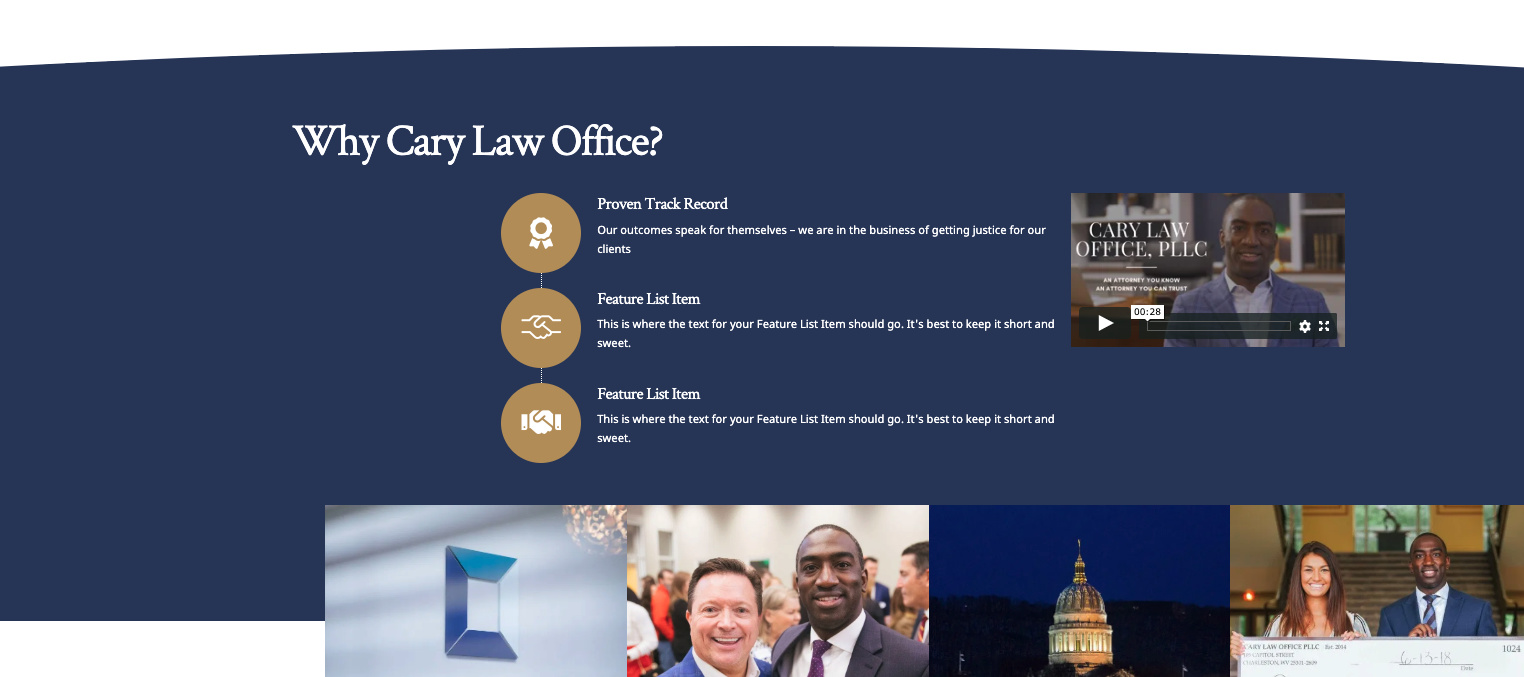
Without the logo and the sections back to its original fullwidth state, you will have this:

Header:

Footer:

Hope this helps.

OK great - I’ve looked and I don’t see how to remove that - mind pointing me in the right direction?

Hello Brock,

Please go to X > Theme Options > Custom CSS and remove the custom css added there:

You may need to post the css code you have remove in your next reply so that we have a backup and we can put it back if something is broken. If nothing is helping, provide us access to your site so that we can check your settings. Please create a secure note with the following info:
– Link to your site
– WordPress Admin username / password

To know how to create a secure note, please check this out: https://theme.co/apex/forum/t/how-to-get-support/288

Regards.

Thanks! Because I just used the demo, a lot of this CSS was already in place. I took a look began testing by removing certain bits of code, seeing what happened and putting it back if it didn’t do what I was looking for. While some of the code did affect the width of the site, it never made it so it looked the way I was looking for. Do you know which piece of code needs removed?

Hi Brock,

I have just checked your account and you have several licenses so I am not sure which site in question.

For the meantime, It should be this block of of code that is adding the left padding to the site:

  .site {
    padding-left: calc((50vw - (1170px / 2)) + 1em);
    padding-right: 3em;
  }

Then this is the block of code that adds the logo:

.site:before, .site:after {
    content: "";
    display: block;
    position: absolute;
    background-image: url(//demo.theme.co/lawyer/wp-content/uploads/sites/95/2019/11/logo.png);
    background-repeat: no-repeat;
    background-size: cover;
    width: 107px;
    height: 24px;
}

Hope this helps.

Thanks! That seemed to fix the issue, but actually ended up creating another one. Because all the content was pushed to the right side, when I removed the code, it brought a lot of it over to the left side and left the right blank. Anyway I can fix that? My backgrounds, like the blue color in the photo attached, don’t fill all the way to the right.

http://brobur12.dreamhosters.com/home3/

Hi Brock,

That is because of the x-force-full-width class applied on the sections, please remove that class on the section as Ruenel instructed above.

Please be prepared to do a lot of adjustments since you remove the left-space area as that is a big part of the lawyer demo design. Might as well remove all the custom CSS that comes from the lawyer demo to avoid complications.

And always clear your caching after made an update to see the changes immediately.

Thanks,

That worked! Thank you!

You’re welcome!
It’s good to know that it has worked for you.

This topic was automatically closed 10 days after the last reply. New replies are no longer allowed.