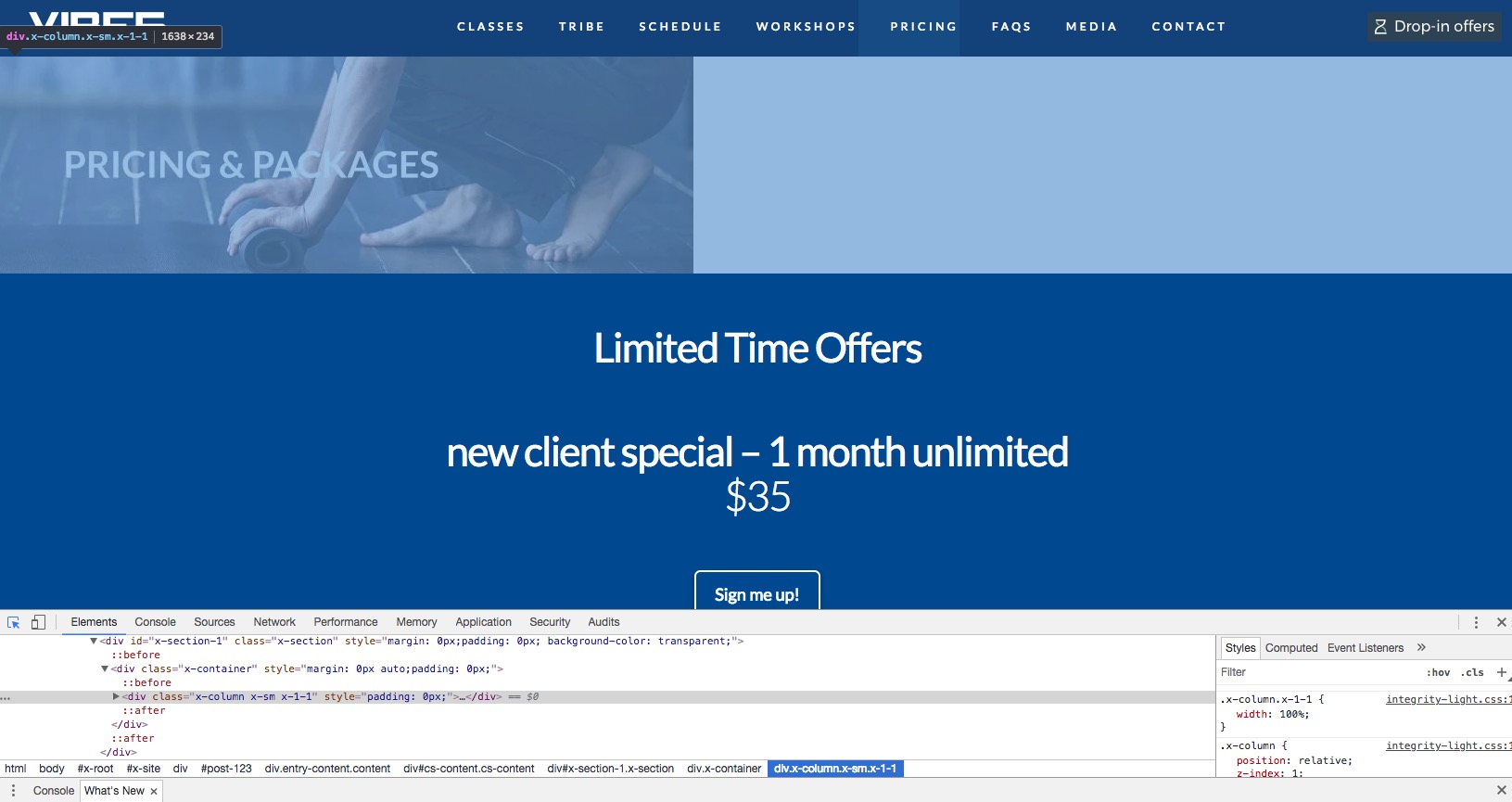
Section width and images not rendering correctly

Hi, Please see attached screen shots. The section and image show show as in the backend; full width. It is loading as shown in the other screen shot only partial. This has just started with latest update.

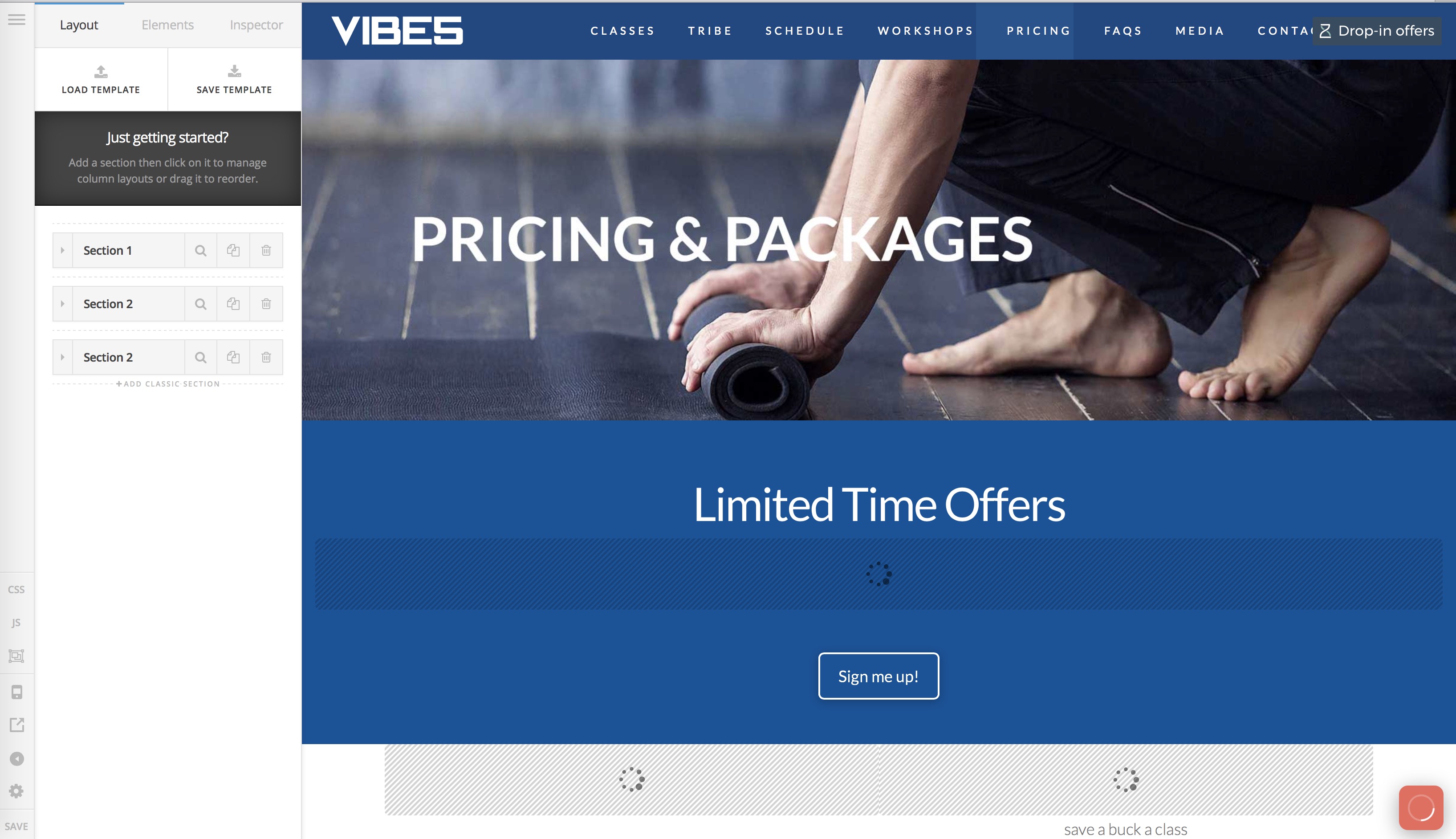
Also, you will notice in the backend screenshot that the page is not loading either; red spinning loading indicator and content areas will not load.

Please advise. Thank you
Hello @cmelnik,

Thanks for asking. :slight_smile:

First I suggest you to turn off Jetpack Photon module (for time being). The issue is that because of Jetpack image CDN it’s loading a different image (url in secure note). As the image not a background image in your case background image in your case width of image in the section is directly proportional to image dimension. Is the dimension of image less then it won’t occupy the section width and right now in your website same thing is happening. In that regards you need to update and upload the image accordingly. Also the reason why I am suggesting you to disable Jetpack Photon module is because the updated image version of image to load not the cached one.

Please review following article to disable Jetpack Photon:

Thanks.

Interesting. Yes, tuning off Jetpack corrected it. Thank you!

While in there, did you happen to notice the issue with some of the pages never full loading the editor; keeps showing red icon spinning and/or some of the content areas never loading all the way? class prices is one of the pages that has this issue among others.

Thank you.

Hi There,

We just release another patch version (Pro 2.1.3), please update to that version. After the update, please clear all your caching and optimizer plugin, so that the code from the latest release is always in use. This will help you to avoid any potential errors.

Thanks,

This topic was automatically closed 10 days after the last reply. New replies are no longer allowed.