Section to FULL WIDTH

I have tried several suggested solutions previously provided in this forum but cannot, for the life of me, to get a section to go full width. My latest attempt was to try what was suggested here:

Everything I do leads me to this result:
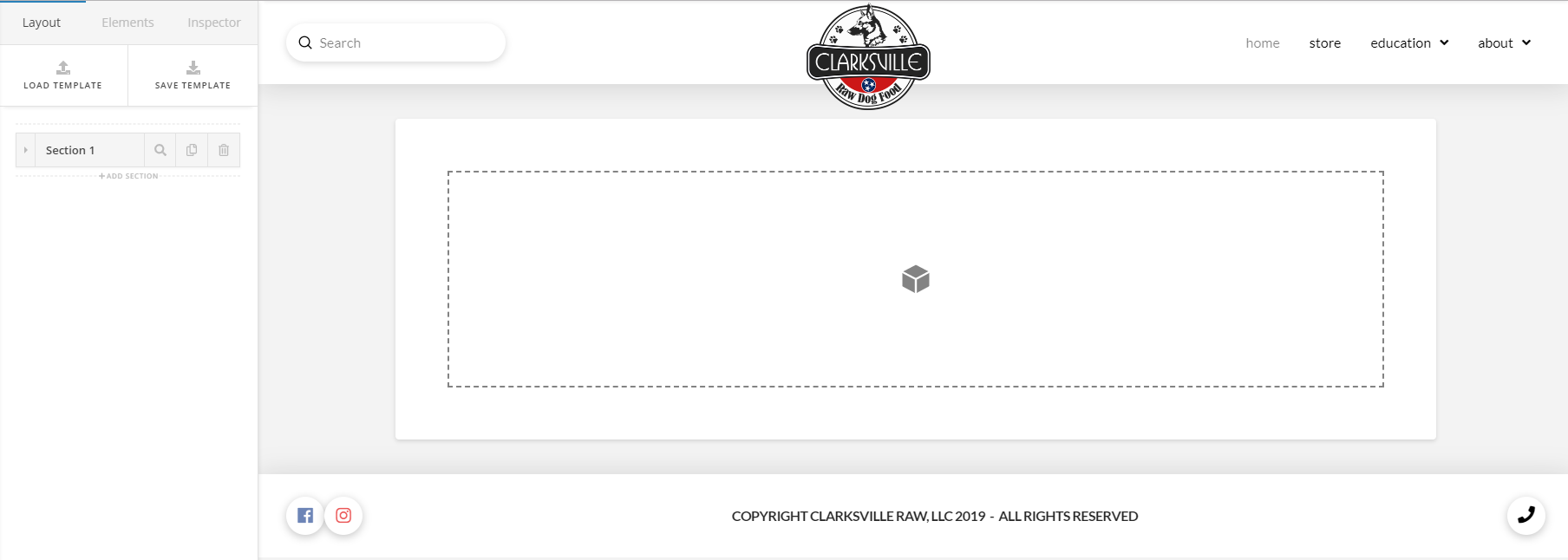
The site is new and I am just now getting a skeleton together. Your help would be very much appreciated.
Hi @discobot,

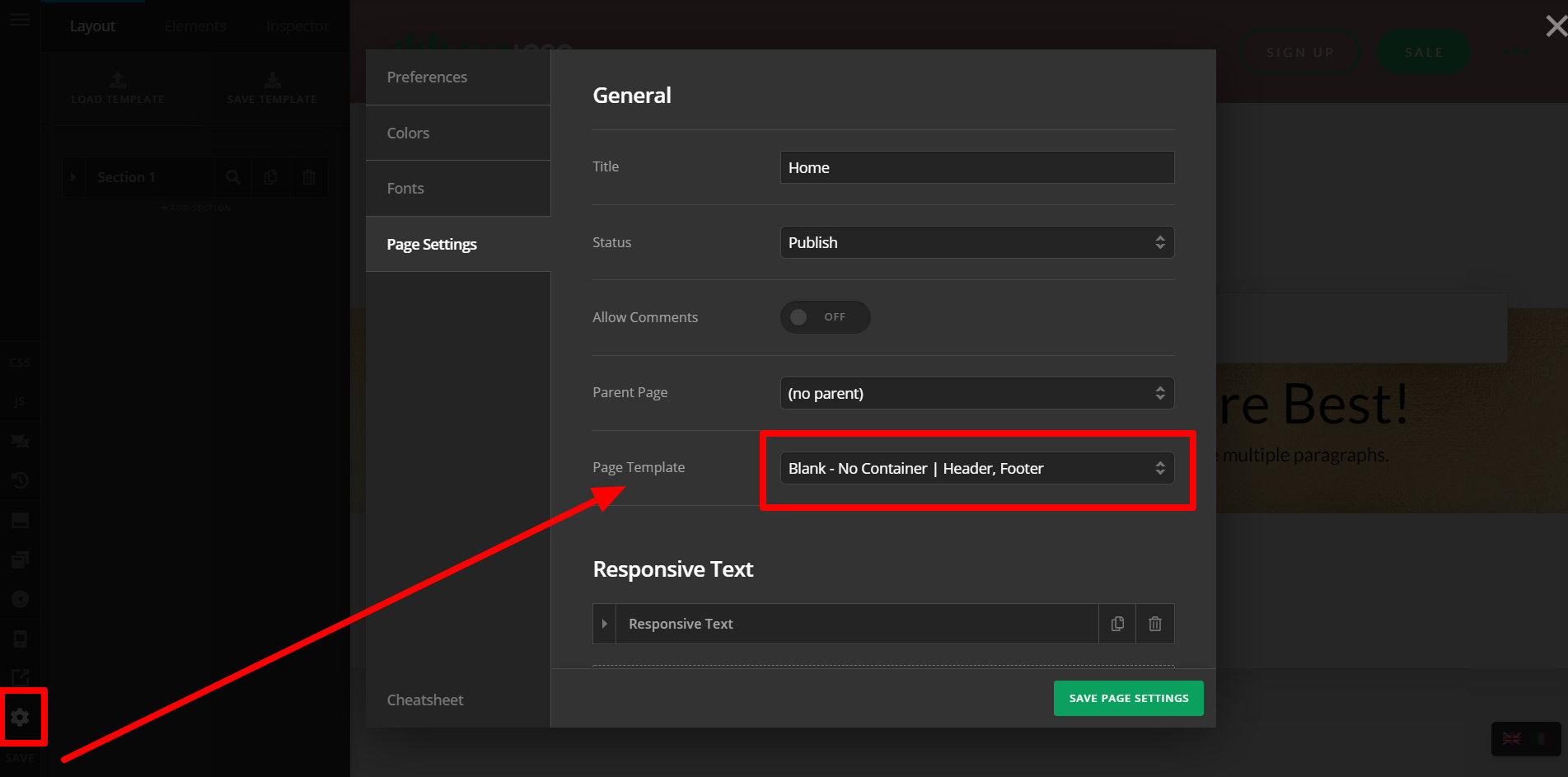
The answer to your issue might be page template. Please choose a page template with NO CONTAINER .

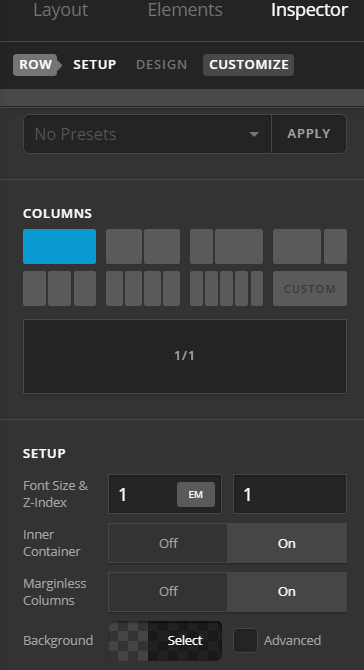
Using NO CONTAINER template, this means all section by default on this page will be fullwidth. On Cornerstone editor, you do have an option set INNER CONTAINER to ON and OFF for ROW. This option will let your content have certain width.

Hope this helps.

2 Likes

Ok… I am absolutely loving you right now. Thank you. I literally spent hours trying to figure this thing out yesterday. Just in case you haven’t figured it out… this ABSOLUTELY solved the problem. I am filing this away for future reference. I do have another question but it does not pertain to this issue. Should I start another thread?

Hello Roberts,

Thanks for updating the thread and for sharing awesome feedback. :slight_smile:

As the question is not related with this thread, I would recommend you to start a new thread to avoid any confusion and slow response time.

Thanks.

This topic was automatically closed 10 days after the last reply. New replies are no longer allowed.