Hi. could you help me? For some reason I can’t figure out how to split section into two like in the image below. Full height section one side and other.
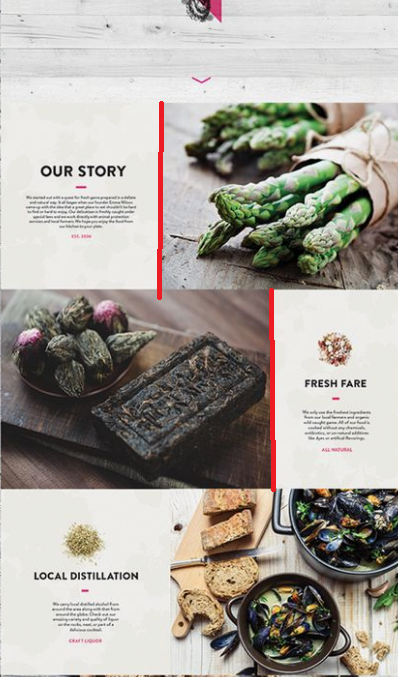
i tried with rows but its not the same…
Hi. could you help me? For some reason I can’t figure out how to split section into two like in the image below. Full height section one side and other.
i tried with rows but its not the same…
Hi There,
Please follow these steps:
Inner Container and enable Marginless Column options of your row: https://i.imgur.com/O9j2DqB.png
vertical-align: middle; https://i.imgur.com/kPJ0O1F.png
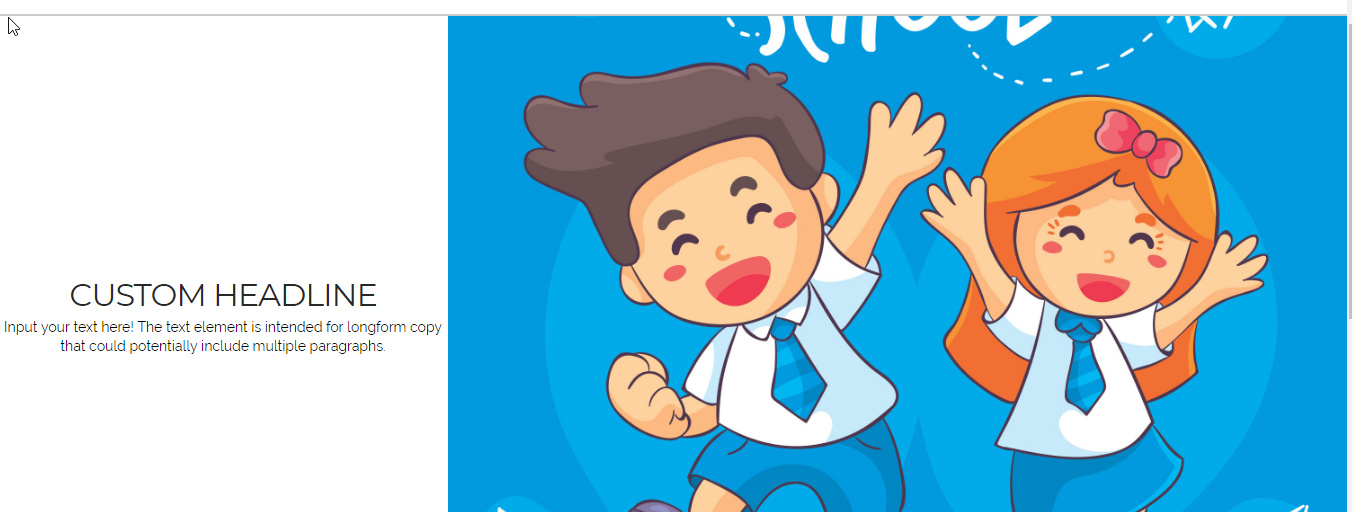
Hope it helps 
Thanks. Love you 
Everything fine but, vertical aligment center not working 
Hello There,
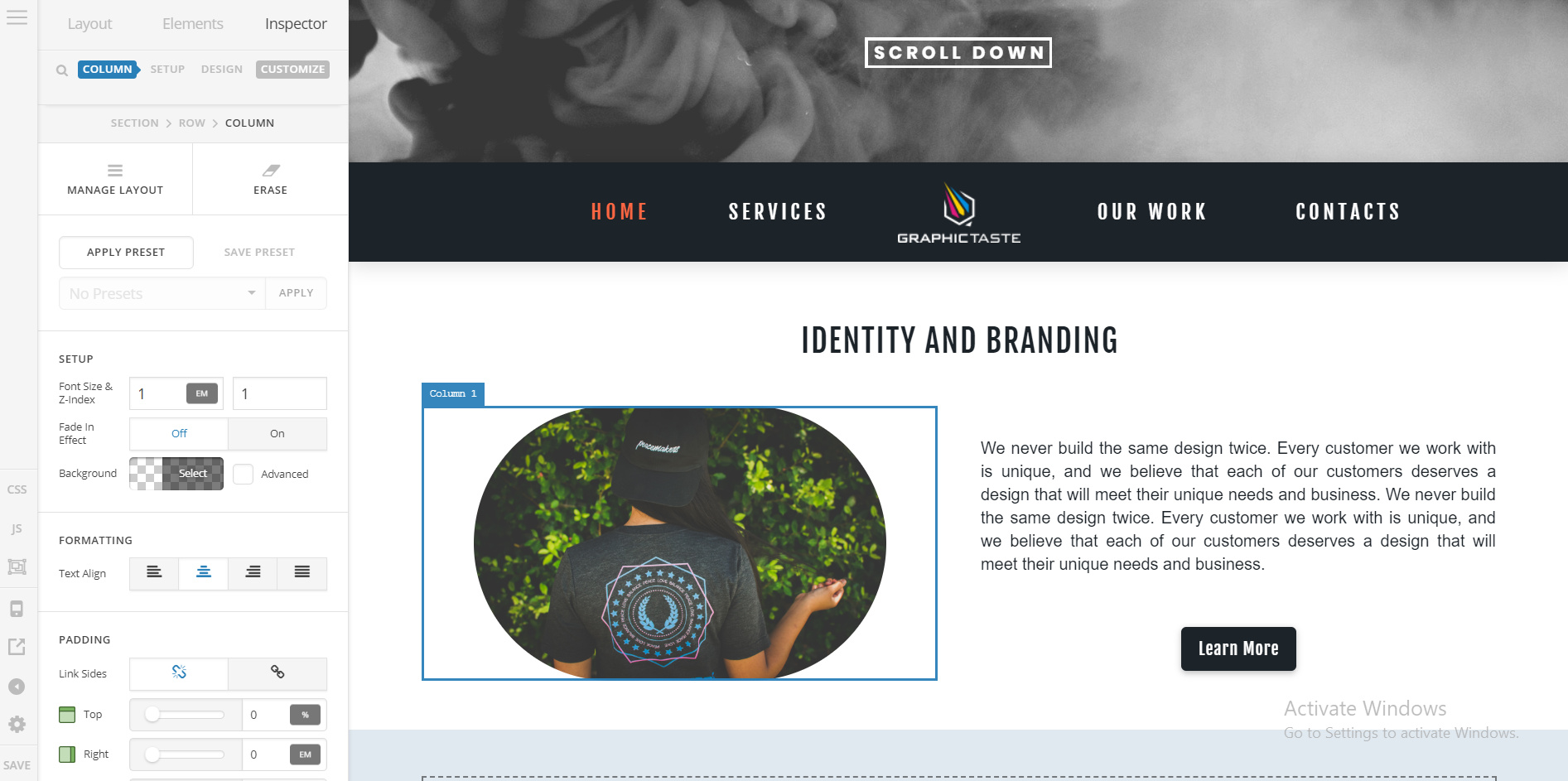
I have check the homepage of GraphicTaste and it seems that you already have vertical alignment to the center.
Could you please provide any screenshot on how it looks like in your screens? This is how I see it by the way: http://i.prntscr.com/66-ax0T9SNORD5-3BGqZRA.png
Please let us know how it goes.
I made this by different way. Placed some code in cornerstone css, then placed class name in section class
This topic was automatically closed 10 days after the last reply. New replies are no longer allowed.


