Section background colors not loading in Cornerstone

Hi there,

I’m working on a development site, and in the last few days I’ve found myself having to re-assign background colors to each section every time I edit the pages in Cornerstone (I’m using the latest version of Pro). When I go into the section inspector, the original color shows as being selected, but in order to see it I have to choose another color and then re-select the original color. All is well until I save the page, at which point it reverts back to a white background. http://chelseastaging.wpengine.com - will supply admin credentials when you respond. Thanks!
Hello There,

Thanks for writing in! This issue should not have happen. Each of the section background color option is independent and will not change. Would you mind providing us access to your site so that we can take a closer look?

Thank you in advance.

Hi @flownonfiction,

The login credentials aren’t working, it says invalid username. I tried different combination (withour space and reveresed words) and I couldn’t guess. Please provide the correct one.

And does it affect a specific page only? If yes, which page. Maybe it’s not just saving but loading fine, it just loads the previous data.

Thanks!

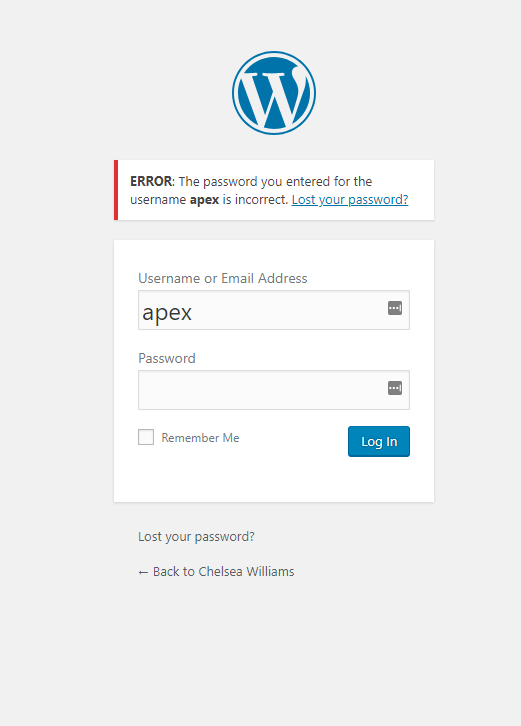
Sorry about that! Use the same password with the username “apex” - that should get you in.

Hi @flownonfiction,

Still could not be able to login. Please check if it is the correct URL or Credentials.

Please test also plugin conflict because I could see script conflict in your setup. You can do this by deactivating all third party plugins, and seeing if the problem remains. If it’s fixed, you’ll know a plugin caused the problem, and you can narrow down which one by reactivating them one at a time.

Let us know how it goes.

Thanks.

This topic was automatically closed 10 days after the last reply. New replies are no longer allowed.