Hi,
In the first demo of the renew stack there is a search icon in the nav bar. How do you implement this using a custom header please?
Hi,
In the first demo of the renew stack there is a search icon in the nav bar. How do you implement this using a custom header please?
Hi @daz1uk,
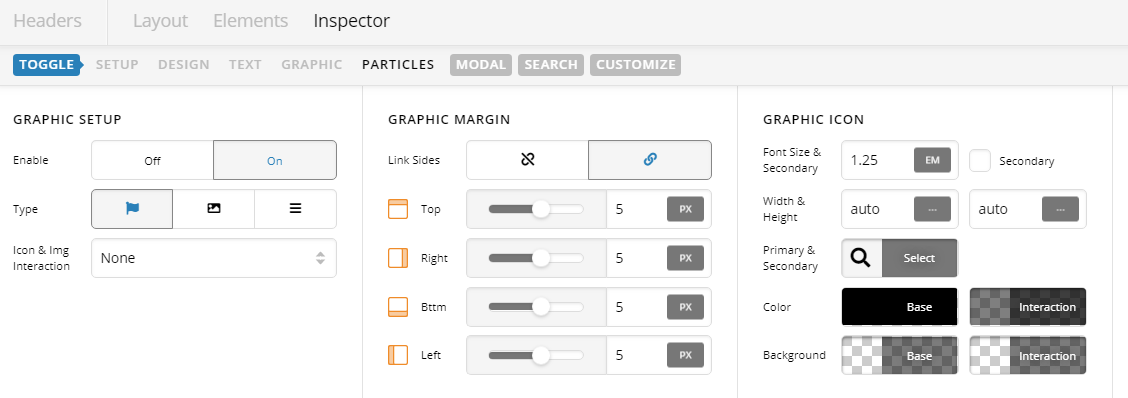
We can create it on the header builder using Search Modal element. Then customize the toggle. By default it is using a burger icon with background. Under Toggle > Graphic Setup, change to Icon like below:
Hope this helps.
Hello @daz1uk,
Thanks for writing in!
The Navigation Modal element will only contain the menu. If you want to display a search element as well, please go to Pro > Global Block and create a block. You will need to insert a section, row, column and then the navigation inline and the search element. Once you have done it, you can make use of the global block shortcode.
Now, edit your custom header, remove the navigation modal and replace it with content modal instead. In the content modal, you will utilize the global block shortcode to display the navigation menu and the search element.
Hope this makes sense.
This topic was automatically closed 10 days after the last reply. New replies are no longer allowed.