Seamless background image

Hello, I am not sure if this is a theme issue or an image issue. I would like for my background image to be seamless, i.e., not have a line running through it when it repeats. I had some help with that on my first site, but the man has since disappeared and I don’t know how he did it.

Here is what it looks like on my current site:

https://allaboutspycameras.com/

Here is how I want it to look:

When I insert the same background image from my knife site into the camera site, it works. My guess is that he did something with the image. I have this CSS code in the Customizer:

.site {
background: url(“https://allaboutspycameras.com/wp-content/uploads/2017/09/Webp.net-resizeimage.png”);
background-size: contain;
}

Any suggestions?

all the best,
Jesamine
Its because the content over the image is taller than the height of the image.

the background with the wood is also repeating itself but it’s hard to see visually.
The image you’re using for the knives is 1396 x 868

The image you’re using for the cams is 1900x 1200 (ps this is a .png file - much heavier than a simple .jpg which will improve speed

essentially the content of the cams website is taller than 1200px and this is why the image is repeating itself.
You can prevent this from repeating but then you’re left with a background color which you may have defined.
To prevent the image from repeating add this: background-repeat: no-repeat;

So to solve this you’ll need a taller image or find an image like the knives website which will make it harder to spot the repeat

Thanks Dude! I could see the repetition on the cutting board of the Knife Site, but like you said, it isn’t so obvious. I thought he may done something to the image itself. I’ll work on finding a taller image. I appreciate your time.

all the best,

1 Like

Again thank you @TheDude for the help!

@Jesamine,

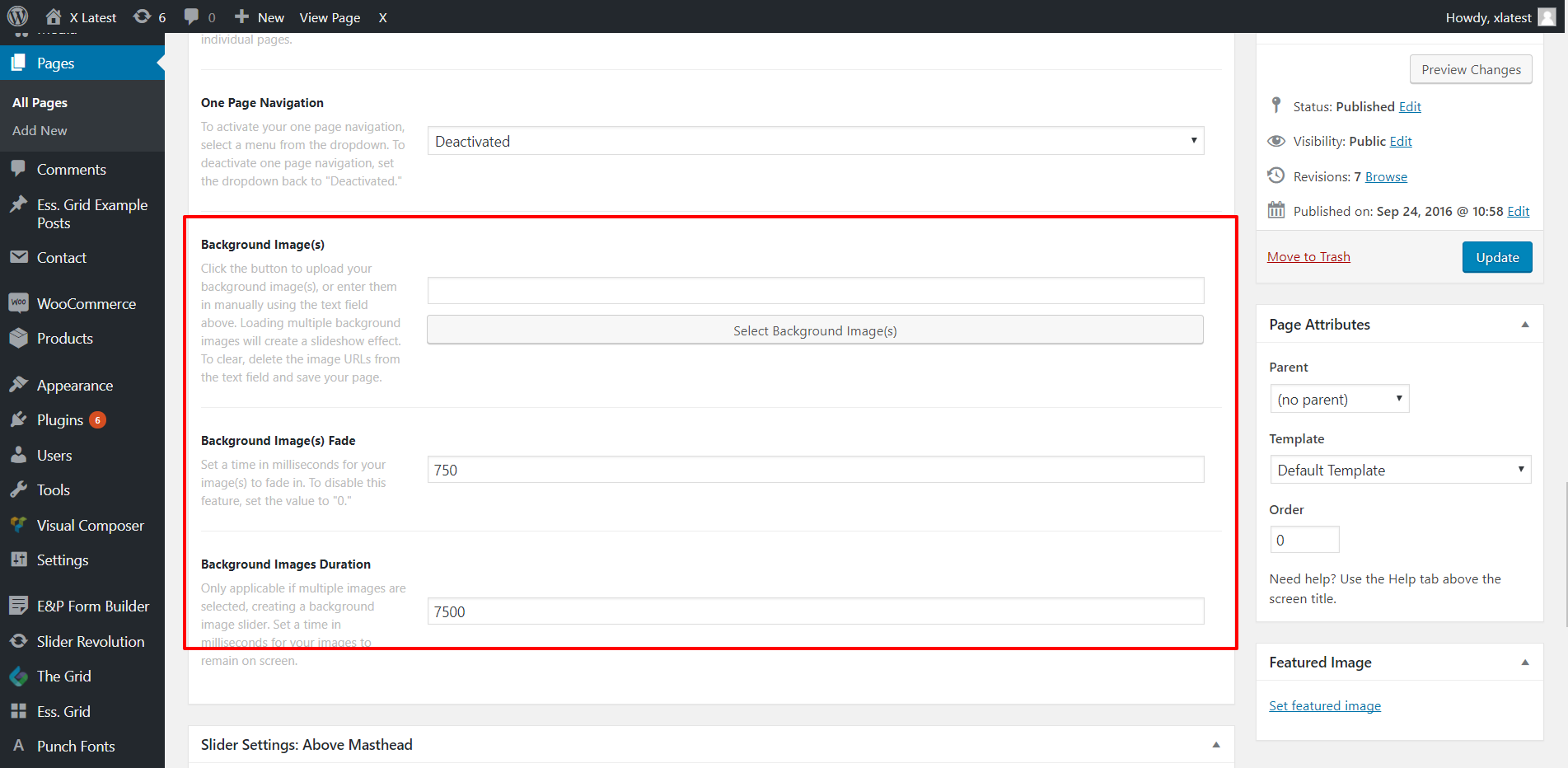
There’s no special setting on the background image. It depends on the image you’re using and the element inside the image. Another option, wherein you need to to adjust you current image size is to set as fixed on the browser. Use the following option when you edit the page:

Hope this helps.

Hello and thanks for your response. This image is not set for a page, but rather the whole site. I found a way to set it that suits me. In my custom Global CSS I originally had the background size set to “contain”. I changed it to “cover” and this gave me exactly what I was looking for. It shifted the image slightly, but for me it worked perfectly because now the “cool factor” of my image can be seen.

I also enlarged the image at the suggestion of The Dude.

Again many thanks for both of your responses!

all the best,

You’re welcome.