page link: www.learningleader.com
How do I get the scroll top anchor to remain visible even as the user scrolls down past page itself and into the global footer?
Thanks!
page link: www.learningleader.com
How do I get the scroll top anchor to remain visible even as the user scrolls down past page itself and into the global footer?
Thanks!
Hello @lancesalyers,
Thanks for posting in!
You are having this issue because of the z-indexes of the elements. The default z-index of the bars in the footer is 9999. The default z-index of the scroll to top button is only 1031 and this is why it is behind the custom footer.
To resolve this issue, please add the following CSS code in the X > Theme Options > Global CSS (http://prntscr.com/evui3r)
a.x-scroll-top.right.fade.in {
    z-index: 10000;
}
Please do not forget to change the scroll to top colors is it is not readable as it overlaps on top of your custom footer.
Hope this helps. Kindly let us know.
That fixed it, thanks!
How do I make the change to the color as suggested?
Since making this change to keep the scroll to top button visible, the sticky header is no longer working. I’ve just noticed it, and checked the header settings. They all appear to be in order.
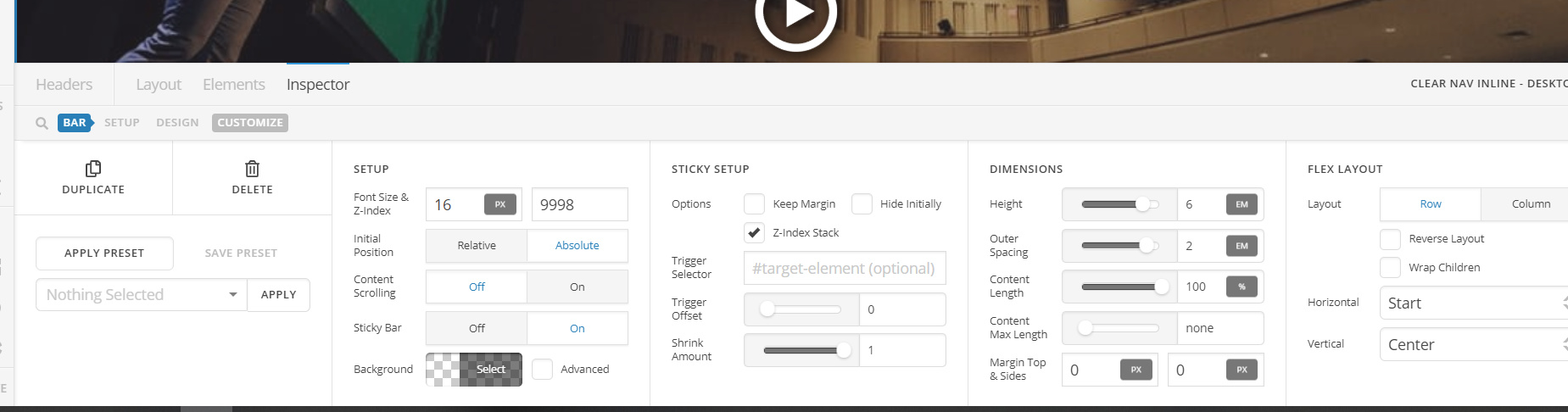
Hey Lance,
The scroll to top CSS @RueNel provided is not related to the header. Upon checking also, your header works on my end. Please watch the screencast in the secure note.
Changing the Scroll to Top’s color could be done using simple CSS. I’d recommend not changing the color though because you have dark and light sections so it might be hard to pick a color (also in the screencast) that way unless you’ll be using like neon colors.
Your can add a background to the Scroll to Top anchor instead. Here’s the code to be added in Theme Options > CSS.
.x-scroll-top {
    background: white !important;
}
Hope that helps.
Thanks Christian!
Glad we could help.
Cheers!
This topic was automatically closed 10 days after the last reply. New replies are no longer allowed.