Scroll Bottom Anchor not working after update

Hi!
This has already been discussed here: https://theme.co/apex/forum/t/scroll-bottom-anchor-and-one-page-navigation-not-working-anymore-after-pro-update/36526
But there was no answer if this is getting fixed any time soon?

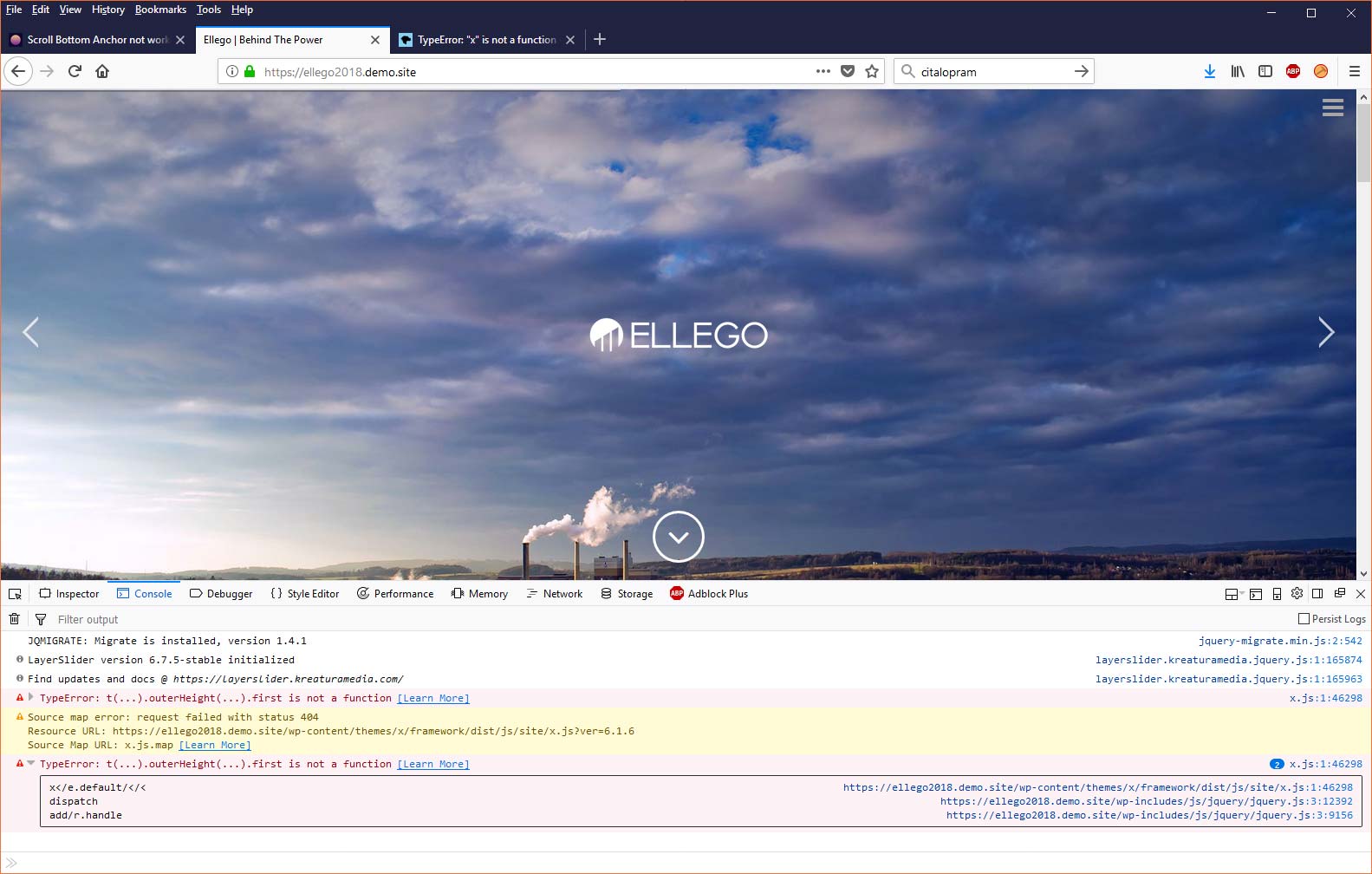
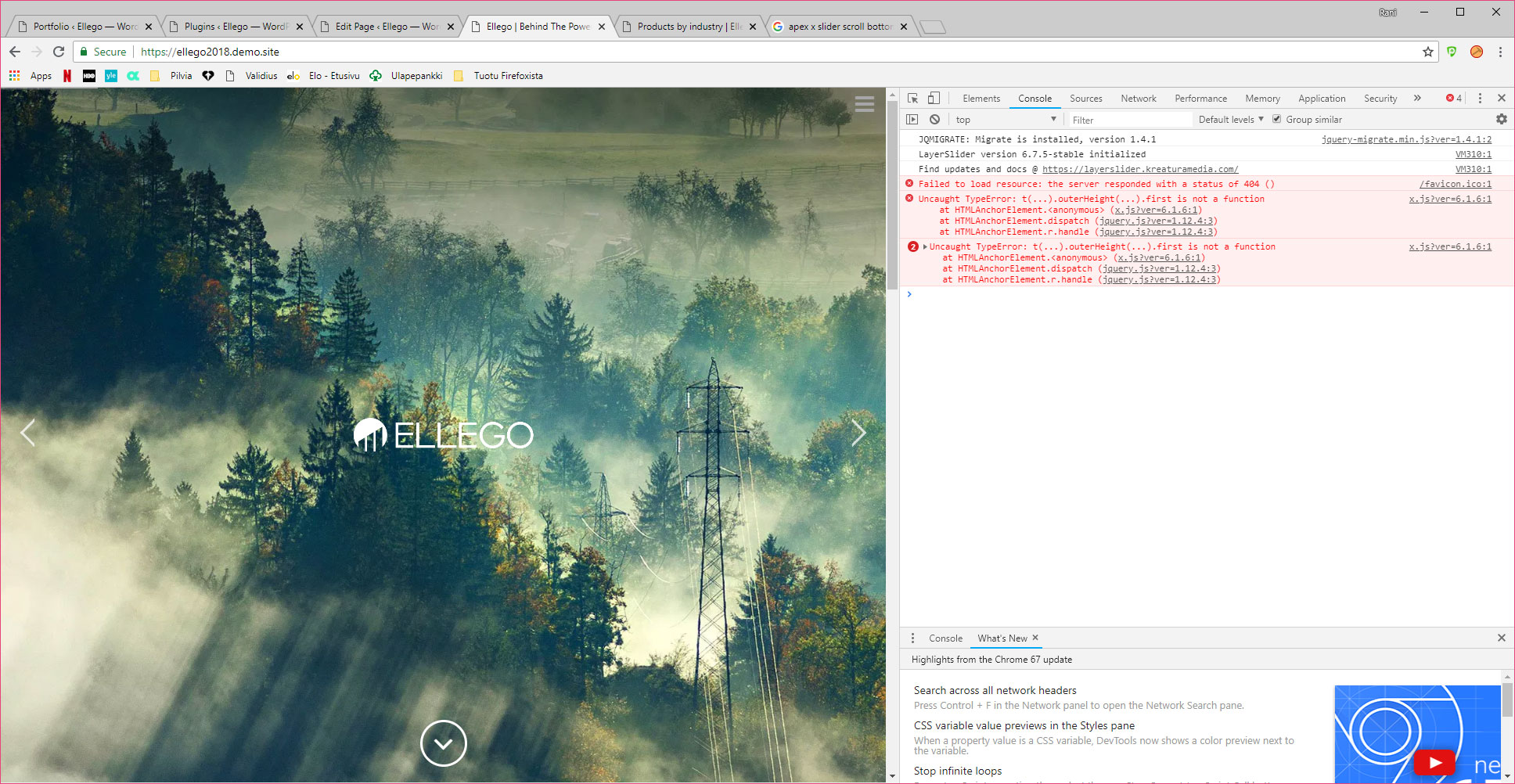
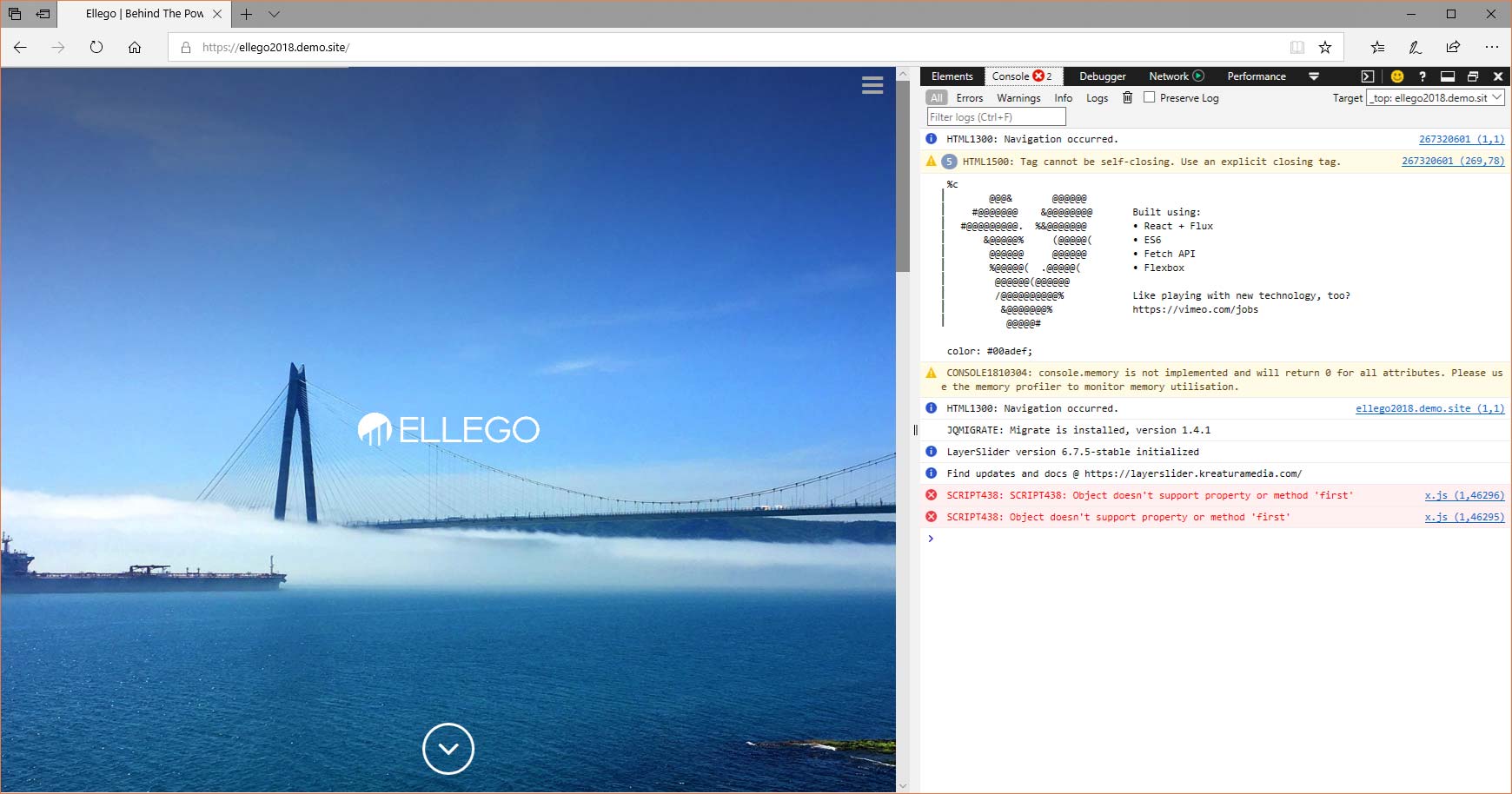
There is a javascript error on the page: https://ellego2018.demo.site/
Some plugins did not update with the theme, and I can not update them from the plugins section. Should I update manually the following plugins:
LayerSlider WP
WPBakery Page Builder
Or would that create more problems?

Best Regards,
Rani Salminen
Hi @jykke,

Thanks for reaching out.

I checked your pages and I don’t see any javascript error from your site. It’s all clean, and the scroll bottom anchor is behind the cookie message, and it scrolls up once clicked.

Could you try checking it again on other browsers, or with private browser just to make sure you’re not loading the cache of your site.

Thanks!

Hi!
Sorry for answering so slowly.
I have tried this on Chrome, Firefox and Edge on Windows 10, the anchor does not work on any of these, and the javascript error is on console on Firefox and Edge also. Did you test it on which OS and with what browser?
Since the site is on development mode there is no server cache on yet, and I had not tested it on Edge before.

Thank you.

Hi Rani,

I was able to replicate this issue on my end and I have forwarded this to our web development team as a bug.

For temp solution, you can add this in Theme Options > JS

/* Temp solution for Scroll bottom  Anchor - please remove this code once issue is fixed  */
jQuery(document).ready(function($) {
   $('.x-slider-scroll-bottom').off('click');
   $('.x-slider-scroll-bottom').click(function(e) {
    e.preventDefault();
   
    var $curContentBand       = $('.x-main');

   $('html, body').animate({
    scrollTop: $curContentBand.offset().top
      }, 850, 'xEaseInOutExpo');
  });
});
/* End of scroll bottom anchor temp solution */

Please don’t forget to remove this code once issue has been fixed.

Kindly monitor our changelog for BUGFIX.

https://theme.co/changelog/

Thanks

1 Like

Excellent!
It’s working, I’ll remove it once you have an update on the theme and changelog notifies this :thumbsup:

Thank you!

You’re most welcome!

This topic was automatically closed 10 days after the last reply. New replies are no longer allowed.