Safari Desktop problems on forms

Hi there,
I’m having a problem with the forms of the website Yourboatholiday.com only on Safari on Mac desktop version.
If you select the dropdown and select an option the page will scroll down to the footer…
Can u help to solve this ?

thanks a lot
https://www.yourboatholiday.com/destinations/caribbean-yacht-charter/
Hello @Giuligiuli,

Thanks for posting in!

I have checked your page in my Safari and I could not replicate the issue.

Please clear your browser cache or use private browsing mode and test your site again.

Hi Ruenel,
thanks for your reply,
sorry for the misunderstanding, is not that form
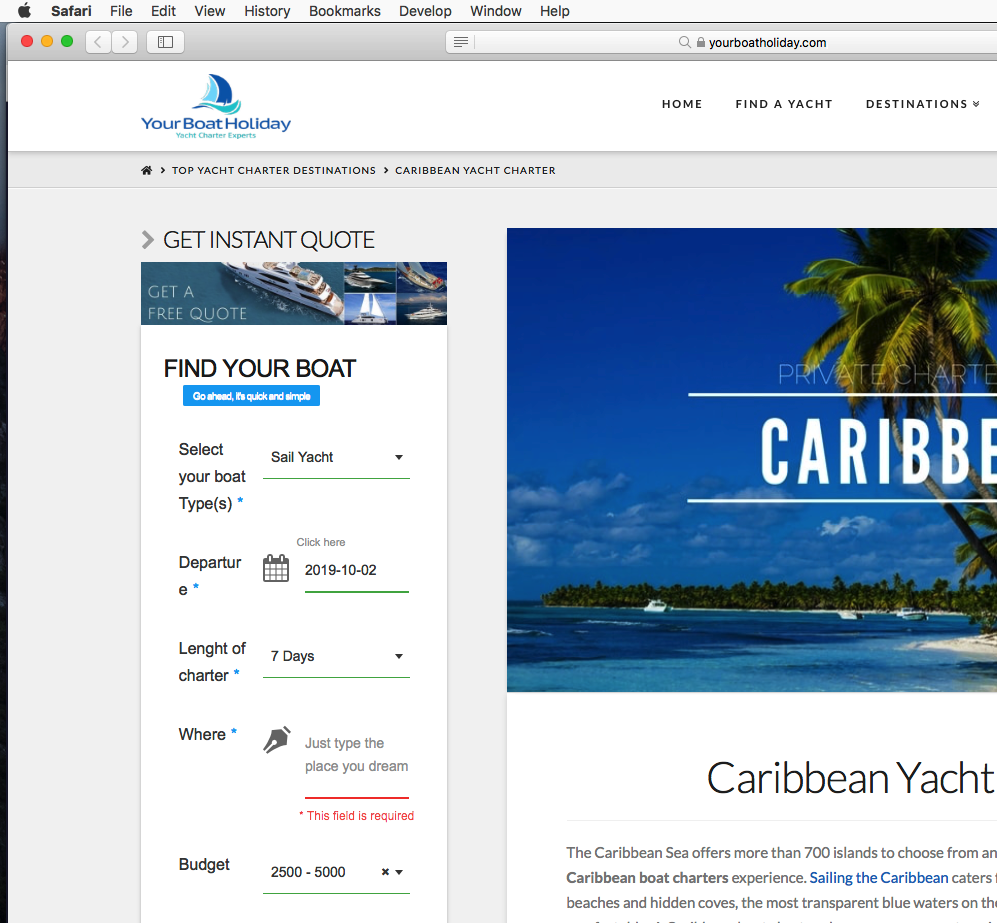
I was talking about the quote contact form, the first on sidebar, as attached

Thanks for your help

Hey @Giuligiuli,

I’ve visited the page again and tested the other form. I still could not replicate the issue.

Please use the private browsing mode and test your site again. And make sure that there are no extensions in your Safari browser.

Hey @RueNel
thanks for your reply
its really strange
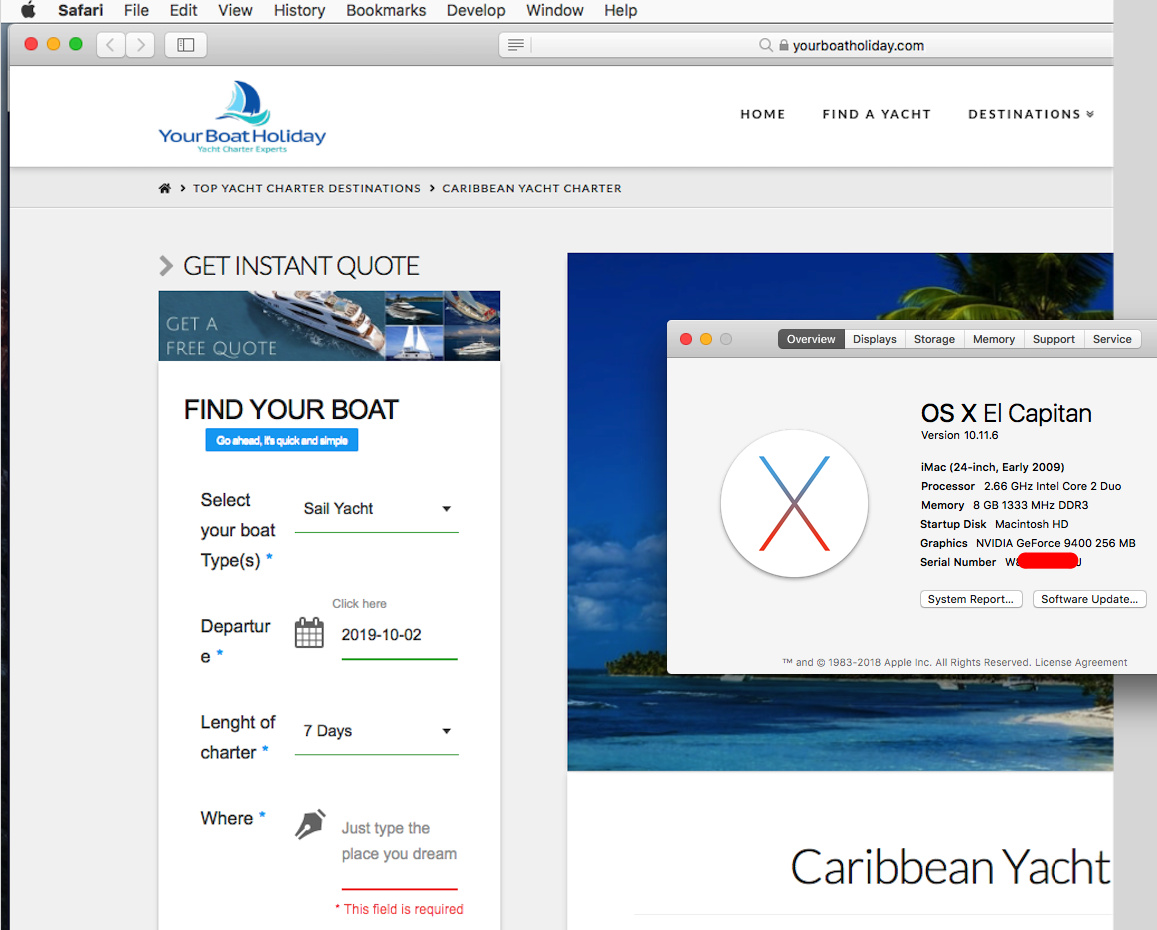
I have already tried in private mode and also used different Mac and different version of Safari and the problem persist :frowning:
Are u trying from a Mac?
So on your side if you click on the various dropdown on the form and select something, the page not scroll down to the footer, and y have to go up and search the form ?
Thanks

Hello @Giuligiuli,

I am using Safari on Mac OS. I still could not replicate your issue.

What Safari and MacOS version you are using?

Thanks.

Hi there
thanks

Safari : Versione 13.0.1 (14608.2.11.1.11)
macOS Mojave versione 10.14.6

and also from other versions…

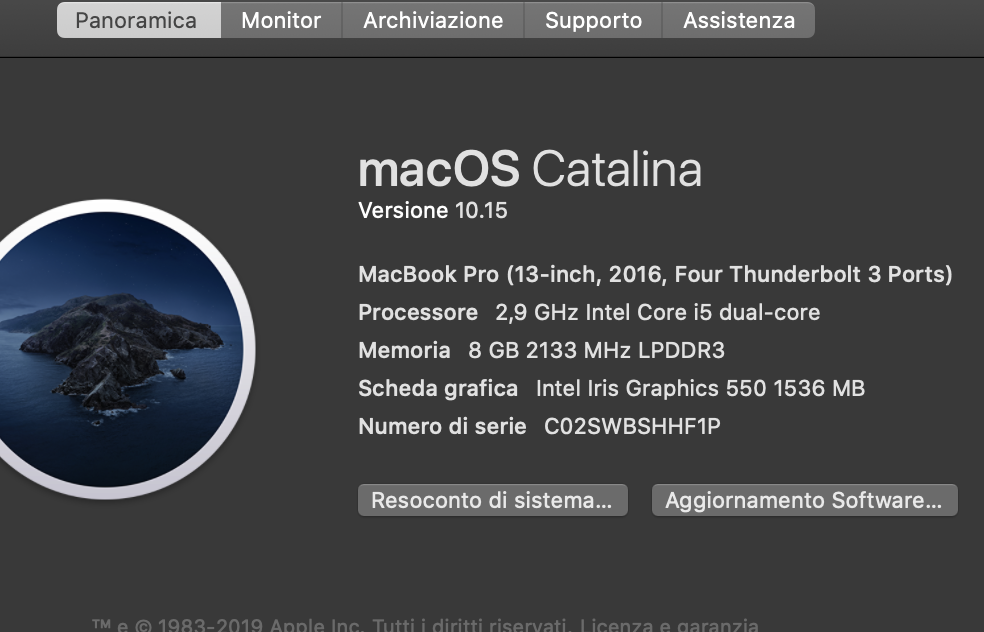
Now I’ve also update the Os version to macOS Catalina…
the problem persist…

Could be a laptop version problem ?
Because I tried in different Mac laptop and in all of them the problem appear…

thanks again

Hi @Giuligiuli,

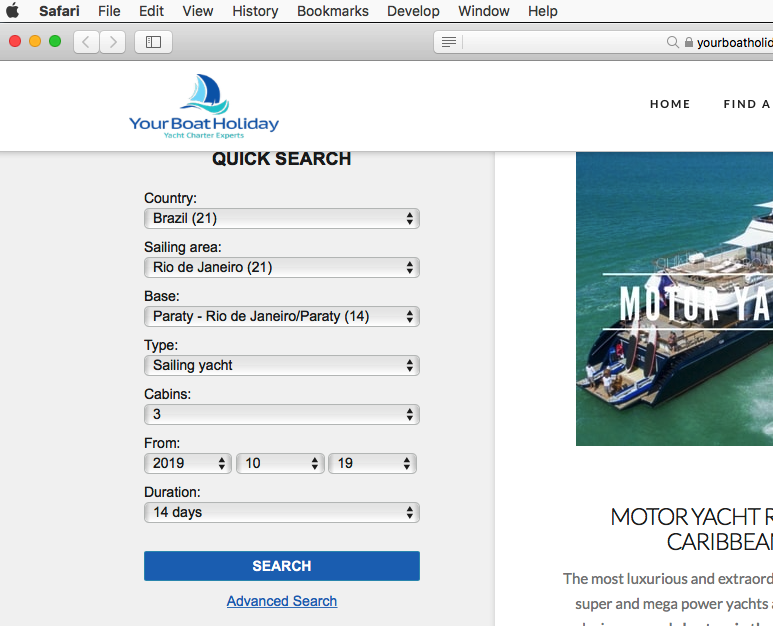
Thanks for providing the details. I checked the form and I am able to replicate the issue:

However, this looks likes something related to the form plugin you are using. It might be best to get in touch with the plugin developer for this issue so that we will be able to check it.

Thank you.

This topic was automatically closed 10 days after the last reply. New replies are no longer allowed.