Rows and Columns in Footer builder question?

Hi there,
On my site, https://oneworldtrek.wpengine.com, I’m trying to make a row of social icons below the menu in the footer. I have indicated where I am trying to get the icons with the red lines in image one.
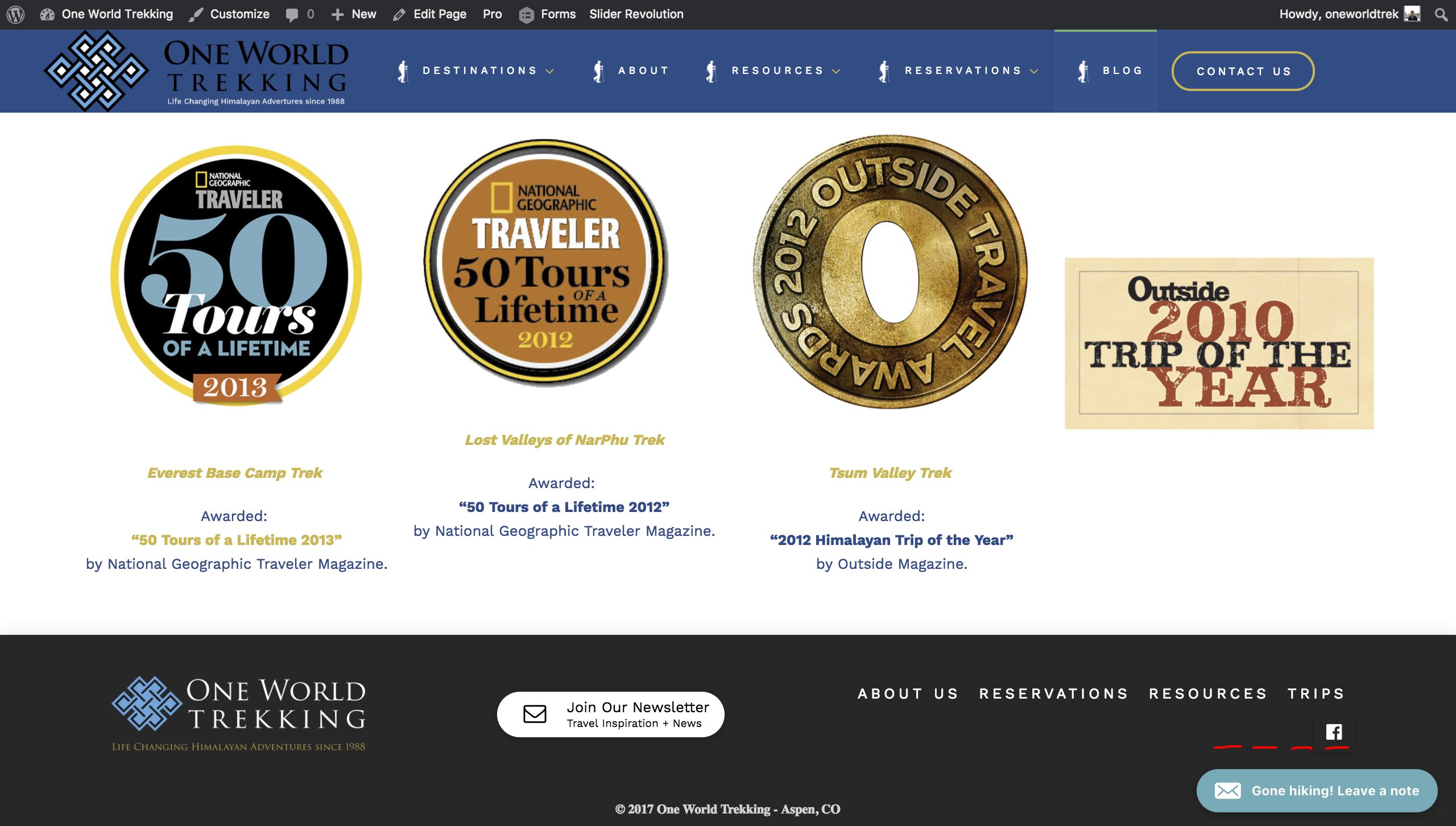
But every way I try to add another social icon, it stacks it like the second screenshot shows.
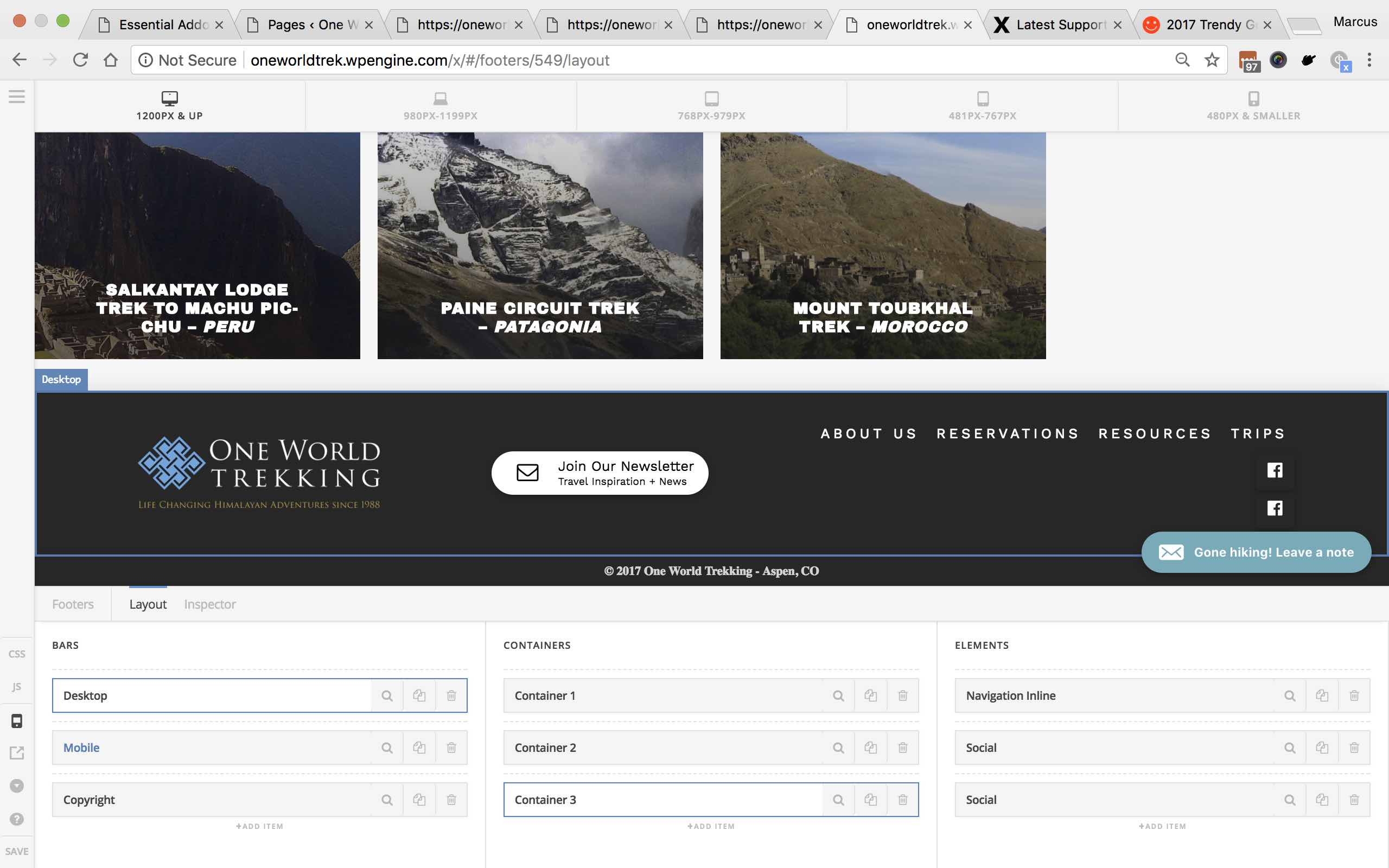
How can I make the social icons be in a right aligned row?

Thanks for the help!

Marcus

Hi there,

Thanks for writing in.

The login credentials are not working, but please change your 3rd container’s flex layout to rows. That should align the items in a single line.

Thanks!

Hey there,
I turned off authentication.

I also have a user made for you - in note.

I still haven’t been able to achieve that layout. The Menu and Social then stack but when I add the social to another container, it goes to the right of the menu.

How do you get the containers to act like columns or row and stack them?

Thank you!

Hello There,

Thanks for providing the information. We have logged in and edited your footer. We changed your settings for both the social element and the navigation inline.

You may check out our changes and compare the self flex and flex layout for both of the elements.

This topic was automatically closed 10 days after the last reply. New replies are no longer allowed.